Before anything else, let us be honest about something. Next.js and WordPress are not really the same category of tool. One is a React framework for building web applications. The other is a fully integrated content management system with a thirty-year ecosystem behind it. Comparing them directly is a bit like comparing a commercial kitchen to a restaurant. The overlap is real but the framing is off, and developer communities point this out regularly. That said, the comparison keeps coming up because businesses genuinely face this decision and need practical guidance, not a category lecture.
So here is what the actual discussion looks like in 2026, based on what developers and founders who have made the switch consistently say, without fabricated quotes or agency spin.
Quick verdict: Choose WordPress if your team needs to manage content without a developer involved, you want to launch fast, or your budget is limited. Choose Next.js if performance, scalability, and long-term technical control matter more than ease of content editing. If you need both, the headless WordPress plus Next.js combination is where many serious projects end up landing.
What Developers Actually Argue About
The recurring debate is not really about which tool is better in the abstract. It is about which tool fits a specific situation, and developers who have lived in both codebases tend to have strong opinions shaped by very specific pain points.
The WordPress argument usually comes down to three things. First, a non-technical marketing team can log in and update content on Monday morning without filing a ticket. Second, the plugin ecosystem covers almost every feature need without custom development. Third, a basic site can go live in days rather than weeks. These are real advantages that agencies and teams building for clients with limited technical capacity genuinely rely on.
The Next.js argument usually focuses on what WordPress struggles with at scale. Plugin bloat slowing down pages. The security patching burden that comes with a CMS installed on millions of sites and constantly targeted by automated attacks. Performance ceilings on shared hosting with default theme stacks. Developers who have inherited heavily customized WordPress sites often describe the maintenance experience as genuinely painful by the third or fourth year.
But the Next.js downside that comes up less in agency content and more in honest developer discussion is this: there is no built-in content editor. A marketing manager cannot update the homepage hero text without either a developer making a code change or a headless CMS being configured on top of the stack. For small businesses that need content independence, this is a real and practical limitation that does not show up in performance benchmarks.
Cost Comparison: Next.js vs WordPress in 2026
Cost is where the gap between the two becomes most visible, and where the framing matters enormously. WordPress can launch for almost nothing if you use a shared host and a free theme. Next.js cannot. The upfront cost comparison is not close. But the five-year total cost of ownership comparison is a different conversation entirely.
Cost Factor WordPress Next.js (Custom) Initial build cost $500 to $15,000 depending on customization $8,000 to $50,000 for a professional build Hosting cost per month $10 to $100 on managed WordPress hosting $20 to $200 on Vercel, Netlify, or cloud hosting Plugin and theme costs $200 to $2,000 per year for premium plugins None, open source packages are free Security and maintenance High ongoing burden, frequent plugin updates and vulnerability patches Lower surface area, fewer third-party vulnerabilities Content updates without a developer Yes, built-in editor requires no technical knowledge No, requires a headless CMS or developer involvement Developer availability Very large talent pool, easy to find affordable freelancers Smaller pool, senior React developers cost significantly more Long-term scalability cost Increases with complexity, plugin conflicts and technical debt accumulate More predictable, custom codebase scales without plugin dependency issues
The honest summary on cost is that WordPress wins on upfront investment and WordPress loses on long-term maintainability for anything beyond a straightforward content site. A business that launches on WordPress and then installs twenty plugins over three years while adding a WooCommerce store and a membership system will eventually face a rebuild anyway, just from a messier starting point.
Is Next.js Better Than WordPress for SEO?
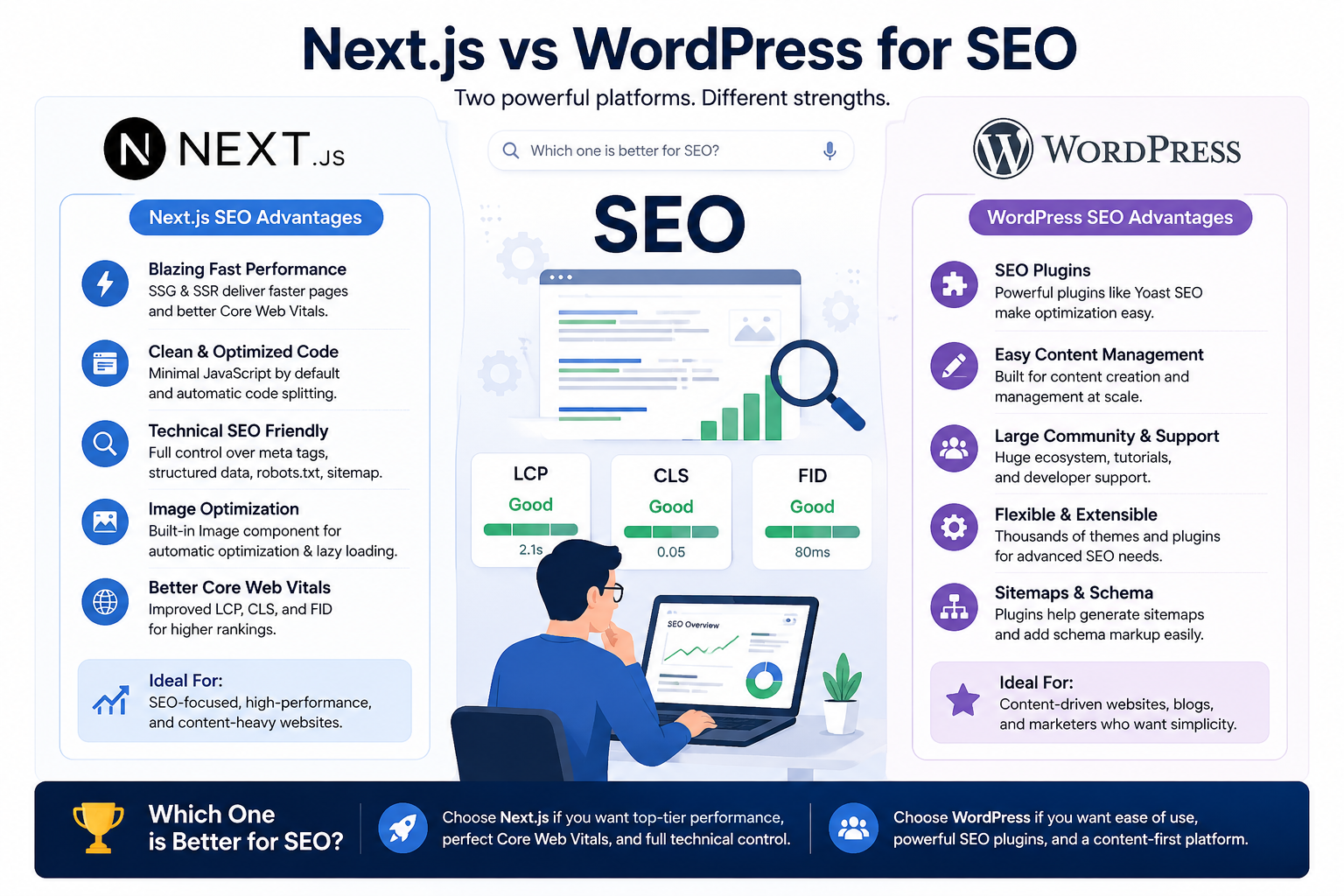
This question gets asked constantly and the answer is more nuanced than most comparison posts acknowledge. The framework alone does not determine SEO outcome. A well-configured WordPress site with Yoast, a fast host, and lean templates can outrank a poorly built Next.js site with unoptimized images and lazy loading issues. The inverse is also true.
What Next.js does offer is a structural SEO advantage out of the box that WordPress has to work to achieve. Server-side rendering and static generation mean pages are pre-built and served instantly, producing Lighthouse scores and Core Web Vitals results that most default WordPress setups cannot match without significant optimization effort. The image optimization component in Next.js handles compression, format conversion to WebP, and responsive sizing automatically. In WordPress, you are adding plugins and configuring CDNs to get close to the same result.
A common view among developers who have worked on both is that Next.js makes it easier to achieve strong technical SEO with less effort, while WordPress makes it possible to publish more content faster, which matters equally for search visibility. If your SEO strategy is primarily content-driven, the CMS workflow matters as much as the page speed score.
SEO Factor WordPress Next.js Core Web Vitals out of box Moderate, depends heavily on theme and plugin choices Strong, SSR and static generation give structural speed advantage Image optimization Requires plugins like Imagify or ShortPixel to do well Built-in Next/Image component handles it automatically Meta and schema control Excellent via Yoast or Rank Math, non-technical friendly Full control but requires developer implementation each time Content publishing speed Very fast, editors work independently without code changes Requires a CMS layer or developer for each content update Page rendering for SEO Server-rendered by default, but plugin overhead can slow responses SSR, SSG, and ISR give precise control over how each page renders
Is Next.js Harder to Maintain Than WordPress?
This depends entirely on who is maintaining it and what kind of maintenance you mean. For a developer, a well-built Next.js codebase is often easier to maintain than a heavily customized WordPress installation because the dependency surface is smaller and the code is more predictable. There are no plugin conflicts. There is no risk of an automatic WordPress core update breaking a customization someone added eighteen months ago.
For a non-technical team, the situation reverses completely. WordPress maintenance from a content perspective requires no developer involvement for most day-to-day tasks. A marketing manager can update pages, add blog posts, change images, and manage products in WooCommerce without touching a line of code. Next.js cannot offer that unless a headless CMS is configured on top of it, which adds both cost and complexity to the setup.
The security maintenance comparison favors Next.js significantly. WordPress powers around 43 percent of the web, which makes it the single most targeted CMS for automated attacks. Plugins from third-party vendors introduce vulnerabilities that require constant monitoring and patching. A custom Next.js application deployed on Vercel or a modern cloud platform has a dramatically smaller attack surface and no WordPress-specific vulnerability profile to manage.
Is Next.js Worth It for a Small Business Website?
Honestly, sometimes no. For a small business that needs a five-page informational website and wants to update their own content, WordPress is a perfectly reasonable choice. The total cost over three years will be lower, the team will not need developer involvement for routine tasks, and the site will perform adequately for most search and user experience requirements if properly configured.
Next.js becomes worth it for a small business when performance is a genuine competitive differentiator, when the business anticipates significant growth and does not want to rebuild in two years, when the site has complex functionality like dynamic pricing, real-time data, or custom user flows that WordPress plugins handle poorly, or when the development team is already React-based and a consistent codebase matters.
A useful filter is to ask whether the business is buying a content publishing platform or a software product. If the answer is a content publishing platform, WordPress is the more pragmatic choice for a small business. If the answer is closer to a software product with a public-facing interface, Next.js is worth the higher upfront investment.
Can You Use WordPress as a Headless CMS with Next.js?
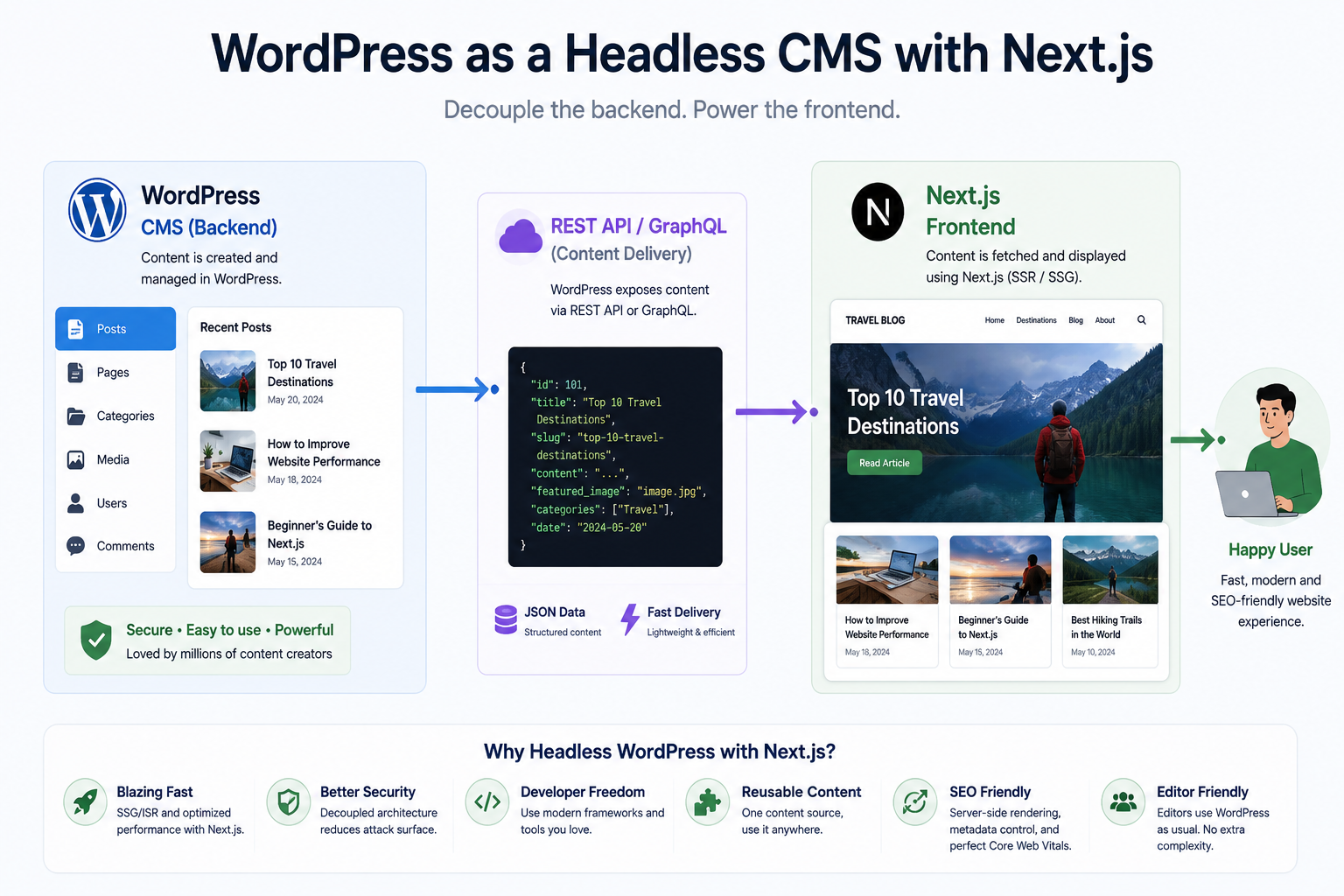
Yes, and this is where the either/or framing breaks down entirely. Headless WordPress with a Next.js frontend is a genuinely popular architecture that gives teams the content editing experience of WordPress combined with the performance and flexibility of Next.js on the frontend.
In a headless setup, WordPress handles content management through its familiar editor interface and exposes content via the REST API or GraphQL through WPGraphQL. Next.js fetches that content at build time or request time and renders it using its own component architecture. The marketing team gets the WordPress editing experience they know. The development team gets a clean, performant React codebase to work in. The result is typically faster than a traditional WordPress frontend and more content-team-friendly than a pure Next.js build with a more complex headless CMS.
The trade-off is complexity and cost. A headless WordPress plus Next.js setup is more expensive to build and maintain than either option alone. You are running two systems, managing two deployment environments, and debugging across two stacks when things break. For teams with the development capacity to manage this, it is an excellent architecture. For teams that need to keep things operationally simple, it can introduce more overhead than the performance gains justify.
Factor Traditional WordPress Next.js Only Headless WP + Next.js Content editing Excellent for non-technical teams Requires separate CMS setup Excellent, familiar WP interface retained Frontend performance Moderate, plugin dependent Excellent out of box Excellent Next.js frontend performance Build and setup cost Low to moderate Moderate to high Highest of the three Operational complexity Low, one system to manage Moderate High, two systems to maintain Best for Content sites, blogs, small business, limited budgets Web apps, complex functionality, developer-managed sites Larger teams needing content flexibility and performance both
What Developers Who Have Made the Switch Say
A common theme among developers who have migrated from WordPress to Next.js is that the performance and developer experience improvements are as significant as they expected, but the content editing gap catches teams off guard. The assumption that switching to Next.js means the whole team benefits does not account for the non-technical people who depended on the WordPress dashboard for their daily work.
Developers who regret the switch tend to work at companies where content volume is high and content team autonomy was taken for granted. The marketing team's ability to publish three blog posts a week without filing a ticket only becomes visible as a value when it is gone.
Developers who are satisfied with the switch tend to work on products rather than content sites, where the primary value of the application is in its functionality rather than its publishing output. A SaaS dashboard, a customer portal, a booking system, or an ecommerce platform with complex logic benefits meaningfully from Next.js in ways that a blog or a small business brochure site simply does not.
The migration itself also comes up consistently. WordPress to Next.js migrations are non-trivial. URL structures, redirect management, image handling, and SEO metadata all need careful handling to avoid losing rankings during the transition. Teams that rush the migration without a proper redirect strategy or without preserving crawl signals tend to see traffic drops that take months to recover from. This is one area where working with an experienced team rather than learning on the job pays for itself quickly.
Should You Switch from WordPress to Next.js?
The decision framework we use when consulting on this is straightforward. Start with the team, not the technology. Who updates the site daily? If the answer is a marketing or content team without developer support, switching to Next.js without a content layer creates a workflow problem that no amount of performance gain compensates for.
If the site is primarily managed by developers and the performance, security, or scalability of WordPress is a genuine bottleneck rather than a hypothetical concern, the switch is worth planning properly. The key word is planning. A migration done in stages with proper redirect mapping, content audit, and SEO continuity checks produces a very different outcome than a rushed rebuild.
If you want a concrete heuristic: stay on WordPress if your primary challenge is content management or marketing speed. Consider Next.js if your primary challenge is performance, developer experience, or long-term scalability. Consider headless WordPress plus Next.js if you genuinely need both and have the budget and development capacity to run two systems.
Our Honest Take
At Munix Studio we build on Next.js because it is the right tool for the type of products we build. Fast, scalable, custom-engineered web applications and sites that need to perform under real traffic conditions and evolve over time without accumulating technical debt. We are not going to tell you WordPress is a bad tool because it is not. For a content-heavy site managed by a non-technical team on a limited budget, it is often the right choice and we would rather give you an honest answer than a convenient one.
Where we think Next.js consistently wins is in the long game. The sites we build do not accumulate plugin debt. They do not get slower over time as features are added. They do not require emergency patches every time a WordPress vulnerability is discovered. If that long-term stability matters to your business, we are happy to talk through what the right architecture looks like for your specific situation.
If you are evaluating the cost of building on Next.js specifically, our app cost calculator and website cost calculator give you a realistic estimate based on the features and complexity of your actual project rather than a generic range.
How Munix Studio Can Help
Whether you are building from scratch on Next.js, migrating from WordPress, or planning a headless architecture, the outcome depends heavily on how well the project is scoped and executed. Here is where we work with teams on exactly these decisions.
Website Development — Custom Next.js websites built for performance, scalability, and long-term maintainability without the plugin debt that WordPress accumulates over time.
Maintenance and Support — Ongoing management for Next.js and WordPress sites, including WordPress to Next.js migration planning and execution with full SEO continuity.
Frequently Asked Questions
Related Articles
What is Website Development? The Complete Guide for Beginners
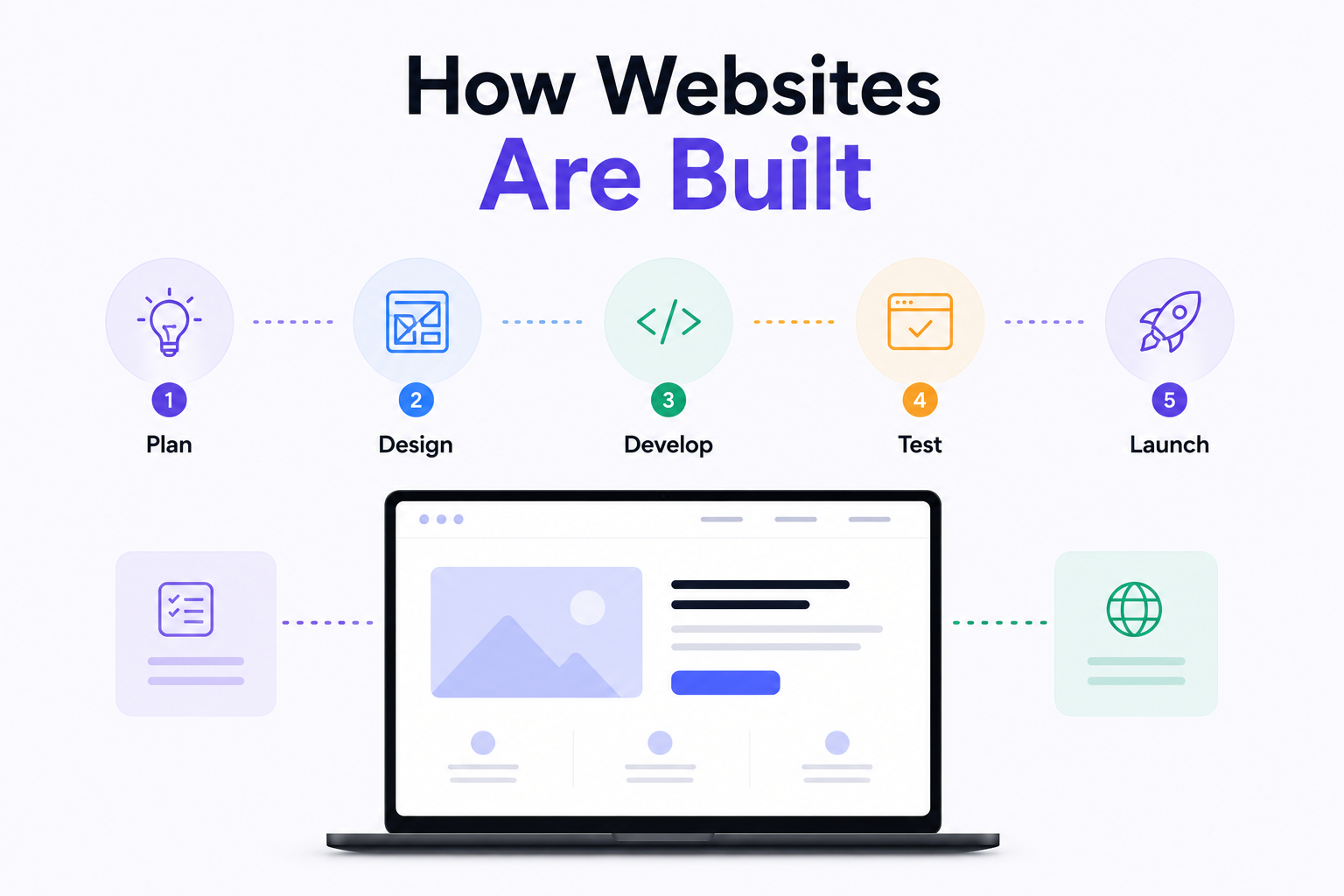
How Are Modern Websites Built in 2026?
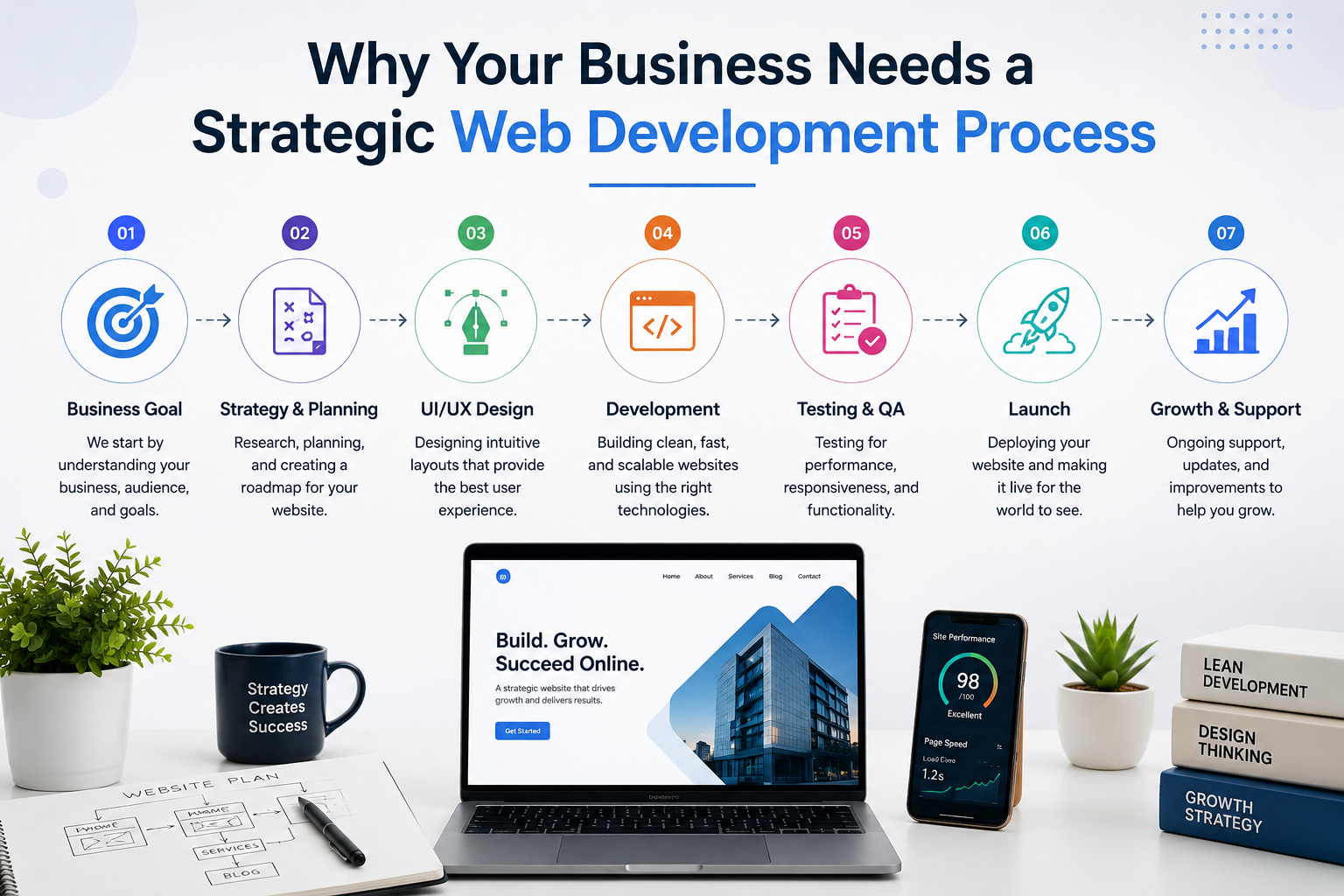
Website Development Process & Life Cycle : Complete Guide
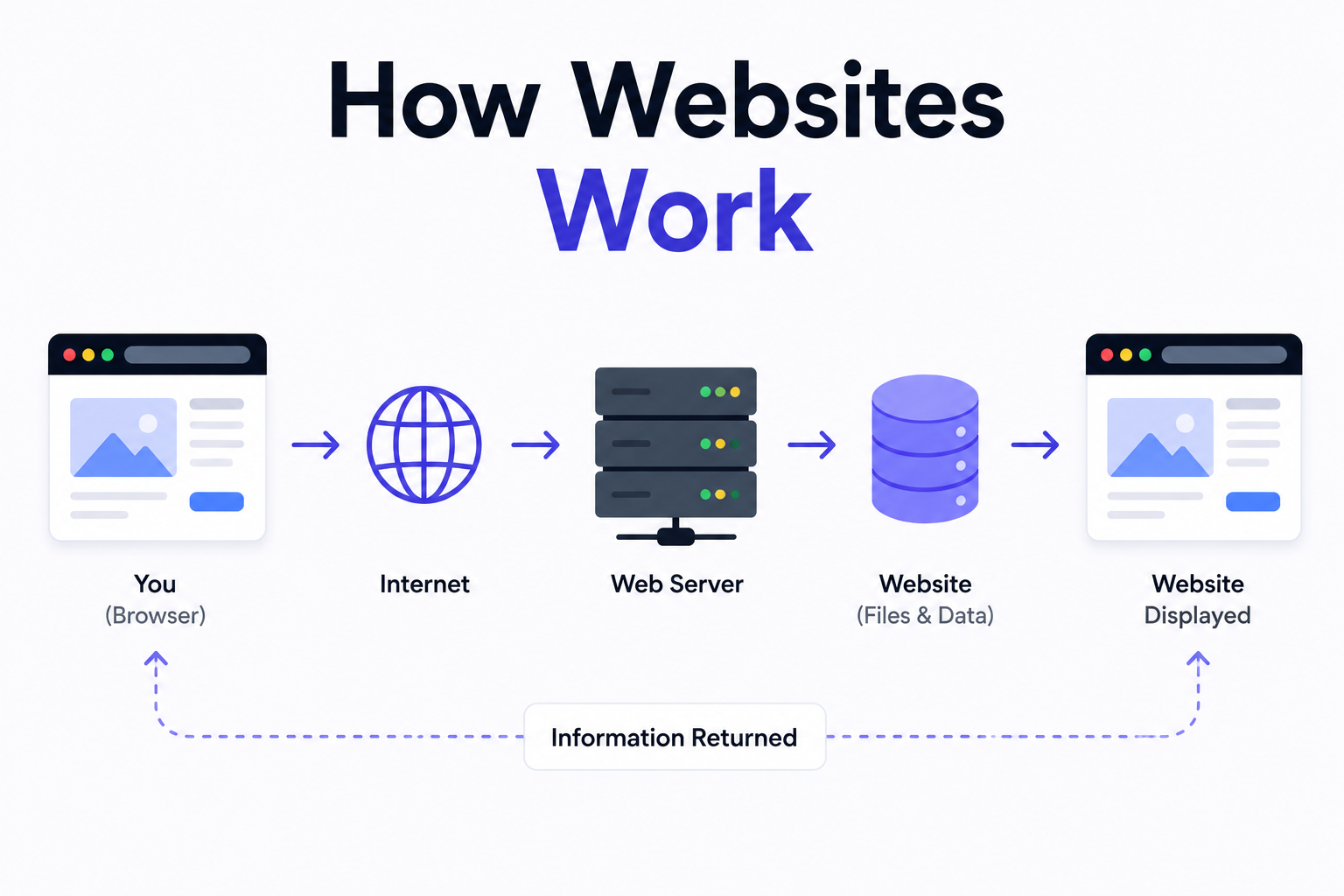
How Websites Work: DNS, Servers, Browsers
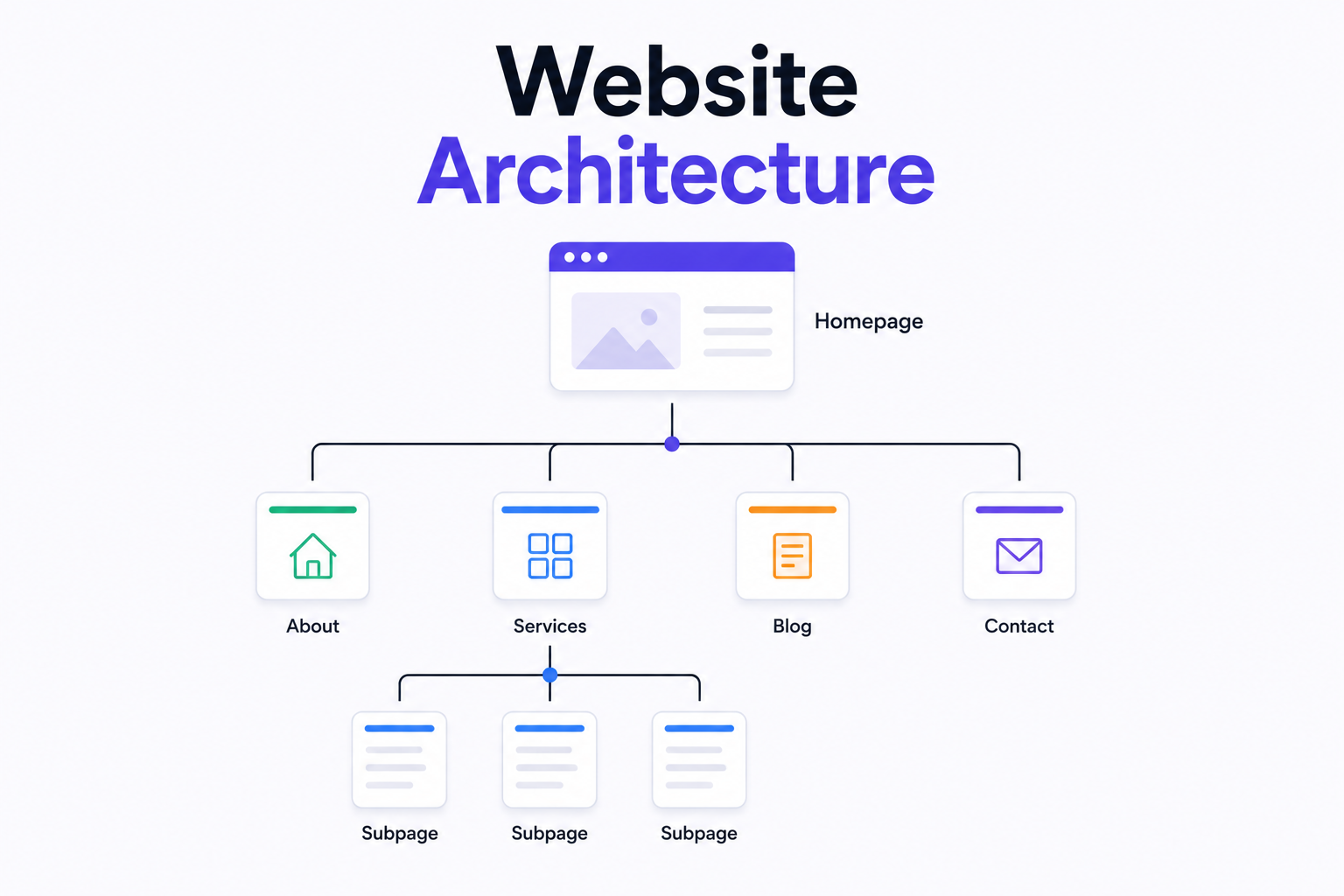
What is Website Architecture? Best Practices