Can You Build a Website With Python?
Yes, Python can absolutely be used to build websites, and it is one of the most widely used languages in web development today. Companies like Instagram, Pinterest, Spotify, and Dropbox have all built significant parts of their web infrastructure using Python. The language's readability, the depth of its ecosystem, and the maturity of its web frameworks make it a strong choice for everything from simple content sites to complex web applications handling millions of requests.
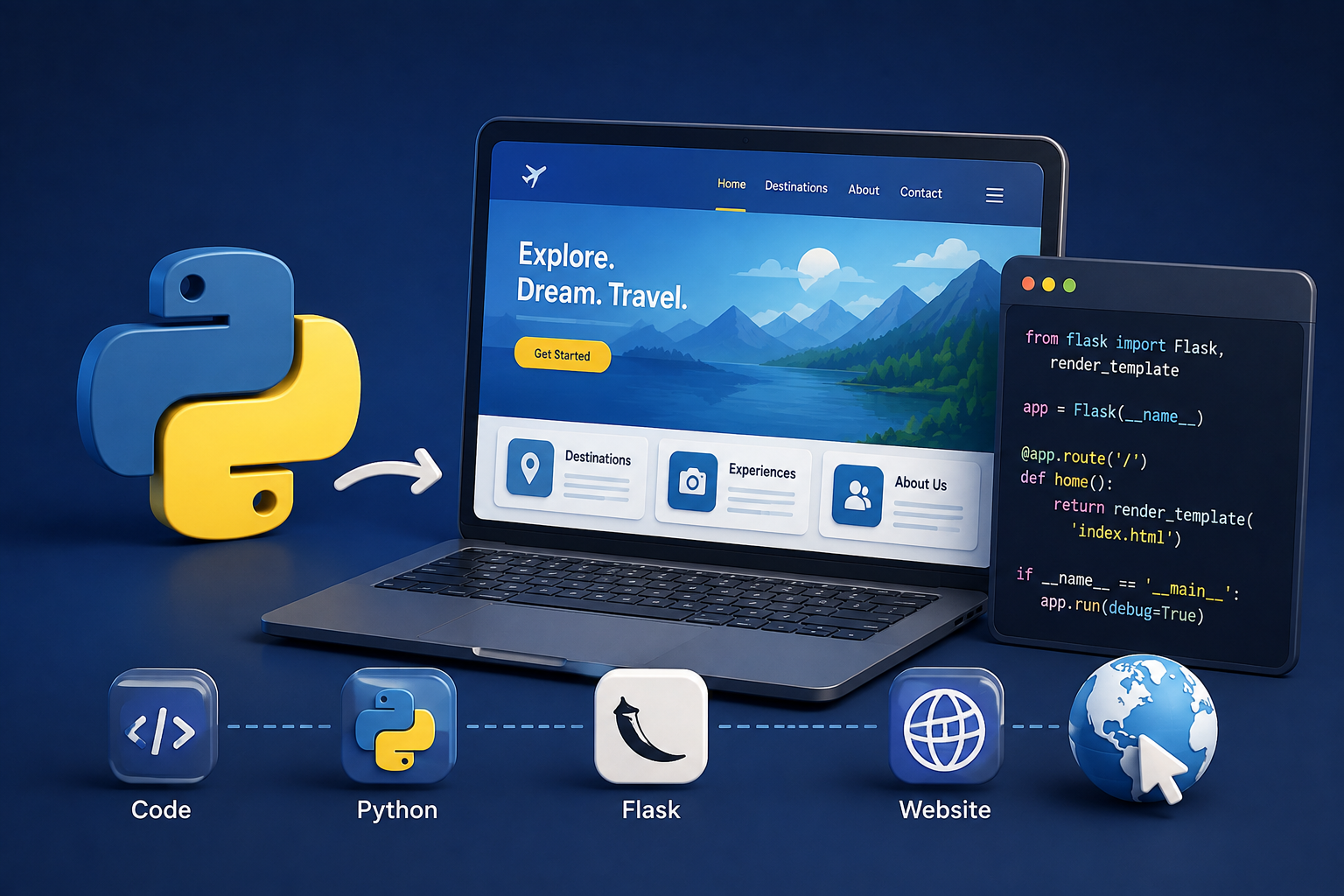
That said, Python works differently in web development than languages like JavaScript. JavaScript runs natively in the browser, which means it can power both the frontend interface and the backend server. Python runs only on the server side. It handles the backend logic, database interactions, authentication, and API responses, while the frontend that users see in their browser is still rendered using HTML, CSS, and JavaScript. Understanding this distinction is important before deciding whether Python is the right tool for your specific project.
This guide covers how Python is used in web development, which frameworks are available and when to use each one, how Python compares to other backend technologies, and what kind of projects Python is best suited for.
How Python Works in Web Development
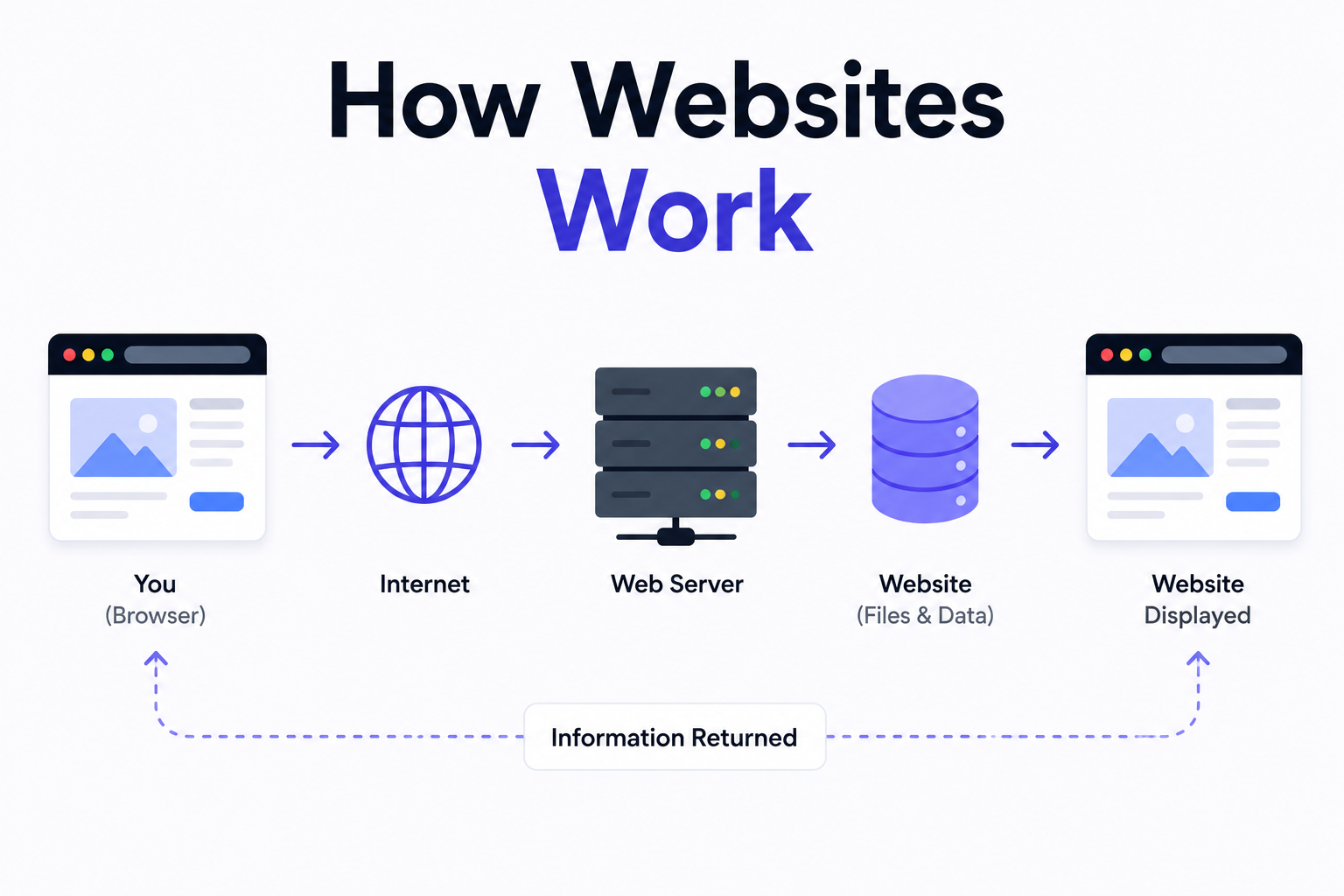
When a user visits a website built with Python, the browser sends a request to the server. The Python web application running on that server receives the request, processes it according to the application logic, interacts with the database if necessary, and sends back a response. That response is typically an HTML page that the browser renders, a JSON payload that a JavaScript frontend consumes, or a redirect to another URL.
Python web applications are built using frameworks that handle the routing, request processing, and response generation so developers do not have to build these mechanisms from scratch. The framework provides the structure within which the application logic lives. Choosing the right framework depends on the size and complexity of the project, the development team's experience, and the performance requirements of the application.
The Main Python Web Frameworks
Python has a mature ecosystem of web frameworks covering everything from full-featured batteries- included solutions to minimal microframeworks that give developers complete control over every component. The three most widely used and discussed are Django, Flask, and FastAPI, each of which takes a distinctly different approach to web development.
Framework Type Best For Learning Curve Performance Django Full-stack framework Large, data-driven web applications Moderate Good Flask Microframework Small apps, APIs, custom architectures Low Good FastAPI Modern async framework High-performance APIs and microservices Moderate Excellent Pyramid Flexible framework Complex apps needing fine-grained control High Good Tornado Async networking framework Real-time features, long-lived connections High Excellent
Django: The Full-Stack Python Framework
Django is the most widely used Python web framework and the one most developers encounter first. It follows a batteries-included philosophy, meaning it ships with almost everything a web application needs built in from the start. This includes an ORM for database interactions, an admin interface that is generated automatically from your data models, a templating engine for rendering HTML, a forms system, authentication, security middleware, and much more.
The Django admin panel alone is one of its most compelling features for many projects. Without writing any custom code, Django generates a fully functional admin interface for managing the application's data based on the models you define. For content-heavy websites, internal tools, and data-driven applications, this can save weeks of development time compared to building an admin from scratch.
Django follows the Model-View-Template pattern. Models define the data structure and interact with the database. Views contain the application logic that processes requests and prepares data for display. Templates are HTML files with Django-specific syntax that render the final page the user sees. This separation of concerns keeps projects organized as they grow in complexity.
Advantages of Django
Comprehensive built-in features reduce the amount of third-party packages needed and speed up development significantly for standard web application requirements.
Strong security defaults including protection against SQL injection, cross-site scripting, cross-site request forgery, and clickjacking are built into the framework out of the box.
Excellent documentation and a large, active community mean that solutions to most problems are well-documented and readily available.
The automatic admin interface saves significant development time on projects that need a backend management interface for content or data.
Scales well for large applications and is proven in production at significant scale by companies including Instagram and Mozilla.
Drawbacks of Django
The batteries-included approach can feel heavyweight for small projects that only need a fraction of what the framework provides.
Django's ORM, while powerful, does not support asynchronous database operations natively in the same way that newer frameworks like FastAPI do, which can be a limitation for high-concurrency applications.
The learning curve for understanding the full Django project structure and all its conventions is steeper than minimal frameworks like Flask.
Flask: The Lightweight Python Microframework
Flask takes the opposite philosophy from Django. It provides the bare minimum required to handle HTTP requests and responses and then gets out of the way. There is no built-in ORM, no admin interface, no authentication system, and no templating opinion beyond a default that you can replace. Every component beyond the core routing system is chosen and added by the developer.
This makes Flask excellent for projects where you want full control over the architecture and do not want a framework making decisions for you. It is also a popular choice for building REST APIs that serve data to a separate frontend application, since the lightweight nature of Flask means less overhead for pure API workloads compared to a full framework like Django.
Advantages of Flask
Minimal and unopinionated, giving developers complete freedom over the project structure and component choices.
Very low learning curve. The core concepts can be understood and applied within a day or two, making it an excellent starting point for learning Python web development.
Highly flexible and easy to adapt for unconventional project requirements that do not fit neatly into a full framework's conventions.
Excellent for building lightweight APIs and microservices where minimal overhead is important.
Drawbacks of Flask
For larger applications, the lack of built-in structure means projects can become disorganized without strong architectural discipline from the development team.
Every component beyond routing needs to be selected, installed, and configured separately, which increases setup time for complex projects.
No built-in security features beyond the basics, meaning security considerations that Django handles automatically need to be implemented manually or through extensions.
FastAPI: The Modern High-Performance Option
FastAPI is a newer Python web framework that has gained significant traction particularly for API development. It is built on top of Starlette and Pydantic, uses Python type hints extensively, and is designed from the ground up for asynchronous operation. This makes it significantly faster than Django or Flask for I/O-bound workloads like API endpoints that make database queries or call external services.
One of FastAPI's most practical features is automatic API documentation. By defining your endpoints and data models using Python type hints, FastAPI automatically generates interactive API documentation using Swagger UI and ReDoc. This documentation is immediately usable for testing endpoints directly from the browser without any additional setup, which is enormously useful during development and for teams integrating with your API.
Python vs Node.js for Web Development
One of the most common decisions developers face when choosing a backend technology is whether to use Python or Node.js. Both are capable, widely used, and have mature ecosystems. The right choice depends on the nature of the project and the team's existing strengths.
Factor Python Node.js Primary strength Data processing, ML/AI integration, clean readable code Real-time apps, full-stack JavaScript, high concurrency Performance Very good, excellent with FastAPI Excellent for I/O bound tasks ML and AI integration Industry leading Limited Frontend compatibility Backend only, JS still needed for frontend Same language frontend and backend Package ecosystem Excellent, particularly for data and science Excellent, largest package registry in the world Learning curve Gentle, very readable syntax Moderate, async concepts can be tricky Best use case Data-heavy apps, APIs with ML features, content platforms Real-time apps, full-stack JS teams, high-traffic APIs
What Kind of Websites Is Python Best Suited For?
Python is an excellent choice for a specific category of web projects and less well-suited for others. Understanding where Python excels helps you make the right technology decision before committing to a framework and architecture.
Python is particularly strong for data-driven web applications where the backend needs to process, analyze, or serve large volumes of structured data. Its data science and machine learning ecosystem, including libraries like NumPy, Pandas, TensorFlow, and scikit-learn, is unmatched by any other language. If your web application needs to incorporate machine learning models, data processing pipelines, or AI-driven features, Python is the most natural and well-supported choice.
Content management systems, e-commerce backends, internal business tools, REST APIs, and platform-style web applications with complex data models are all areas where Django in particular has a strong track record. For lightweight APIs and microservices, Flask and FastAPI are both well-proven options that are trusted by engineering teams across the industry.
Where Python is less well suited is in the frontend. Python does not run in the browser, which means any user interface beyond server- rendered HTML templates requires a JavaScript frontend. For teams building modern single-page applications or highly interactive interfaces, a JavaScript-first stack using Node.js on the backend alongside React or Next.js on the frontend is typically more efficient than mixing Python and JavaScript across the stack.
How Python Integrates With a Modern Frontend
The most common modern architecture for Python- powered web applications is a decoupled setup where a Python backend serves a REST or GraphQL API, and a separate JavaScript frontend built with React or Next.js consumes that API to render the user interface. This approach gives teams the best of both worlds: Python's strengths on the backend, particularly for data processing and business logic, combined with React's strengths on the frontend for building fast, interactive user interfaces.
In this architecture, the Python application handles authentication, data validation, database interactions, and any server-side computation. It exposes these capabilities through an API that the frontend calls to retrieve and update data. The frontend manages routing, state, and the visual experience entirely independently of the backend. This separation makes both sides of the application easier to develop, test, and maintain independently.
Setting Up a Python Web Development Environment
Getting a Python web development environment set up correctly from the start saves a significant amount of friction later. The most important practice is using virtual environments to isolate the dependencies for each project. Without virtual environments, packages installed for one project can conflict with packages required by another, which produces errors that are difficult to debug.
The standard workflow is to create a virtual environment for each project using Python's built-in venv module, activate it, and then install project dependencies into that isolated environment. Dependencies are recorded in a requirements.txt file so the same environment can be reproduced on any other machine or deployment server consistently.
Tool Purpose Essential? Python 3.11+ Runtime environment Yes venv / virtualenv Isolated dependency management per project Yes pip Package installer Yes VS Code with Python extension Code editor with debugging and linting Strongly recommended Git Version control Yes for any real project Docker Containerization for consistent deployment Recommended for production PostgreSQL or SQLite Database for storing application data Depends on project
Deploying a Python Website to Production
Deploying a Python web application involves choosing a hosting environment, configuring a production-grade web server, and setting up the application to run reliably under real traffic conditions. The development server built into Django and Flask is not suitable for production use. In production, a WSGI or ASGI server handles the interface between the web server and the Python application.
Gunicorn is the most commonly used WSGI server for Django and Flask applications. For FastAPI and other async frameworks, Uvicorn is the standard choice. These application servers are typically placed behind a reverse proxy like Nginx which handles static file serving, SSL termination, and load balancing before passing dynamic requests to the Python application.
Cloud platforms like AWS, Google Cloud, and Azure all support Python applications through various managed services. Platform-as-a-service options like Heroku and Railway simplify deployment significantly by handling the server configuration layer automatically, which makes them popular choices for smaller projects and teams that want to focus on application development rather than infrastructure management.
Need Help Building a Python-Powered Web Application?
Understanding how Python works in web development is the foundation. Building a production-ready application on top of that foundation requires architectural experience, security knowledge, and deployment expertise that takes time to develop. At Munix Studio we build custom web applications using the right technology for each project, whether that is Python on the backend, Node.js, or a combination of both within a decoupled architecture.
Website Development — Custom web applications built on the right technology stack for your specific requirements, engineered for performance, security, and long-term scalability.
App Development — Full stack application development covering backend API design, database architecture, and frontend interfaces that consume your Python powered services.
DevOps and Cloud — Production deployment, containerization with Docker, cloud infrastructure setup on AWS or Azure, and CI/CD pipeline configuration for Python web applications.
Dedicated Developers — Hire an experienced backend developer who works directly with your team on your Python web application as a fully integrated resource.
Maintenance and Support — Ongoing management of your Python application including dependency updates, security patches, performance monitoring, and feature improvements after launch.
Frequently Asked Questions
Ready to Get Started?
Website Development
Custom web applications built on the right technology stack for your requirements, engineered for performance, security, and long-term scalability.
Explore Website DevelopmentApp Development
Full stack application development covering backend API design, database architecture, and frontend interfaces that consume your Python-powered services.
Explore App DevelopmentDevOps and Cloud
Production deployment, containerization with Docker, cloud infrastructure setup, and CI/CD pipeline configuration for Python web applications.
Explore DevOps and CloudDedicated Developers
Hire an experienced backend developer who works directly with your team on your Python web application as a fully integrated resource.
Explore Dedicated DevelopersMaintenance and Support
Ongoing management of your Python application including dependency updates, security patches, performance monitoring, and feature improvements after launch.
Explore Maintenance and SupportRelated Articles
What is Website Development? The Complete Guide for Beginners
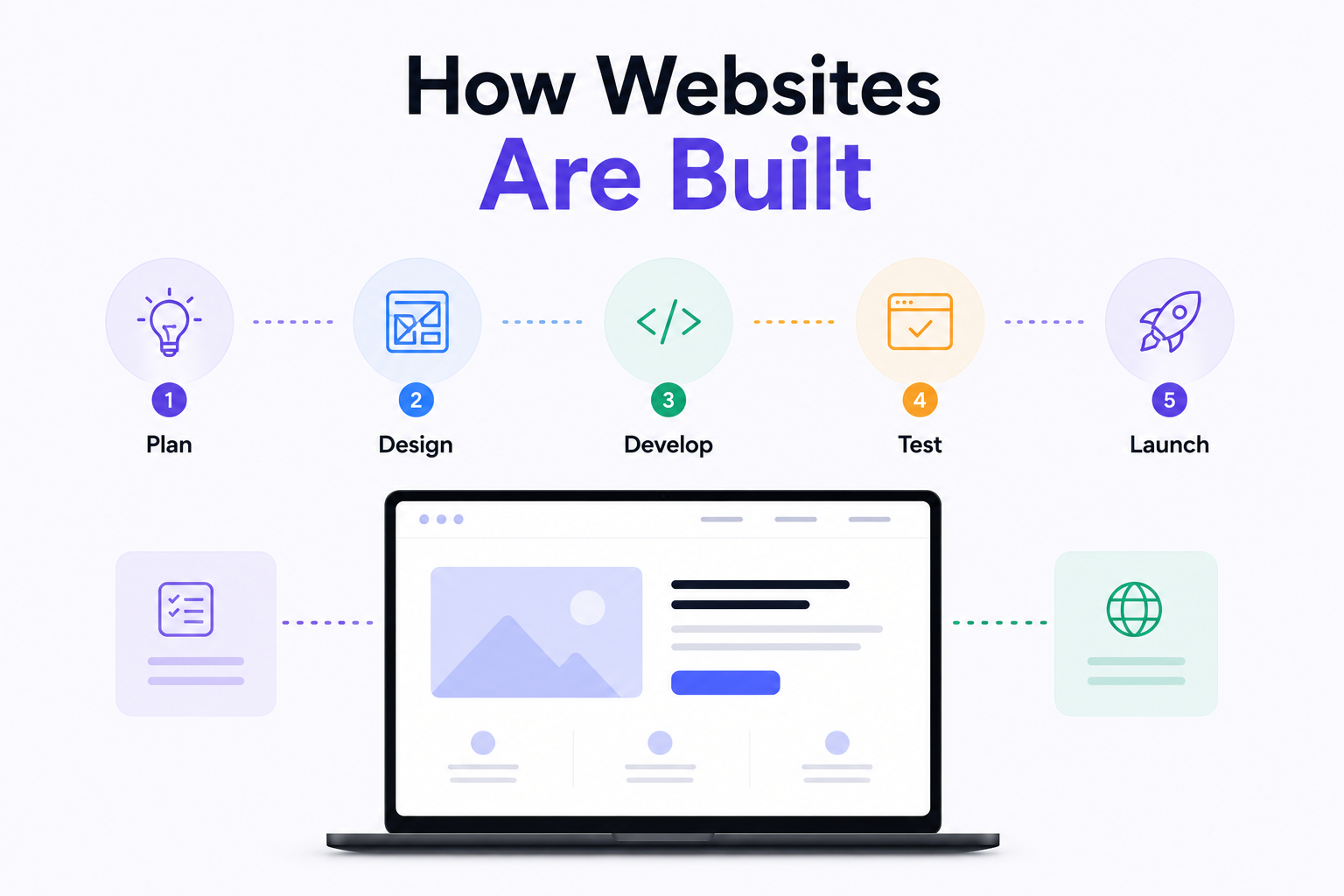
How Are Modern Websites Built in 2026?

Website Development Process & Life Cycle : Complete Guide
How Websites Work: DNS, Servers, Browsers
What is Website Architecture? Best Practices