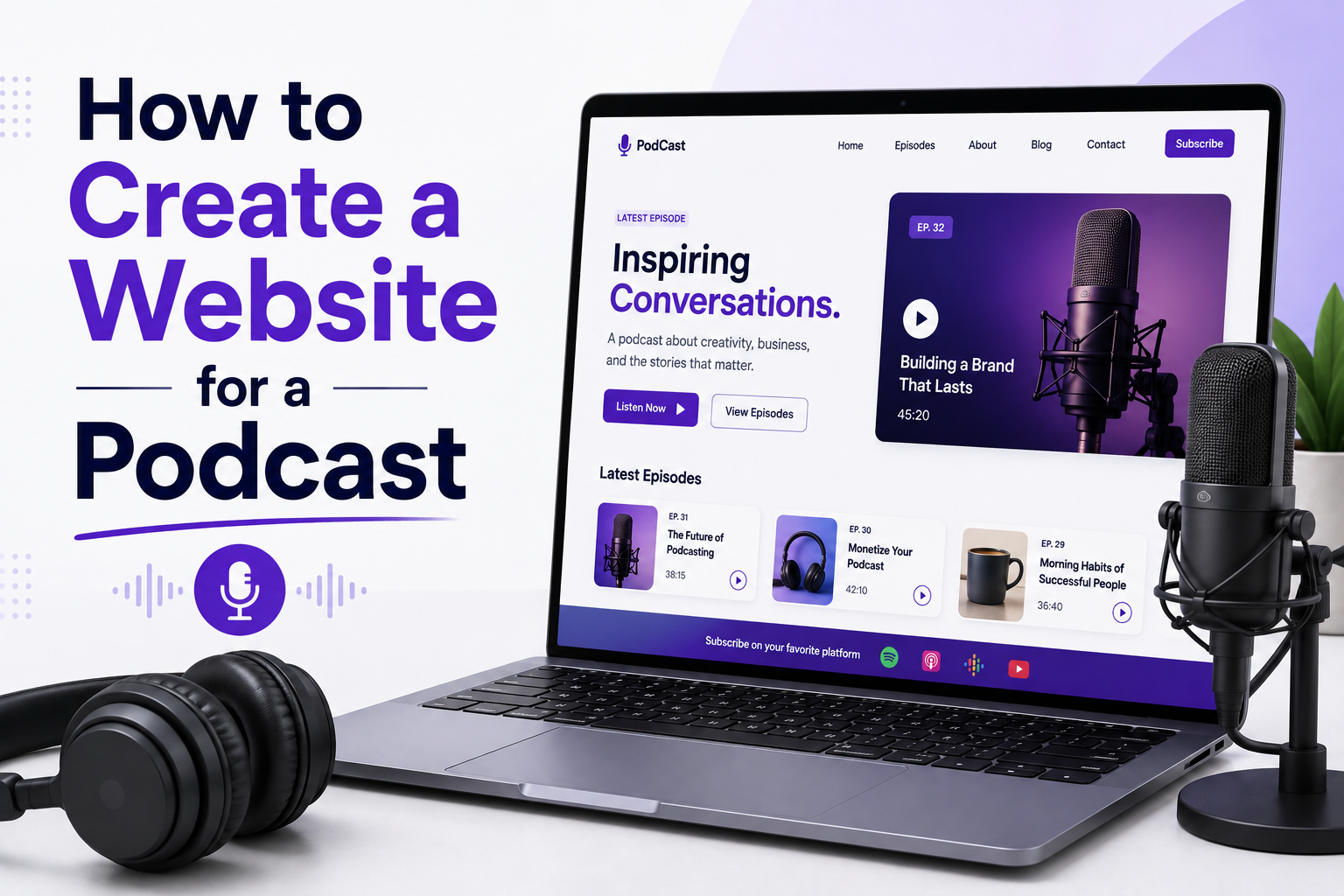
Most podcasters treat their show's website as an afterthought. They launch on Spotify, Apple Podcasts, or Buzzsprout, and assume the directories will do the discovery work for them. That assumption costs them audience growth, sponsorship credibility, and long-term searchability. A dedicated podcast website is not just a nice-to-have — it is the one platform you fully own and control, where your content can be found through Google, where listeners can binge your back catalogue, and where sponsors can evaluate your brand without scrolling through a third-party app.
This guide walks through everything involved in building a podcast website properly: what pages to include, which features matter most, how to handle the technical setup, and what separates a forgettable podcast page from one that actually converts casual visitors into loyal subscribers.
Why Your Podcast Needs Its Own Website
Podcast directories give you distribution. A website gives you presence. The difference matters more than most new podcasters realise. When someone hears about your show and searches for it, a well-built website is what shows up in Google results, answers their questions, and convinces them to hit subscribe. A Spotify profile page cannot do that.
There is also a discoverability argument. Google does not index audio. It indexes text. Every episode you publish can have a dedicated page with a transcript, show notes, and keyword-targeted content that ranks in search and brings in new listeners who had never heard of your show. That compound effect builds over time in a way that no algorithm-dependent directory ever will.
Beyond discoverability, a website signals professionalism. Sponsors, potential guests, media outlets, and event organisers all expect a proper web presence. Sending someone to your Apple Podcasts page when they ask for your media kit is not a good look.
Do You Need a Website for Your Podcast? The Honest Answer
The honest answer is that it depends on what you want from your podcast. If you are recording casual conversations for a small group of friends with no ambition to grow beyond your current circle, a dedicated website is probably unnecessary overhead. If you have any intention of growing your audience, earning money from the show, attracting guests with existing audiences, or building a brand that outlasts any single platform, a website is not optional.
Here is the practical test. Ask yourself three questions. First, do you want people to find your podcast through Google search? Audio is not indexed. Text is. Without a website, none of your content appears in search results and every new listener has to discover you through a directory algorithm or word of mouth. Second, do you want to own your audience? Spotify owns Spotify listeners. Apple owns Apple Podcast subscribers. Your email list, collected through your website, belongs to you and cannot be taken away by a platform policy change. Third, do you want to be taken seriously by sponsors, guests, or collaborators? Every professional in the podcast space expects a web presence. There is no equivalent of "just send them your Spotify link" in a legitimate media business.
If you answered yes to any of those three questions, you need a website. The good news is that getting a basic podcast website live does not require a large budget or technical expertise. The sections below walk through every option from the simplest possible setup to a fully custom build.
Planning Your Podcast Website: Pages and Structure
Before touching any design or development tool, get clear on what pages your website needs. The structure depends on your podcast's format, audience, and goals, but most effective podcast websites share a common set of core pages.
The Homepage
The homepage is your first impression and should accomplish three things immediately: communicate what the podcast is about, who it is for, and how to listen. Feature your latest or most popular episode prominently. Include a short, clear description of the show — one or two sentences that a first-time visitor can read in under ten seconds and understand exactly what they are getting. Add an embedded player or a prominent call to action that directs people to their preferred listening platform.
Episode Archive
An episode listing page is the backbone of any podcast website. It should display all published episodes in reverse chronological order with episode titles, dates, short descriptions, and playback options. Each episode should link to its own dedicated page with full show notes, an embedded player, and a transcript where possible. This structure is what makes your content indexable by search engines.
About Page
The about page should cover the story behind the podcast, who the host or hosts are, and what makes the show different. This page carries more weight than people expect. It is often the second or third page a new visitor clicks, and it is where potential sponsors and guests go to decide whether they want to be associated with the show.
Contact and Guest Submissions
A contact page is non-negotiable. If you accept guest pitches, advertising enquiries, or listener questions, make it easy for people to reach you. A simple contact form works well. Some podcasters create a separate dedicated page for guest pitches with clear submission guidelines, which filters out low-quality pitches and sets expectations upfront.
Newsletter or Email Signup
Your email list is the most valuable audience asset you can build. Unlike social media followers or podcast subscribers, email subscribers are yours. An embedded signup form on the homepage and in episode pages is the most direct way to convert a passive listener into someone you can reach directly when a new episode drops.
Choosing the Right Platform or Approach
This is where most podcasters face their first real decision. There are three broad paths: using a podcast-specific website builder, building on WordPress, or going fully custom. Each has a different cost, flexibility ceiling, and long-term implication.
Platform / Approach Best For SEO Control Custom Design Scalability Podpage / Transistor Solo podcasters starting out Limited Minimal Low WordPress + Podcast Plugin Content-heavy shows, bloggers Good Moderate Moderate Custom Built (React / Next.js) Professional shows, networks, brands Full Complete High Squarespace / Wix Hobby podcasters, quick launches Basic Template-based Low
Podcast-specific platforms like Podpage auto-generate episode pages from your RSS feed and require almost no setup. For a hobby show with no commercial ambitions, that convenience is perfectly reasonable. But these platforms cap what you can do with design, SEO metadata, page structure, and integrations. You are renting space inside someone else's product.
WordPress with a plugin like Seriously Simple Podcasting or Powerpress is the most common middle ground. You get decent SEO tools, a familiar CMS, and access to thousands of themes and plugins. The tradeoff is that WordPress sites can become slow and bloated without careful maintenance, and off-the-shelf themes rarely produce a podcast site that looks distinctive.
A custom-built website, typically built on a modern stack like React or Next.js, gives you complete control over performance, design, SEO, and functionality. For podcasters who are building a brand, monetising through sponsorships, or operating a network of shows, this is the approach that pays off long term. It costs more upfront and requires a development team, but the result is a site that loads fast, looks exactly the way you want it, and can be extended in any direction.
Best Website Builders for Podcasts: Which One Actually Works for Your Show
The market for podcast website builders has expanded significantly. The options below cover the most commonly evaluated platforms, what each one does well, and where each one runs into limitations that matter for serious podcasters.
Podpage
Podpage is the most podcast-specific website builder available. It connects directly to your RSS feed and automatically generates episode pages, show notes, and a homepage from your existing feed data. Setup takes under an hour and requires no technical knowledge. The limitations are real though. Design flexibility is minimal, SEO control is limited to basic meta tags, and you cannot build custom page types beyond what the platform provides. For a brand-new podcast testing whether the format works before investing in a proper site, Podpage makes sense. For a show with commercial ambitions, it is a starting point that you will outgrow quickly.
Wix for Podcast Websites
Wix is a general website builder with podcast-specific features available through its App Market. The Wix Podcast app allows you to upload audio directly, generate basic episode pages, and display an embedded player. Wix podcast hosting is built-in for shows that want to manage everything in one platform. The SEO tools in Wix have improved significantly and cover most basic on-page requirements. The limitations for podcasters are the platform lock-in (moving a Wix site to another platform is difficult), the performance ceiling on mobile, and the fact that the audio hosting within Wix is not built for the scale that a growing show eventually needs. For a hobby podcast or a business that wants an easy website with a podcast section, Wix is a reasonable choice. For a podcast-first brand, the limitations outweigh the convenience.
Squarespace for Podcasts
Squarespace has native podcast support that allows direct audio uploading and RSS feed generation. It produces cleaner, more design-forward sites than Wix by default and is a popular choice among podcasters who prioritise visual presentation. The audio hosting is adequate for smaller shows but costs rise with storage and bandwidth at scale. Like Wix, Squarespace gives you limited control over technical SEO elements like structured data, canonical handling, and custom page templates. It is a strong choice for shows that prioritise aesthetics and ease of management over maximum SEO performance.
WordPress with Seriously Simple Podcasting
WordPress combined with the Seriously Simple Podcasting or Powerpress plugin is the most flexible self-hosted option available without going fully custom. You get complete control over design through theme selection, full access to SEO plugins like Yoast or RankMath, proper structured data implementation, and the ability to add virtually any functionality through the plugin ecosystem. The tradeoff is the maintenance overhead of keeping WordPress, your theme, and all plugins updated and secure. Performance on WordPress varies enormously depending on hosting quality, theme weight, and plugin stack. A well-configured WordPress podcast site on quality managed hosting can match a custom site on most metrics. A poorly configured one can be slower than any builder alternative.
Custom Built Website (React or Next.js)
A fully custom podcast website built on a modern JavaScript framework gives you complete control over everything. Performance, design, SEO structure, audio integration, membership features, and any custom functionality are all built exactly to specification. This is the right choice for podcast networks managing multiple shows, podcasters with significant sponsorship revenue who need a professional media kit and advertising page, and anyone building a brand that extends beyond the podcast itself. The upfront investment is higher and it requires a development team, but the result is a site that loads faster, ranks better, and can scale in any direction without hitting platform limitations.
Essential Features Every Podcast Website Needs
The platform choice matters less than the features you build into the site. These are the elements that determine whether your website actually serves your audience well.
Embedded Audio Player
Every episode page needs an embedded player that works without forcing the visitor to leave your site. Buzzsprout, Transistor, and Podbean all provide embeddable players. If you are hosting audio independently, open-source players like Plyr or custom-built HTML5 audio components work well. The player should display episode title, duration, playback speed controls, and ideally chapter markers for longer episodes.
RSS Feed Integration
Your RSS feed is how podcast directories receive new episodes. Most podcast hosting platforms generate this automatically. Your website should display a visible link to your RSS feed for listeners who prefer direct subscription through apps like Overcast or Pocket Casts. This is a small detail that serious podcast listeners notice.
Show Notes and Transcripts
Show notes should be more than a one-paragraph summary. Effective show notes include a detailed description of what was covered, timestamps, links to resources mentioned, and a brief guest bio where applicable. Transcripts take this further by converting the full episode audio into searchable text. Tools like Descript, Otter.ai, and Whisper make transcription affordable. A well-formatted transcript can rank on its own for conversational keywords your audience is actively searching.
Subscribe Links and Directory Badges
Not every listener uses the same app. Your website should make it easy to subscribe through Spotify, Apple Podcasts, Google Podcasts, Amazon Music, and any other platform where your show is listed. Display these as clearly labelled buttons or badge icons near the top of the homepage and on individual episode pages. Reducing friction in the subscribe flow directly affects listener conversion.
Search Functionality
Once a podcast reaches 50 or more episodes, navigation alone is not enough. A search bar lets returning listeners find a specific episode by topic, guest name, or keyword. This is a feature that distinguishes a professionally built podcast site from a basic one, and it keeps people on the site longer.
Podcast Website SEO: The Basics Done Right
Podcast SEO is genuinely different from standard blog SEO, though the fundamentals overlap. The core challenge is that your primary content is audio, and search engines cannot process audio directly. Everything that makes your podcast discoverable through search depends on the text surrounding those audio files.
Episode Page Optimisation
Each episode should have a dedicated URL with a keyword-informed slug. Avoid naming episodes with just their number, such as /episode-47. Instead, use descriptive slugs like /episodes/how-to-grow-a-podcast-audience. Write a unique meta title and meta description for every episode page. Use the episode title, key topics covered, and guest name where applicable in the heading structure.
Structured Data for Podcasts
Schema markup tells search engines exactly what type of content a page contains. For podcast websites, the most important schema types are PodcastEpisode, PodcastSeries, and AudioObject. Implementing this structured data correctly makes your episodes eligible for rich results in Google Search, which can significantly improve click-through rates.
Site Speed and Core Web Vitals
Podcast websites often struggle with performance because of embedded audio players, large cover art images, and third-party widgets. Core Web Vitals — specifically Largest Contentful Paint and Cumulative Layout Shift — directly affect Google rankings. Compress images, use lazy loading for off-screen content, and ensure embedded players do not block page rendering. A custom-built site has a significant advantage here because you control every performance decision.
Designing a Podcast Website That Reflects Your Brand
Podcast branding is more visual than many new podcasters expect. Your cover art, colour palette, typography, and overall site aesthetic all contribute to whether a visitor immediately understands the tone and quality of your show. A news commentary podcast should feel different from a true crime show, which should feel different from a business interview series.
Avoid the temptation to pick a generic dark theme with a microphone icon and call it done. Think about what your ideal listener looks like, what other media they consume, and what visual language feels appropriate to your show's personality. Your cover art should translate into a web colour scheme. Host photography, if you have it, makes a significant difference on the about page and homepage. Consistency between the website and your social profiles matters more than any individual design element.
For podcasters working with a designer or development team, providing a brand brief before the build begins saves considerable revision time. Define your typography, two or three brand colours, tone of voice, and any visual references you admire before a single pixel is placed.
Monetisation Features to Build In from the Start
If monetisation is part of your plan, it is far easier to design these features into the site from the beginning than to retrofit them later. The most common monetisation mechanisms that require website support are sponsorship pages, membership or supporter tiers, merchandise, and premium episode access.
A sponsorship or advertising page should clearly outline your audience size, demographics, episode cadence, and available formats — pre-roll, mid-roll, or dedicated episodes. Potential sponsors should be able to find this information without emailing you. Platforms like Patreon handle membership hosting externally, but you can integrate membership sign-ups directly into a custom-built site for a cleaner user experience and to avoid platform fees. If you sell merchandise, an embedded Shopify section or a direct integration with a fulfilment partner handles this cleanly.
Podcast Website Platform Comparison: Detailed Feature Breakdown
Feature Podpage WordPress Custom Build Setup Time Under 1 hour 1–2 days Weeks Custom Domain Yes Yes Yes Full SEO Control No Partial Yes Custom Page Design No Theme-limited Fully custom Membership / Paywalls No Plugin required Built-in Page Load Speed Moderate Varies Optimised Analytics Integration Basic Full (via plugin) Full Long-term Cost Monthly subscription Hosting + plugins Hosting only
Technical Setup: Domain, Hosting, and Deployment
Once you have decided on your platform or development approach, the technical setup follows a consistent pattern regardless of the stack you are using.
Register a domain that matches your podcast name as closely as possible. Keep it short and easy to remember. If the exact match .com is taken, .fm is a recognised domain extension in the podcast world and carries no SEO penalty. Avoid hyphens in your domain name if you can — they are harder to say aloud, which matters for a medium built on audio.
Hosting requirements depend on your build. WordPress sites run on shared or managed hosting services like Kinsta or WP Engine. Custom React or Next.js applications deploy well on Vercel or Netlify, which handle SSL certificates, CDN distribution, and continuous deployment automatically. Your audio files should almost never be hosted on your web server — use a dedicated podcast hosting service like Buzzsprout, Simplecast, or Anchor for audio storage and RSS feed management.
Connect Google Search Console as soon as the site is live. Submit your XML sitemap. Set up Google Analytics or a privacy-focused alternative like Plausible. These steps take under an hour and give you the data you need to understand how people find and use the site from day one.
How to Host Podcasts on Your Own Website: Audio Hosting Explained
Hosting podcasts on your own website sounds simple but involves two separate decisions that many new podcasters conflate. Your website and your audio files can and should live on different hosting infrastructure, and understanding why makes the technical setup much clearer.
Why you should not host audio files on your web server
Web hosting is optimised for serving lightweight files like HTML, CSS, JavaScript, and images. Audio files are large, typically 30 to 100 megabytes per episode, and they generate sustained bandwidth usage as listeners stream or download them. Hosting audio directly on a shared or even managed web server causes three problems. First, your web hosting costs increase significantly as episode count and audience size grow. Second, audio streaming from a standard web server is less reliable than a CDN-backed audio host, meaning buffering and playback interruptions are more common. Third, most podcast directories including Apple Podcasts and Spotify require an RSS feed that meets specific technical standards, which dedicated podcast hosting platforms generate automatically and a basic web server does not.
What dedicated podcast hosting services provide
Services like Buzzsprout, Transistor, Simplecast, Podbean, and Anchor handle audio storage, CDN delivery, RSS feed generation, and episode-level download analytics. They are built specifically for the way podcast audio is consumed, with optimised streaming, fast global delivery, and the technical RSS structure that all major directories require. Most of these services provide an embeddable player widget that you copy into your website's episode pages, meaning your website serves the page and the podcast host serves the audio. This separation is the standard professional approach.
If you want full control over audio on your own domain
Some podcasters prefer to have audio files hosted under their own domain for branding reasons or to avoid third-party platform dependency. This is possible using cloud storage services like Amazon S3 or Backblaze B2 paired with a CDN like Cloudflare. You upload audio files to cloud storage, deliver them through the CDN, and generate or manage your RSS feed manually or through a tool like Castfeedvalidator. This approach gives you complete ownership and control but requires more technical setup and ongoing management. For most podcasters, the tradeoff is not worth it compared to using a dedicated hosting platform. For podcasters building a network, distributing premium content, or wanting zero dependency on third-party platforms, self-managed cloud audio hosting is worth the additional complexity.
The recommended setup for most podcasters
Use a dedicated podcast hosting platform for audio storage and RSS feed management. Use a separate web hosting service or website builder for your public-facing website. Embed the player from your podcast host into your website's episode pages. This setup gives you the best of both: a fast, reliable website and professional-grade audio delivery without either system doing a job it is not optimised for.
Related Services
Podcast directories don't index your content for Google — your own site has to. Munix Studio builds podcast sites with a dedicated, transcript-backed page for every episode, so each one can independently rank for the questions your show actually answers.
Website Development — Episode archive and individual episode pages with embedded players, show notes, and full transcripts.
UI/UX Design — Homepage and episode layouts designed to convert a first-time visitor into a subscriber within seconds.
SEO Optimization — Transcript publishing and episode schema so individual episodes can rank for the specific topics they cover.
Maintenance and Support — Ongoing support to keep your podcast website fast, secure, and up to date as your show grows.
Graphic and Branding — Podcast cover art, brand identity systems, and visual assets that translate consistently from your feed to your website.
Frequently Asked Questions
Ready to Get Started?
Website Development
Custom podcast websites built on modern frameworks with optimised episode architecture, embedded audio support, and full SEO control — no templates, no platform restrictions.
Explore Website DevelopmentUI/UX Design
Podcast-specific web design that communicates your show's identity instantly and guides first-time visitors toward subscribing.
Explore UI/UX DesignSEO Optimization
Technical and on-page SEO for podcast websites including episode page optimisation, structured data markup, and site speed improvements that improve search visibility.
Explore SEO OptimizationMaintenance and Support
Ongoing website maintenance to keep your podcast site secure, fast, and fully functional as your episode catalogue and audience grow.
Explore Maintenance and SupportGraphic and Branding
Cover art, brand identity, and visual assets that create a consistent look across your podcast feed, website, and social profiles.
Explore Graphic and BrandingRelated Articles
What is Website Development? The Complete Guide for Beginners
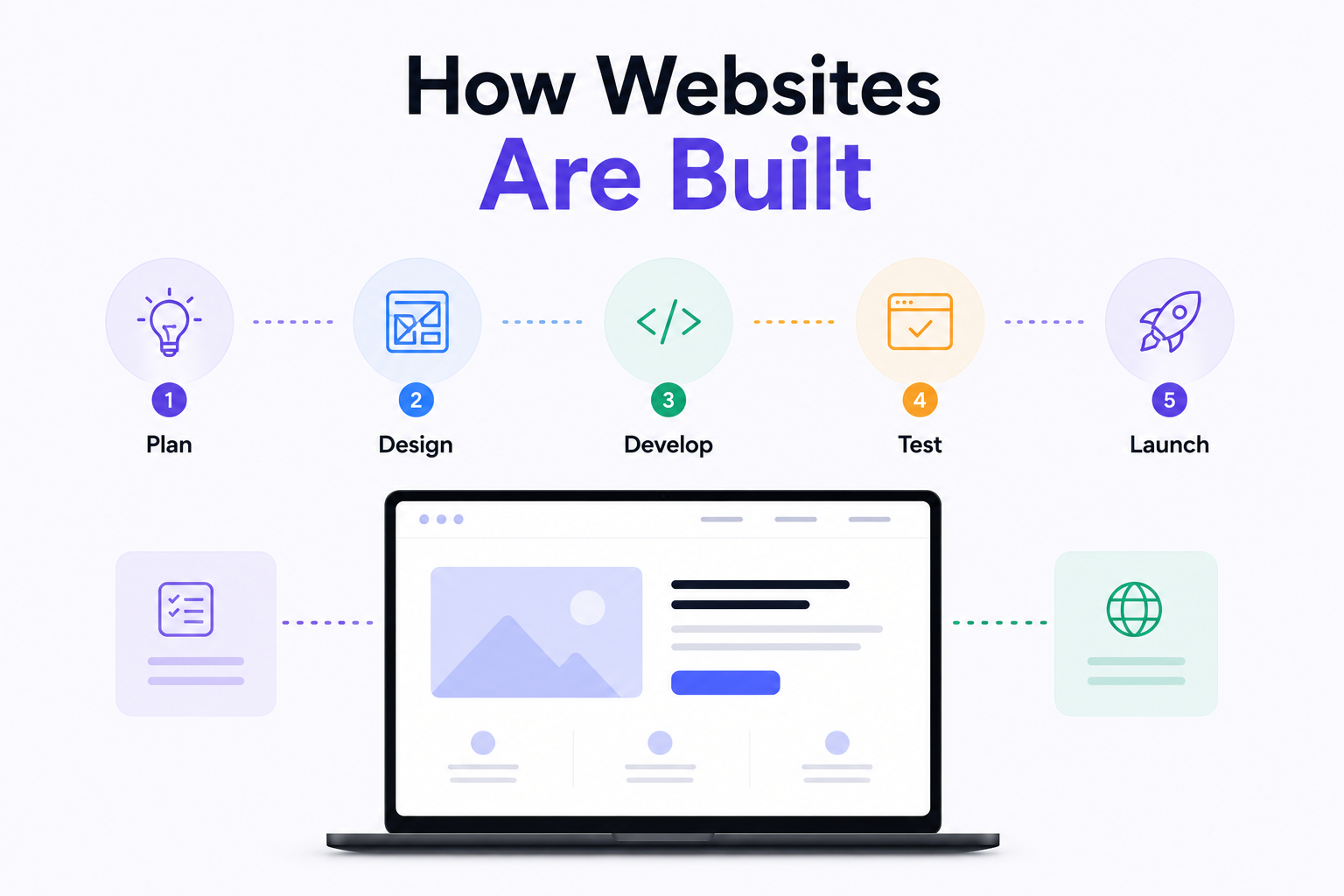
How Are Modern Websites Built in 2026?
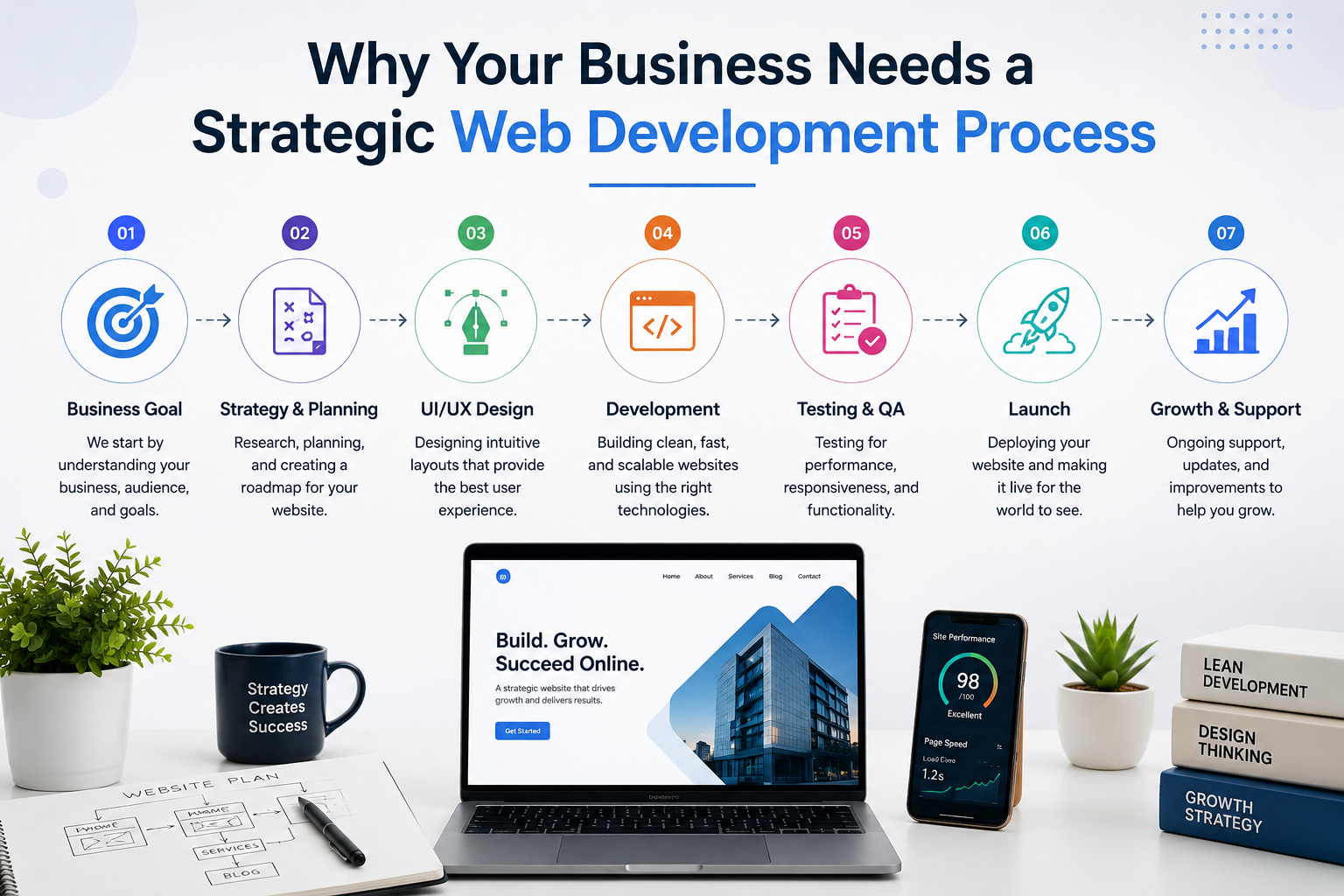
Website Development Process & Life Cycle : Complete Guide
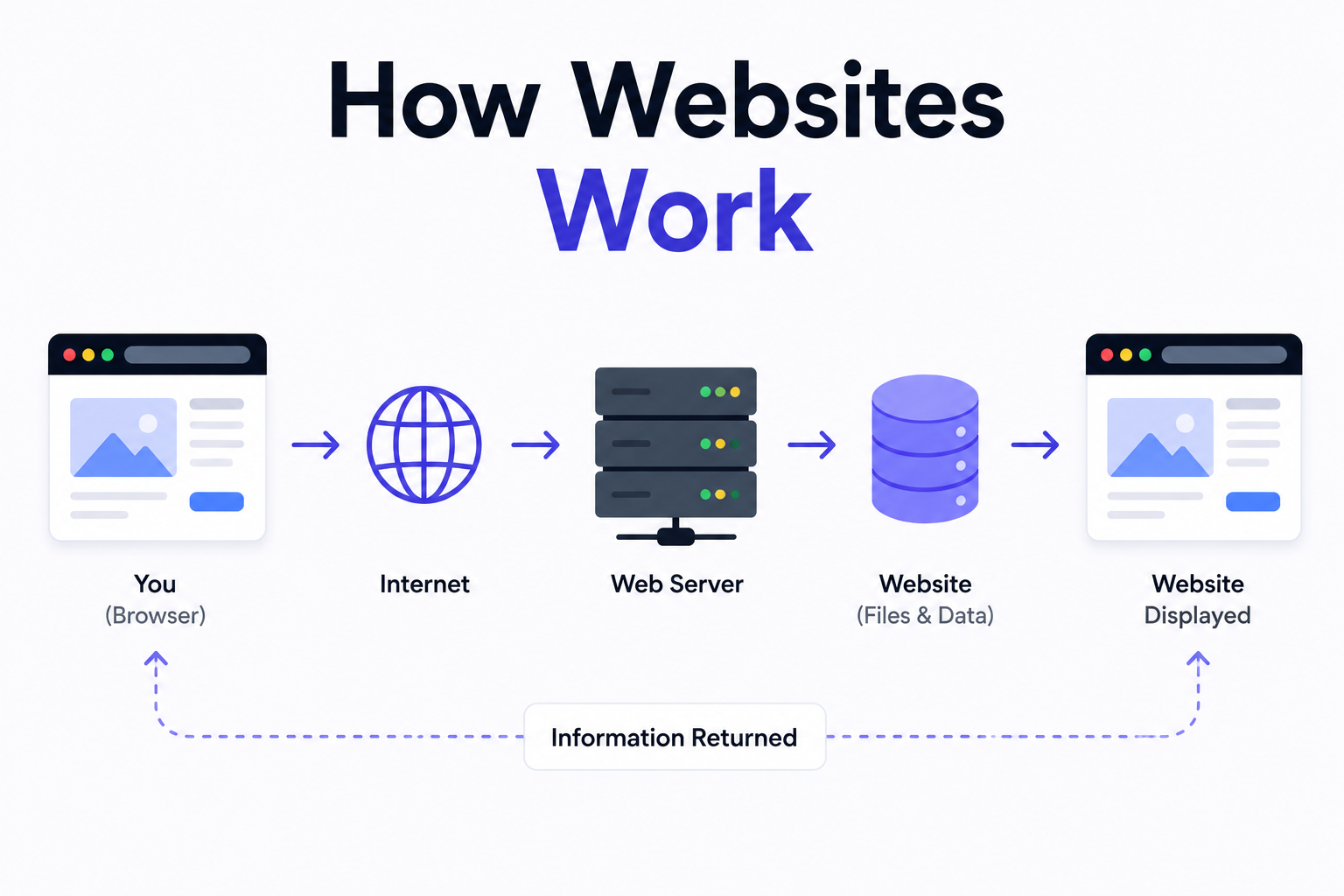
How Websites Work: DNS, Servers, Browsers
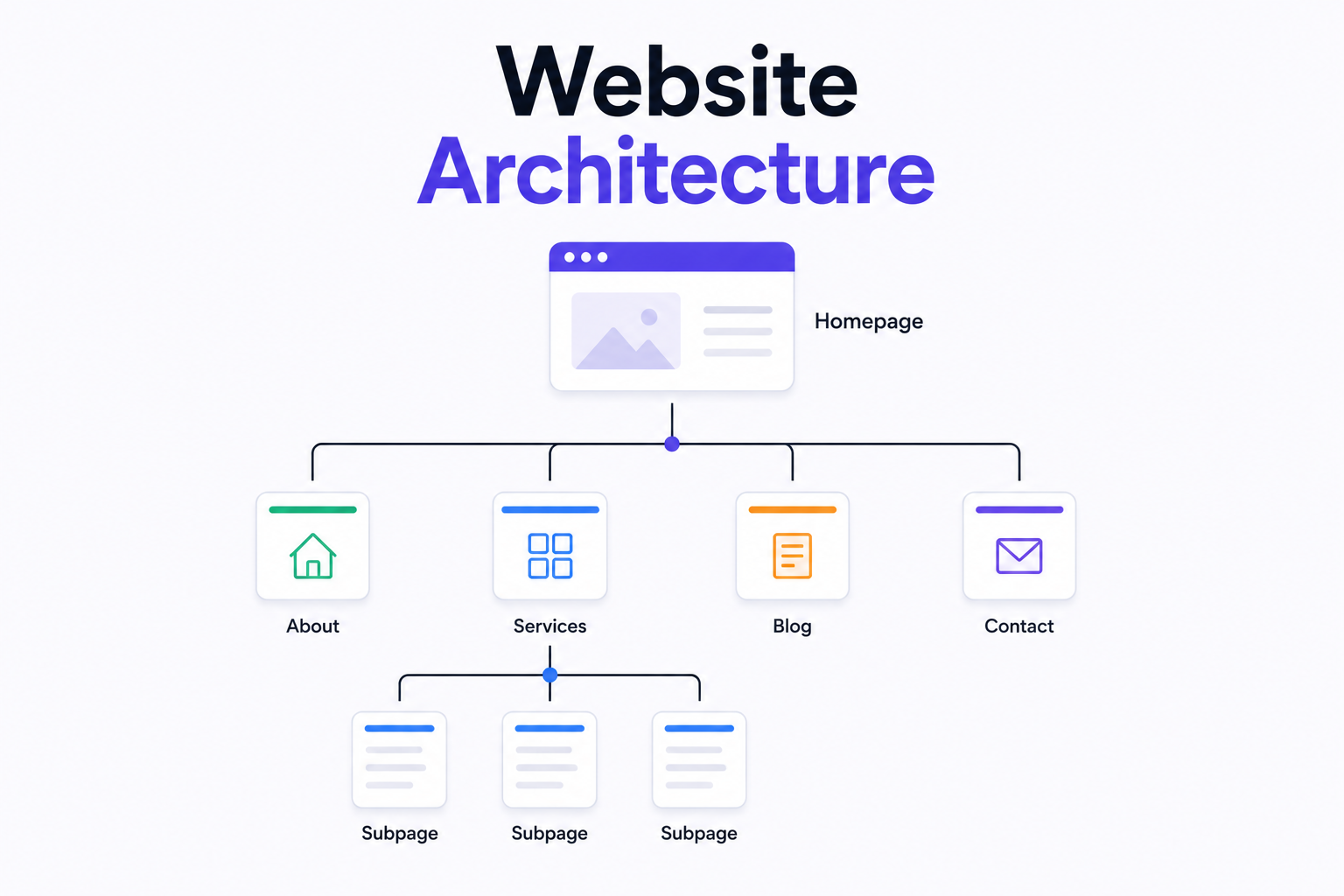
What is Website Architecture? Best Practices