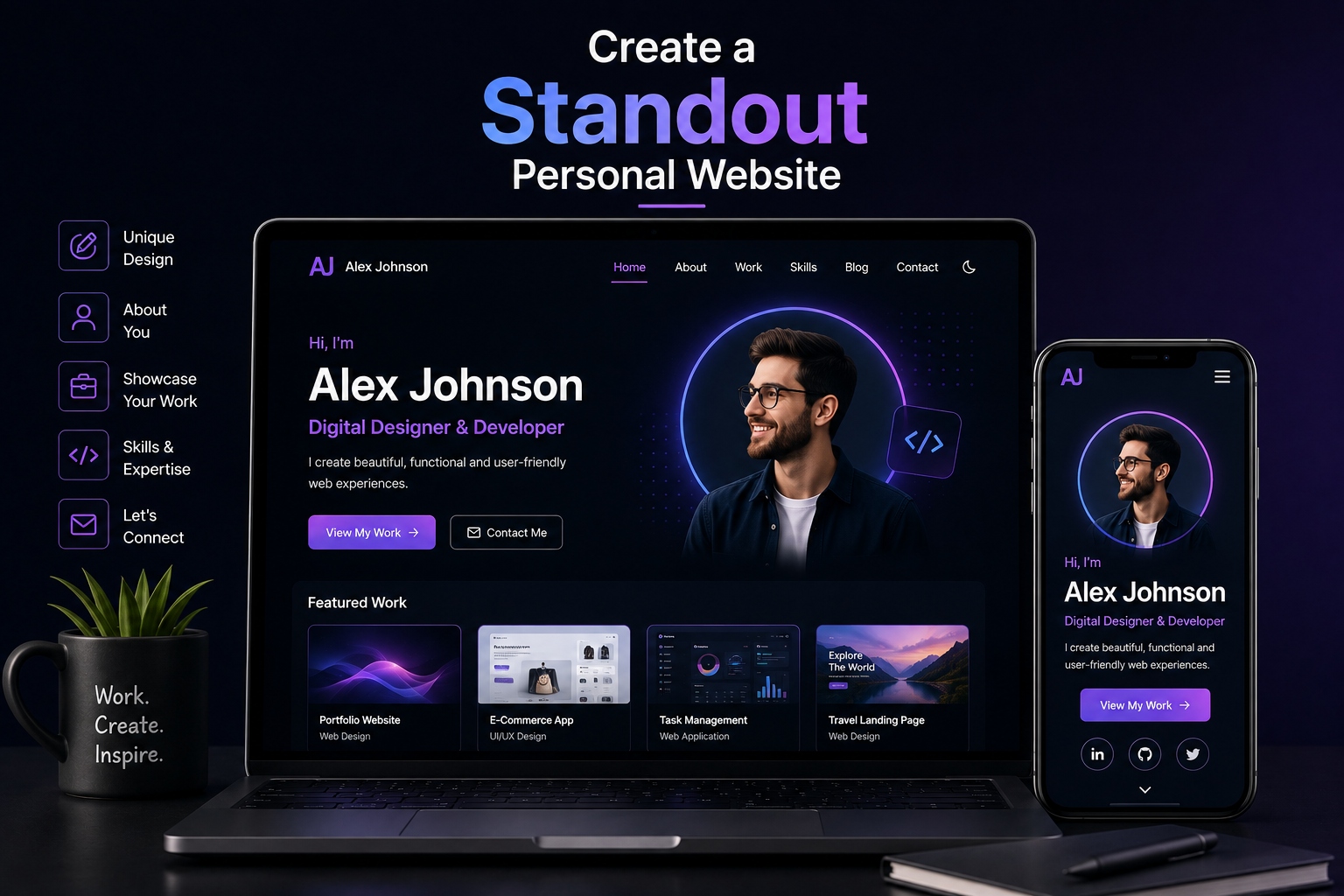
A personal website is the one corner of the internet you fully own. Unlike a LinkedIn profile constrained by platform rules, a Twitter presence subject to algorithm changes, or a Behance portfolio that looks identical to thousands of others, your personal website is a blank canvas that communicates exactly what you want it to communicate, in exactly the way you choose. Done well, it becomes the most valuable single page in your professional life. Done poorly, it becomes a liability that undermines the impression you work to build everywhere else.
The difference between a personal website that stands out and one that blends into the background is rarely about technical complexity or expensive design. It is almost always about clarity of purpose, quality of content, and the small craft decisions that signal how seriously someone takes their own work. This guide walks through every element of creating a personal website that earns attention and converts it into real professional opportunities.
Why a Personal Website Still Matters in 2025
Social platforms come and go, and their algorithms are beyond your control. A following built on any single platform is rented, not owned. When Twitter rebranded, reorganized its feed, and changed its verification system, creators and professionals who had built their entire presence there found their reach diminished overnight through no action of their own. A personal website is immune to that kind of disruption because it belongs to you outright.
Beyond platform independence, a personal website communicates something that no social profile can: intentionality. The fact that you built and maintain a personal site signals that you take your professional identity seriously enough to invest in it. This matters differently depending on your field. For a designer, it is a portfolio. For a writer, it is a body of work. For an entrepreneur, it is a credibility anchor. For anyone in a competitive job market, it is the page that gets checked after a recruiter reads a CV and before a decision is made.
There is also a search dimension that most people underestimate. When someone Googles your name — and they will — the result they land on shapes their first impression of you before you have said a word. A personal website that ranks for your name gives you control over that first impression. Without one, Google surfaces whatever it finds: an old social profile, a comment thread, a mention in someone else's article. Owning the top search result for your own name is one of the simplest and most impactful forms of personal brand management available.
Defining the Purpose of Your Personal Website
Before choosing a platform or designing a layout, the most important question to answer is what you want the website to do. A personal website without a clear primary purpose produces content that does not quite serve any goal and a design that does not quite communicate any message. The purpose shapes every decision that follows.
The most common personal website purposes fall into a few distinct categories. A portfolio-first site showcases work samples to attract clients or employers. A thought leadership site publishes writing, talks, and ideas to build an audience and establish expertise. A personal branding site functions as a professional home base that connects all of your external profiles and establishes a central narrative about who you are and what you do. A hybrid site combines elements of all three, which works well only when the audience for all three is essentially the same person.
Whatever the primary purpose, it should be immediately apparent within the first three seconds of someone landing on the site. If a visitor cannot tell what you do and why they should care within that window, the design and content have failed regardless of how technically well-built the site is.
What to Put on a Personal Website
The content of a personal website is where most people either over-engineer or under-invest. Over-engineering produces a site with fifteen sections covering every possible angle of a person's professional life. Under-investing produces a site with a headline, a bio paragraph, and a contact email. Neither serves the visitor well. The goal is a curated set of content elements that each earn their place by answering a specific question a visitor is likely to ask.
The Opening Statement
Your opening statement — the headline and subheading visible above the fold — is the most important copy on the entire site. It needs to answer three things: who you are, what you do, and for whom you do it. "Creative professional based in London" answers none of these usefully. "Brand strategist helping early-stage tech companies find their voice" answers all three, and the visitor immediately knows whether they are in the right place.
Specificity in the opening statement consistently outperforms generality. The fear that being specific will exclude potential opportunities is understandable but usually unfounded. A clear positioning statement attracts the right visitors more effectively than a vague one that technically applies to everyone but resonates with no one.
Work and Portfolio Samples
Whatever your field, showing work is more persuasive than describing it. For designers, this means case studies with process and outcome. For writers, this means published articles or essays. For developers, this means project write-ups with live links and technical context. For consultants and strategists, this might mean anonymized case studies, client results, or a description of your methodology with concrete examples.
The presentation of work matters as much as the work itself. Scanned PDFs, thumbnail-sized screenshots, and broken external links all undermine the impression that good work creates. Each piece of work deserves enough context for a visitor to understand what it was, what your role was, and what the outcome was. Three well-presented pieces outperform ten poorly documented ones.
An About Page That Actually Tells a Story
The about page is consistently one of the most visited pages on any personal website, yet it is almost universally written poorly. Most about pages are a chronological list of career events dressed up as a narrative. What actually engages visitors is a genuine account of how you think, what drives you, and what makes your perspective distinct. The about page is where personality is permitted — and where failing to show any personality is a missed opportunity.
A photo is not optional on an about page. People respond to faces in a way they do not respond to logos or abstract imagery. A professional but natural photo — not a stiff corporate headshot — makes the page feel like it belongs to a real person, which is the entire point of a personal website.
Social Proof Elements
Testimonials, client logos, press mentions, and speaking credits all serve the same function: they tell a visitor that other people have found your work valuable, which reduces the effort required for them to reach the same conclusion. Even two or three strong testimonials from credible sources measurably increase the conversion rate of a personal website — the rate at which visitors take the action you want them to take, whether that is contacting you, subscribing to your newsletter, or reading more of your work.
A Clear Contact Path
Every personal website needs to make it easy for a visitor to reach you. This sounds obvious, but a surprising number of personal sites bury the contact information on a hard-to-find page, hide behind a contact form with no email fallback, or omit contact details entirely. The contact section should be reachable from the navigation on every page, and it should include at minimum a working contact form and a visible email address. If your goal is to attract specific types of inquiries, a brief note about what you are open to — freelance work, speaking requests, job opportunities, collaborations — helps visitors self-qualify and makes their outreach more focused and useful.
Choosing the Right Platform for Your Personal Website
Platform choice is one of the most discussed and most overanalyzed decisions in personal website creation. The reality is that the platform matters far less than the quality of what you put on it. A beautifully written, clearly structured personal website on a simple platform will outperform a poorly written, cluttered one on any technically advanced framework. That said, different platforms have different strengths, limitations, and signals, and understanding those differences helps you make a choice that fits your situation rather than fighting against it.
Platform Best For Customization SEO Control Cost WordPress.org Writers, bloggers, broad use High High Low to Medium Webflow Designers, visual creators Very High Good Medium Squarespace Creatives, simple portfolios Moderate Moderate Medium Next.js / Custom Developers, tech professionals Unlimited Full control Higher upfront Ghost Writers, newsletter publishers Moderate Good Medium Framer Designers, interactive portfolios High Moderate Medium
The Case for Custom Development
For professionals whose personal website is a primary business asset rather than a supplementary presence, a custom-built site consistently outperforms any template platform in the ways that matter most. Custom development gives you complete control over performance, which translates directly into better Core Web Vitals scores and stronger search rankings. It gives you control over the content model, so the site structure can evolve as your career does without fighting platform limitations. It gives you ownership of your data, with no risk of a platform changing its pricing or shutting down and taking your site with it.
The perception that custom development is only for large organizations is outdated. A focused personal website built on Next.js and deployed on Vercel can be completed in a fraction of the time and cost of a complex business application, and the result is a site that performs and looks precisely as intended rather than adapting to what a theme designer imagined.
Personal Website Design Principles That Actually Work
Design for a personal website is not about visual complexity or keeping up with trends. It is about creating an environment where the content can be read easily, the hierarchy is immediately clear, and the personality of the person comes through without the design itself competing for attention. The best personal websites are often the ones where you remember the person, not the layout.
Visual Hierarchy and Layout
Visual hierarchy is the system of sizes, weights, and spacing that tells a visitor's eye where to look first, second, and third. Without a deliberate hierarchy, the eye wanders without direction and the visitor leaves without absorbing the most important information. The most important element on each page should be the largest and most visually prominent. Secondary information should be clearly subordinate. Everything else should recede further.
Single-column layouts consistently outperform complex multi-column layouts on personal websites because they enforce a natural reading order and work seamlessly across all screen sizes. The temptation to fill horizontal space with additional columns usually produces a layout that looks sophisticated on a large monitor and chaotic on a phone. For most personal websites, a clean single column with generous margins is the better choice.
Typography as Personality
Typography communicates personality before any word is read. A site using a geometric sans-serif like Geist or DM Sans signals modernity and precision. A site using a humanist serif like Lora or Playfair Display signals warmth and tradition. A site using a monospaced font prominently signals technical identity. These are not rigid rules, but they are real associations that form subconsciously in the visitor's mind within seconds of the page loading.
Whatever typefaces you choose, the practical requirements are non-negotiable: body text must be at least 16 pixels, line-height on paragraphs should be between 1.6 and 1.8, and the contrast ratio between text and background must meet WCAG AA standards. Poor reading conditions do not just create an accessibility problem — they reduce the time visitors spend on the page and therefore the amount of your content they absorb.
Color and Branding Consistency
A personal website that uses the same color palette, typography, and visual style across every page creates a coherent brand impression that feels considered and professional. One that mixes color schemes across different sections or uses a different heading style on every page feels unfinished. You do not need a full brand identity system to achieve this — choosing two colors, one typeface for headings and one for body text, and applying them consistently throughout is sufficient to create a cohesive visual identity.
If you already have a professional logo or have worked with a brand designer, the personal website is where that identity system should be expressed most fully. The visual consistency between your website, email signature, social profiles, and any printed materials is what transforms a collection of assets into an actual personal brand.
Personal Website SEO: Getting Found Beyond Your Name
Most personal websites are findable only by people who already know to search for them. Ranking for your own name is a baseline, not a strategy. A personal website with a genuine SEO approach can attract visitors who are searching for your skills, your subject matter expertise, or the type of service you provide — people who have never heard of you but are looking for exactly what you offer.
On-Page SEO Fundamentals
Every page on your personal website needs a unique, descriptive meta title and meta description. These are what appear in search results and directly influence whether someone clicks through to your site. The homepage meta title should include your name and your primary professional identity. Individual portfolio or case study pages should target the specific technologies, industries, or topics they cover.
Structured data markup using Person schema on your homepage and Article schema on blog posts helps search engines understand the relationship between the content on your site and the person behind it. This is one of the mechanisms through which Google's E-E-A-T framework evaluates personal website credibility, particularly for sites that publish advice or expertise in specialist fields.
Content as the Long-Term SEO Engine
A personal website that publishes useful, specific content in a consistent area of expertise builds search visibility over time in a way that a static five-page site never can. Each article, tutorial, or essay you publish is an additional page that can rank for different queries, earn inbound links from other sites, and demonstrate your expertise to both search engines and human visitors.
The compounding nature of this is significant. A personal website with fifty well-written articles on a focused topic area can generate consistent organic traffic that continues to grow without ongoing advertising spend. This is one of the primary reasons why professionals who invest in writing regularly as part of their personal website strategy tend to build audiences and reputations that outpace those who rely solely on social media presence.
SEO Element Where It Applies Impact Level Effort Required Meta titles and descriptions All pages High Low Person schema markup Homepage Medium Low Core Web Vitals All pages High Medium Regular content publishing Blog / writing section Very High (long-term) High Internal linking All pages Medium Low Open Graph and Twitter Card tags All pages Medium Low
Making Your Personal Website Stand Out: The Details That Matter
The gap between a personal website that is merely good and one that genuinely stands out is almost always found in the small details. These are the elements that individually seem minor but collectively create an impression of care and craft that visitors feel without being able to articulate exactly why.
A custom favicon that reflects your personal brand rather than the default icon of whatever platform you built the site on is one of the smallest and most visible details. A 404 page that is actually interesting rather than a default error message shows personality and keeps a visitor engaged even when they have hit a dead end. Hover states on interactive elements that feel responsive and intentional rather than the browser default communicate that someone thought about every interaction on the page.
Loading speed is a detail that visitors feel even when they cannot name it. A site that appears to load instantly creates a fundamentally different psychological experience from one that makes a visitor wait even half a second. Optimizing images, eliminating unnecessary JavaScript, and using a CDN for static assets are technical decisions that manifest as an intangible sense of quality in the visitor's experience.
Subtle animation, used sparingly, can elevate a personal website from static to alive. Entrance animations on content sections as they scroll into view, smooth transitions between pages, and micro-interactions on buttons and links all contribute to a feeling of polish. The key word is sparingly. Animation that draws attention to itself has failed at its job. Animation that makes the site feel more responsive and alive without being noticed has succeeded.
Driving Traffic to a New Personal Website
A personal website that no one visits is a missed opportunity regardless of how well it is built. Traffic does not come automatically, particularly for a new site. Building an initial audience requires a combination of active promotion and the kind of organic visibility that grows over time through SEO and content.
The most immediate impact comes from updating your existing profiles. Adding your personal website URL to your LinkedIn profile, Twitter or X bio, GitHub profile, email signature, and any other professional presence you maintain drives referral traffic from people who already know you and are checking what you are working on. This initial wave of traffic also sends engagement signals to search engines that help with early indexing.
Guest posting on relevant publications in your field, contributing to community forums and newsletters with a link back to your site in your profile, and building relationships with others in your professional community who might naturally reference your work are all slower but more durable traffic-building strategies than any paid channel. The personal website is ultimately a long-term investment, and the traffic strategies that compound over time are more valuable than those that spike and fade.
Related Services
Creating a personal website that stands out often benefits from professional expertise across several disciplines. The following Munix Studio services are directly relevant to building and growing a personal website that works hard for your professional reputation:
Website Development — Custom personal website development built for performance, flexibility, and long-term growth — no templates, no platform constraints, no compromises on quality.
UI/UX Design — Personal website design that communicates your professional identity clearly, structures your content with intention, and creates an experience visitors remember.
Graphic and Branding — Personal brand identity development covering logo, color palette, typography, and visual guidelines that carry consistently across your website and every professional touchpoint.
SEO Optimization — Personal website SEO covering structured data, meta configuration, Core Web Vitals, and content strategy to help you rank for your name and your expertise.
Digital Marketing — Audience and traffic growth strategy for personal websites including content distribution, social presence, and newsletter marketing to build a readership around your work.
Maintenance and Support — Ongoing updates, performance monitoring, and content additions to keep your personal website current, functional, and accurately representing your professional identity as it evolves.
Frequently Asked Questions
Ready to Get Started?
Website Development
Custom personal websites built for performance and long-term growth — designed to your exact specifications with no template constraints or platform limitations.
Explore Website DevelopmentUI/UX Design
Personal website design that communicates your professional identity with clarity, visual hierarchy, and an experience that makes visitors stay and explore.
Explore UI/UX DesignGraphic and Branding
Personal brand identity systems covering logo, color, and typography — built to carry consistently across your website and every professional presence you maintain.
Explore Graphic and BrandingSEO Optimization
Personal website SEO covering structured data, meta configuration, Core Web Vitals, and content strategy to help you rank for your name and your areas of expertise.
Explore SEO OptimizationDigital Marketing
Traffic and audience growth strategy for personal websites — covering content distribution, newsletter marketing, and social presence to build visibility around your work.
Explore Digital MarketingMaintenance and Support
Ongoing personal website maintenance, performance monitoring, and content updates to keep your site current and working as your career develops.
Explore Maintenance and SupportRelated Articles
What is Website Development? The Complete Guide for Beginners
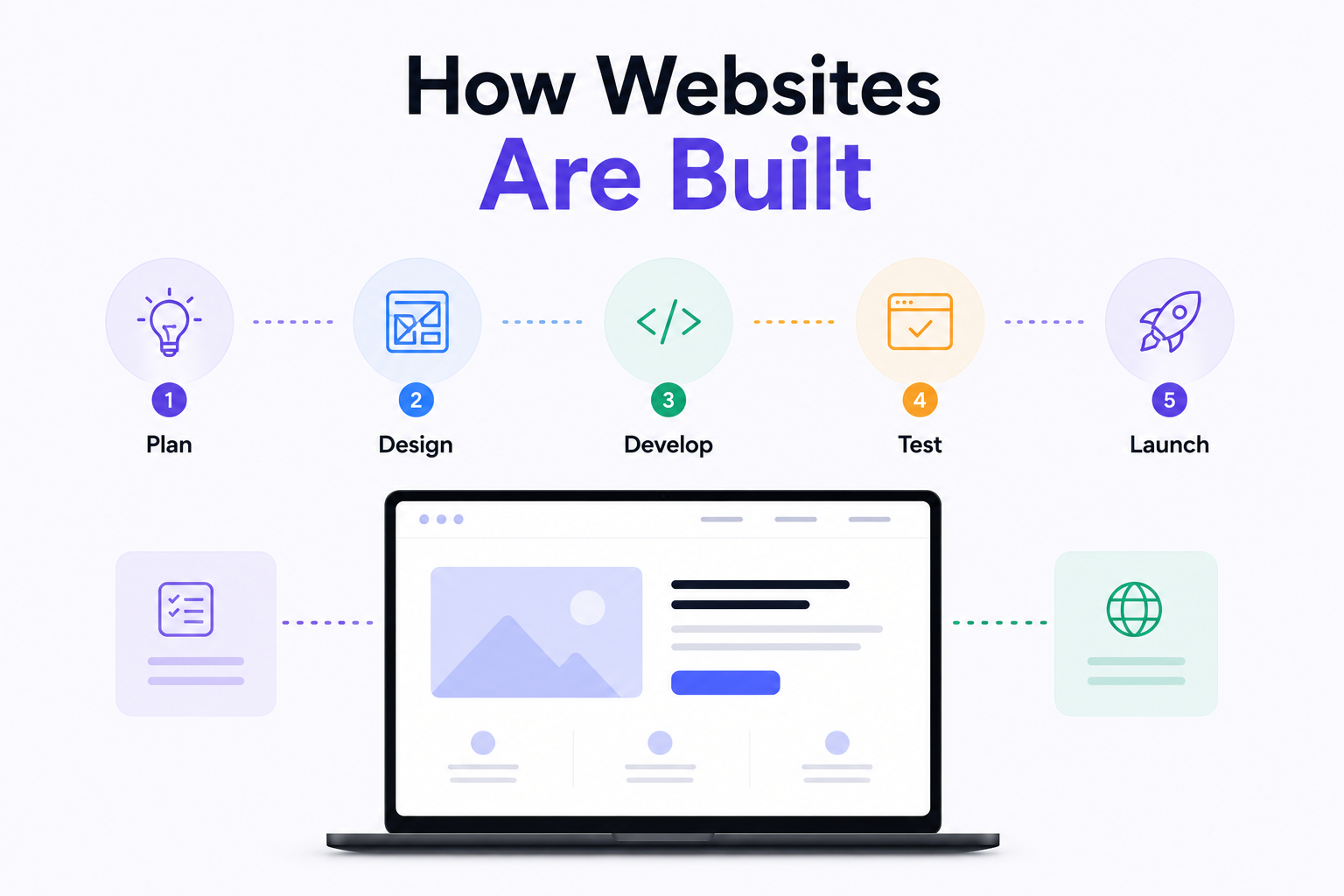
How Are Modern Websites Built in 2026?
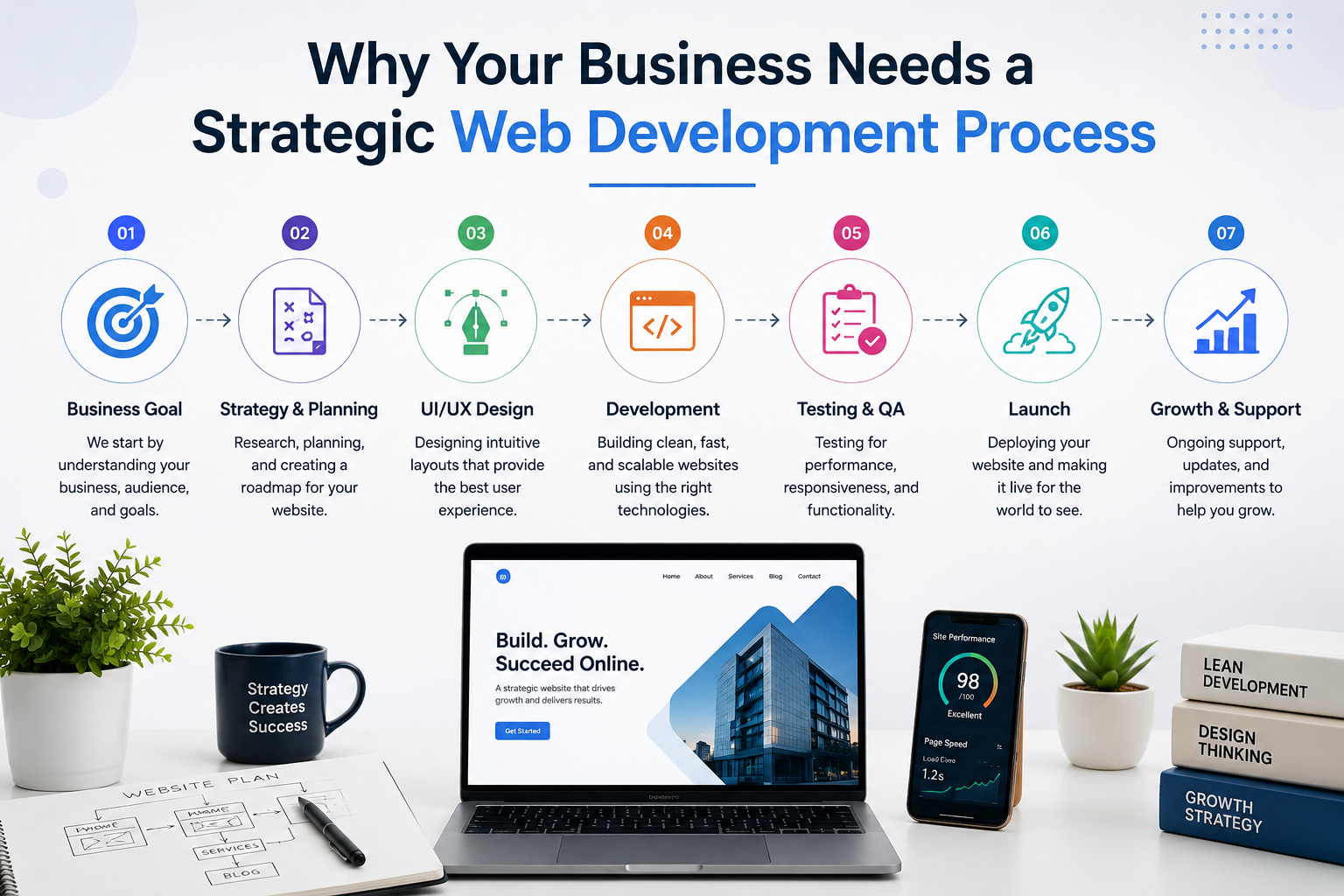
Website Development Process & Life Cycle : Complete Guide
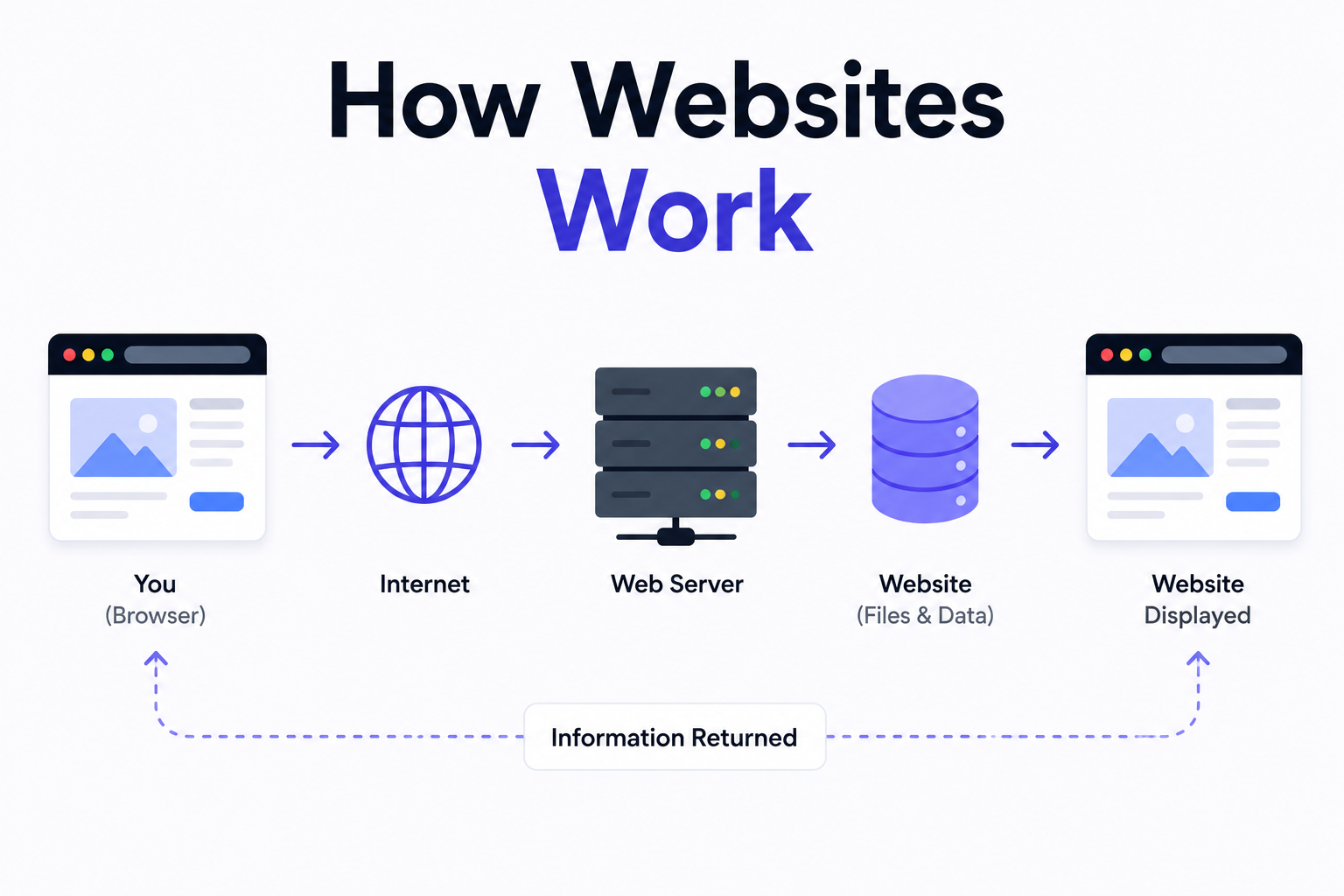
How Websites Work: DNS, Servers, Browsers
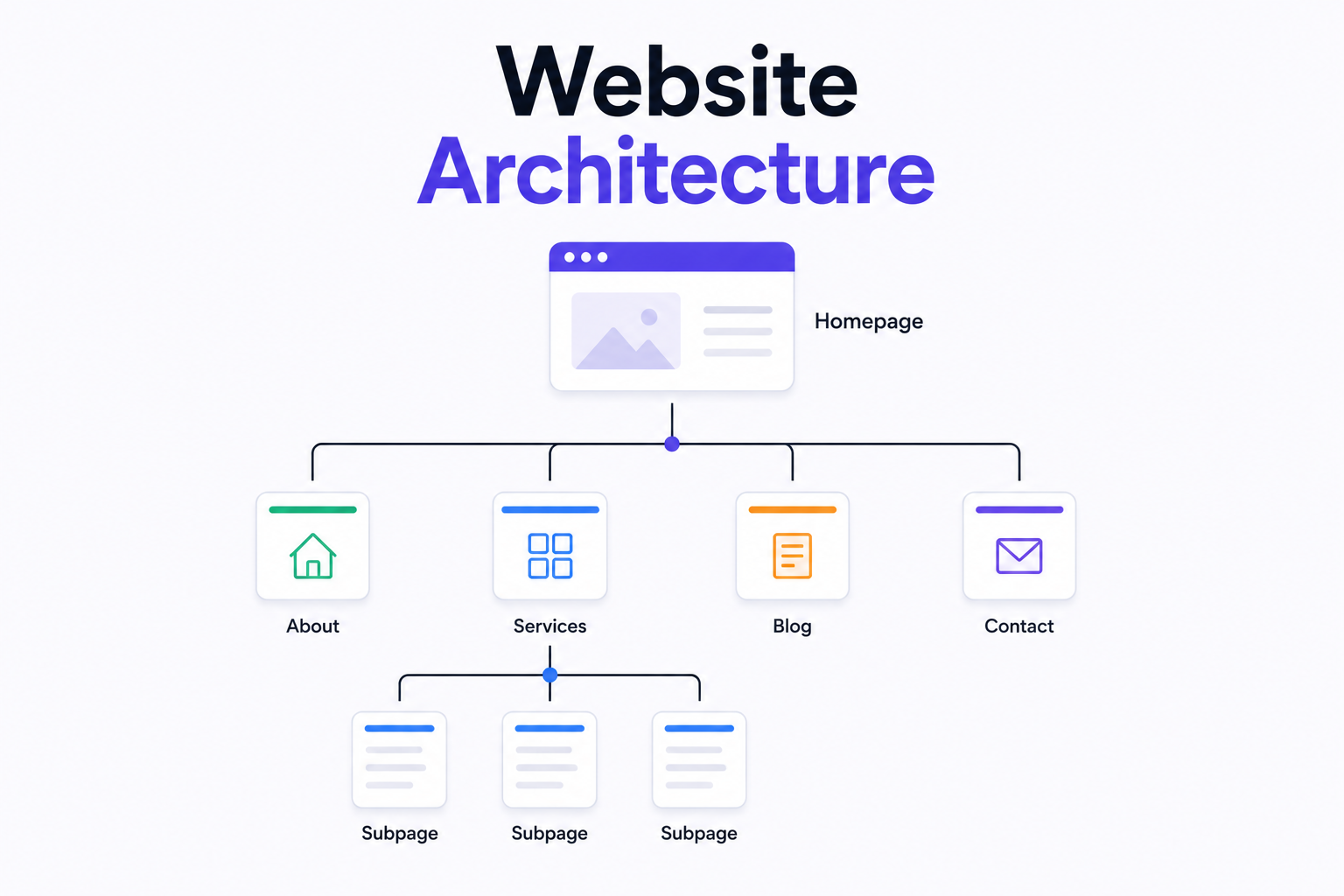
What is Website Architecture? Best Practices