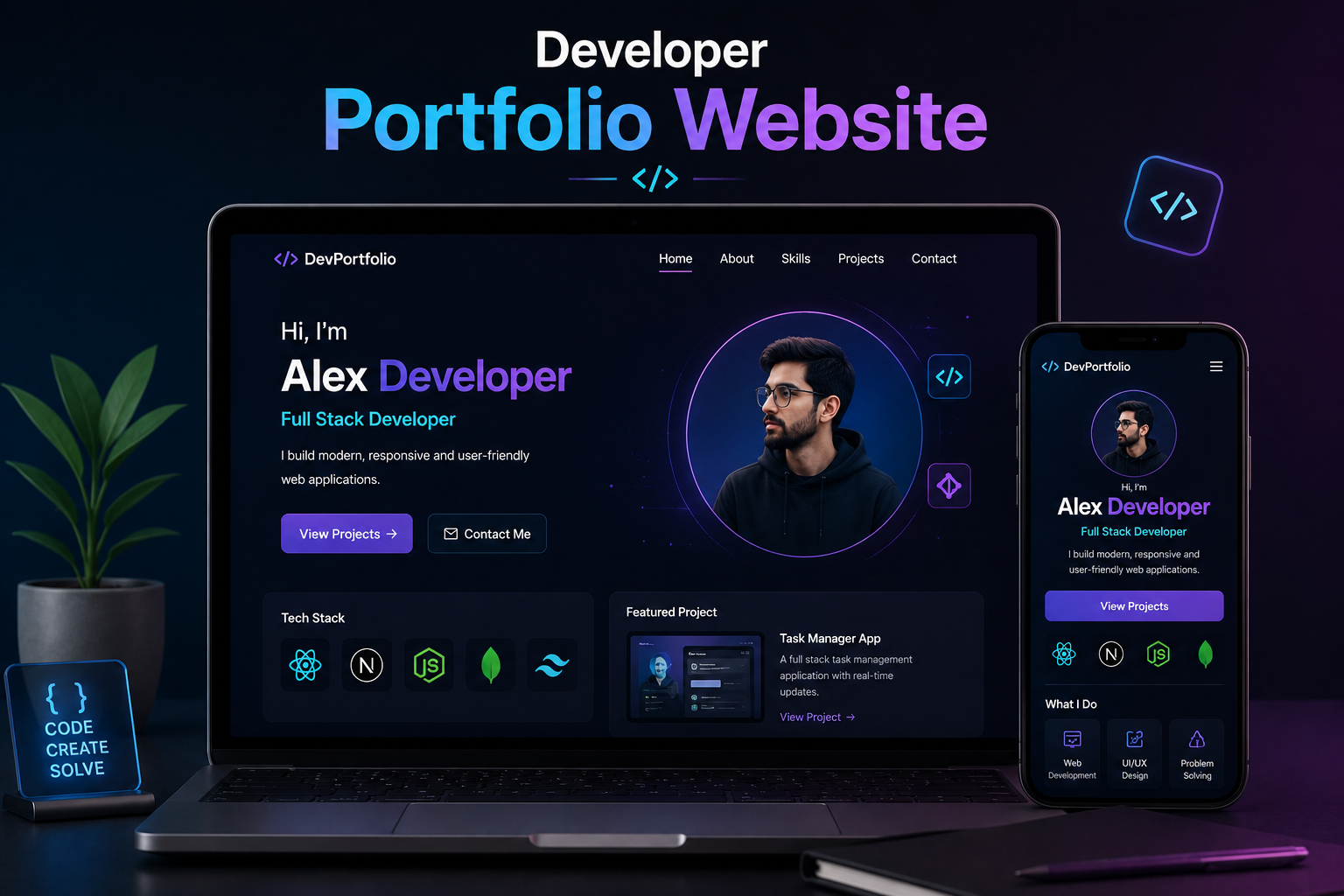
A software developer's portfolio website is one of the most consequential pages they will ever build. It is the first thing a hiring manager checks after reading a CV, the first thing a potential client opens before scheduling a call, and often the deciding factor between two otherwise equal candidates. Despite this, most developers either skip building one entirely or throw something together on a template platform that communicates nothing distinctive about how they actually think and work.
This guide covers the full process of creating a portfolio website that does real work for your career — from deciding what to include and how to structure it, to choosing a tech stack that signals your skills, to deploying and maintaining it over time. The goal is a portfolio that reads like a confident, specific argument for hiring you rather than a generic checklist of technologies you have touched.
Why a Developer Portfolio Website Still Matters
GitHub profiles are valuable but not sufficient on their own. A repository shows code; it does not tell a story about why a project was built, what decisions were made under constraint, or what outcome it produced. LinkedIn has become saturated to the point where standing out on the platform alone is increasingly difficult. A personal portfolio website gives you a space you fully control, where the narrative is exactly what you want it to be and the design reflects your own judgment.
Recruiters at companies like Stripe, Linear, and Vercel have publicly stated that a thoughtfully built personal site is a significant positive signal, particularly for frontend and full-stack roles where the portfolio itself is a demonstration of the candidate's skills. A developer who can build an elegant, fast, accessible personal website is showing rather than telling. That distinction carries real weight in a hiring process.
For freelancers and independent consultants, the stakes are even higher. A portfolio website is the primary conversion tool in your business. Clients who find you through a recommendation or search need somewhere to validate your credibility quickly. A well-constructed portfolio with clear project case studies, a defined service offering, and a straightforward contact path converts that initial interest into an actual inquiry far more effectively than a LinkedIn profile ever will.
How to Create a Software Developer Portfolio: Step-by-Step
The sections below go deep on each part of building a developer portfolio. Here's the sequence they fit into, for anyone who wants the roadmap first.
Step 1: Decide what you're optimizing for. A portfolio built to get hired reads differently from one built to win freelance clients. Before writing a word of copy, decide which audience — hiring managers, potential clients, or both — the site needs to convince, since this shapes the hero headline, the tone of the case studies, and whether a services or pricing section belongs on the page at all.
Step 2: Select three to five projects worth featuring. Pull from your strongest, most defensible work, using the criteria covered later in this guide's FAQ. Weak or unfinished projects should be cut now, before any content is written around them.
Step 3: Choose your tech stack. Match the stack to the signal you want to send, using the comparison table further down this guide. For most frontend and full-stack developers, Next.js with TypeScript and Tailwind CSS is the strongest default choice covered in detail below.
Step 4: Write the core page content. Draft the hero section, the project case studies, the skills section, and the about section in that order, following the structure and specificity guidance in the next section of this guide. Write the about section like a person, not a CV.
Step 5: Design with restraint. Apply the typography, spacing, and color guidance covered later in this guide rather than defaulting to a template. A small number of deliberate design decisions consistently outperforms an elaborate but unfocused layout.
Step 6: Build in SEO from the start. Give every project its own URL with a unique meta title and description targeting the specific technologies involved, as covered in this guide's SEO section, rather than retrofitting this after launch.
Step 7: Test performance and accessibility before launch. Run a Lighthouse audit and target 95 or above across performance, accessibility, and SEO, using the target table later in this guide to identify and fix common failure points.
Step 8: Deploy and connect your domain. Vercel is the natural choice for a Next.js portfolio, covered in full in the deployment section below, and takes minutes from a GitHub repository to a live custom domain.
Step 9: Set a recurring maintenance schedule. Put a quarterly reminder in place to update projects, refresh the skills section, and check that every external link still resolves, as covered at the end of this guide — a stale portfolio actively damages the impression a strong one creates.
What to Include in a Software Developer Portfolio
The most common mistake developers make with their portfolios is trying to include everything. A portfolio is an editorial exercise. The goal is not comprehensiveness — it is clarity about who you are and what you do well. Every section should answer a specific question the visitor is asking.
The Hero Section
The hero section is the first thing a visitor sees, and it needs to answer three questions immediately: who you are, what you do, and who you do it for. "I'm a full-stack developer" tells the visitor almost nothing. "I build fast, accessible web applications for early-stage SaaS companies" tells them whether they are in the right place. Specificity in the hero headline does more for your portfolio's effectiveness than almost anything else on the page.
A professional photo or a well-designed illustration adds credibility and personality. Visitors are more likely to reach out to a person they can picture than to a name floating above a list of technologies. The hero should also include a clear primary call to action — either to view your work or to contact you directly.
Project Case Studies
Projects are the core of any developer portfolio, but most developers present them poorly. A screenshot and a list of technologies is not a case study. A compelling project entry explains what the project was, what problem it solved, what technical decisions were made and why, what your specific contribution was if it was a team project, and what the outcome was. That narrative structure is what separates a portfolio that impresses from one that gets skimmed and closed.
Three to five strong, well-documented projects outperform ten shallow ones every time. Quality signals judgment. If every project on your portfolio is presented with equal depth and care, the visitor concludes that you care about your work. If the portfolio is a long list of half-described side projects, the signal is the opposite.
Skills and Technology Section
A skills section that lists forty logos is visually cluttered and informationally useless. Better to organize your skills by category — frontend, backend, databases, DevOps, tools — and indicate your actual proficiency level honestly. Technologies you have used in production are fundamentally different from ones you have followed a tutorial on, and the distinction matters to anyone evaluating you seriously.
If your stack has a clear focus, let that come through. A developer who is clearly a React specialist with strong TypeScript skills is more hireable for a React-heavy role than one whose portfolio suggests they have dabbled in every framework available. Positioning yourself as a specialist, even if you are capable of more, converts better than presenting as a generalist.
About Section
The about section is where personality and context live. It should explain your background — how you got into development, what kinds of problems you find most interesting, what you care about in the work. It should not be a recitation of your CV. Hiring managers and clients are reading this section to decide whether they want to work with you, not just whether you are qualified. Write it like a person, not a LinkedIn summary.
Contact and Social Proof
A contact form or clear email address is non-negotiable. Many portfolio sites bury or omit contact information, which is a conversion-killing oversight. Links to your GitHub, LinkedIn, and any published writing or technical talks round out the picture. If you have testimonials from past clients or colleagues, a short testimonials section adds significant credibility, particularly for freelancers.
Choosing the Right Tech Stack for Your Portfolio
The technology you use to build your portfolio is itself a signal. A backend developer who builds their portfolio in vanilla HTML and CSS is demonstrating minimalism and fundamentals. A frontend developer who uses Next.js with custom animations, smooth page transitions, and excellent Lighthouse scores is demonstrating exactly the skills they claim to have. The stack choice should be a deliberate communication, not an accident.
Platform vs Custom Build
Platforms like Webflow, Squarespace, and Notion-based portfolio builders can produce attractive results quickly, but they carry a cost for developers specifically. If you are applying for development roles or pursuing development freelance work, using a no-code platform for your own portfolio raises an obvious question. Building your portfolio yourself, even if it takes longer, eliminates that question entirely and demonstrates practical ability in a way no resume line ever could.
The exception is if your work is purely backend — database architecture, DevOps, systems engineering — and the frontend has no bearing on the roles you are pursuing. In that case, using a simple template to present your backend work is entirely defensible. But for any developer whose work has a frontend dimension, building your own site is the stronger choice.
Stack Option Best For Signal Sent Effort Level HTML / CSS / Vanilla JS Junior devs, minimalists Strong fundamentals Low React + Vite Frontend-focused devs Component thinking, modern tooling Medium Next.js Full-stack devs, SEO-conscious Production-grade thinking, SEO awareness Medium Astro Performance-obsessed devs Speed focus, modern framework awareness Medium Webflow / No-Code Backend / DevOps engineers Weak signal for frontend roles Low
Why Next.js Is a Strong Portfolio Choice
Next.js has emerged as the default choice for serious developer portfolios for several reasons. Static generation means your pages load near-instantly from a CDN. Built-in image optimization handles responsive images without additional configuration. The file-based routing system keeps the project structure clean and understandable. And because Next.js is one of the most in-demand frameworks in the job market, building your portfolio in it is a direct demonstration of a commercially valued skill.
Paired with TypeScript for type safety and Tailwind CSS for styling, a Next.js portfolio sits firmly in the modern frontend mainstream. Deploying it to Vercel takes minutes, gives you a clean custom domain setup, and provides analytics and performance data out of the box. This stack requires no backend infrastructure to maintain, which matters when you want a portfolio that stays online and up to date without ongoing operational work.
Designing a Developer Portfolio That Looks Professional
Most developers are not designers, and that is fine — but it means design decisions need more conscious attention, not less. A portfolio with poor visual design undermines the impression that code quality creates. The good news is that a small set of well-applied design principles produces a clean, professional result without needing to be a designer.
Typography and Spacing
Typography is the single highest-leverage design decision on a portfolio site. Choosing one or two well-paired fonts from Google Fonts or a type foundry, setting generous line-height on body copy, and maintaining consistent typographic hierarchy across all headings levels produces a site that feels considered and readable. Inter, Plus Jakarta Sans, and DM Sans are all strong choices for technical portfolios because they are clean, highly legible at all sizes, and available for free.
Whitespace is equally important. Cramped portfolios signal inexperience with layout. Generous padding around sections, adequate line-height in paragraphs, and clear visual separation between content blocks all communicate that the developer understands how visual information is consumed.
Color Schemes for Developer Portfolios
Dark themes have become common in developer portfolios and are appropriate for the audience — developers spend significant time in dark IDEs and terminals, and a dark portfolio feels native to that context. Light themes are equally valid and can feel more distinctive now that dark mode has become the default expectation. The important thing is consistency and contrast: body text must be readable against the background at a WCAG AA compliance level minimum, and accent colors should be used deliberately rather than scattered throughout.
Performance as a Design Requirement
A developer portfolio that scores poorly on Google Lighthouse is a self-defeating artifact. Performance, accessibility, and SEO scores are visible to anyone who checks them, and for a developer claiming frontend expertise, poor scores are actively damaging. Targeting a Lighthouse score of 95 or above across all categories is a realistic and worthwhile goal for a portfolio site. It requires attention to image optimization, avoiding render-blocking resources, writing semantic HTML, and testing keyboard navigation — all of which are good practices to demonstrate regardless.
Lighthouse Category Target Score Common Failure Points Quick Wins Performance 95+ Unoptimized images, large JS bundles Next.js Image component, lazy loading Accessibility 95+ Missing alt text, low contrast ratios Semantic HTML, ARIA labels, contrast checker Best Practices 100 Console errors, deprecated APIs Clean console, updated dependencies SEO 100 Missing meta tags, no canonical URL next/head meta setup, robots.txt
Structuring Your Portfolio for SEO
Most developer portfolios are invisible to search engines because they are built as single-page applications with no meta tags, no structured content, and no indexable text beyond a hero headline. This is a missed opportunity. A developer who optimizes their portfolio for search can receive consistent inbound traffic from recruiters and clients searching for specific skills in specific locations.
Each project page should have its own URL and its own meta title and description targeting the technologies involved. A case study page about a React e-commerce project can rank for queries like "React e-commerce developer" or "Next.js Shopify developer" if the content is written with those terms present in meaningful context. This is not about keyword stuffing — it is about writing clearly and specifically about the technical work you did.
A blog or writing section accelerates this significantly. Publishing technical articles, tutorials, or project retrospectives creates indexable content that brings in long-tail search traffic and demonstrates communication ability — a quality that is genuinely valued in senior engineering roles and client relationships. Developers who write about their work consistently build an audience over time that no amount of LinkedIn activity can replicate.
Deploying and Maintaining Your Portfolio
Deployment for a Next.js portfolio is straightforward. Vercel is the natural first choice — it is the company behind Next.js, deploys from a GitHub repository in minutes, handles SSL certificates automatically, and provides preview deployments for every pull request. Custom domains can be connected at no additional cost beyond the domain registration itself. Netlify and Cloudflare Pages are strong alternatives with comparable feature sets.
Maintenance is the part most developers neglect. A portfolio that still lists technologies from three years ago, links to projects that no longer exist, or has broken contact forms sends a negative signal about attention to detail. Setting a recurring reminder — quarterly at minimum — to review and update project descriptions, add new work, refresh the skills section, and verify all external links still work is a small discipline that keeps the portfolio current without requiring constant attention.
Analytics on your portfolio tell you which projects are being viewed, where visitors are coming from, and whether people are reaching the contact section. Plausible and Fathom are privacy-respecting analytics tools that provide this data without the complexity of Google Analytics, and they are appropriate for a personal site where you do not need advanced segmentation.
Common Portfolio Mistakes to Avoid
Several patterns consistently make developer portfolios less effective than they could be. Avoiding them is as important as getting the positive elements right.
Including projects that are unfinished, broken, or that you are not proud of. If a project is not good enough to show confidently, it should not be on the portfolio.
Using a template that looks identical to hundreds of other developer portfolios. If a hiring manager has seen the same template three times in one day, yours will not register.
Writing an about section in third person. It reads as impersonal and slightly odd for a personal website.
Listing every technology you have ever briefly used without indicating proficiency level or context.
Making the contact section hard to find or requiring multiple steps to reach. Any friction in the contact process directly reduces conversions.
Not having a mobile-optimized layout. Recruiters and clients regularly check portfolios on their phones, and a portfolio that breaks at mobile viewport widths is immediately disqualifying.
Forgetting to add a favicon, Open Graph image, and proper meta tags. These details are visible signals of care and technical attention.
Related Services
If you want professional help building or designing a developer portfolio that genuinely represents your work, the following Munix Studio services are directly relevant:
Website Development — Custom portfolio website development built with Next.js, optimized for performance, accessibility, and search visibility from the ground up.
UI/UX Design — Portfolio interface design that communicates credibility, structures your work clearly, and creates a reading experience that keeps visitors engaged through to the contact section.
SEO Optimization — On-page SEO setup for developer portfolios including meta tag configuration, structured data, sitemap generation, and keyword targeting for skill-specific search queries.
Graphic and Branding — Personal brand identity development including logo, color palette, and typography system for developers who want a consistent visual identity across their portfolio and professional presence.
Maintenance and Support — Ongoing portfolio updates, content additions, and technical maintenance so your site stays current as your career and skills develop.
Frequently Asked Questions
Ready to Get Started?
Website Development
Custom developer portfolio websites built with Next.js — fast, accessible, and optimized for the search queries recruiters and clients actually use.
Explore Website DevelopmentUI/UX Design
Portfolio interface design that structures your work with clarity and hierarchy, keeping visitors engaged through to the contact section.
Explore UI/UX DesignSEO Optimization
On-page SEO configuration for developer portfolios — meta tags, structured data, sitemaps, and skill-specific keyword targeting to drive inbound traffic.
Explore SEO OptimizationGraphic and Branding
Personal brand identity for developers including logo, color system, and typography that carries consistently across your portfolio and professional presence.
Explore Graphic and BrandingMaintenance and Support
Ongoing portfolio updates and technical maintenance to keep your site current, functional, and accurately reflecting your skills as your career grows.
Explore Maintenance and SupportRelated Articles
What is Website Development? The Complete Guide for Beginners
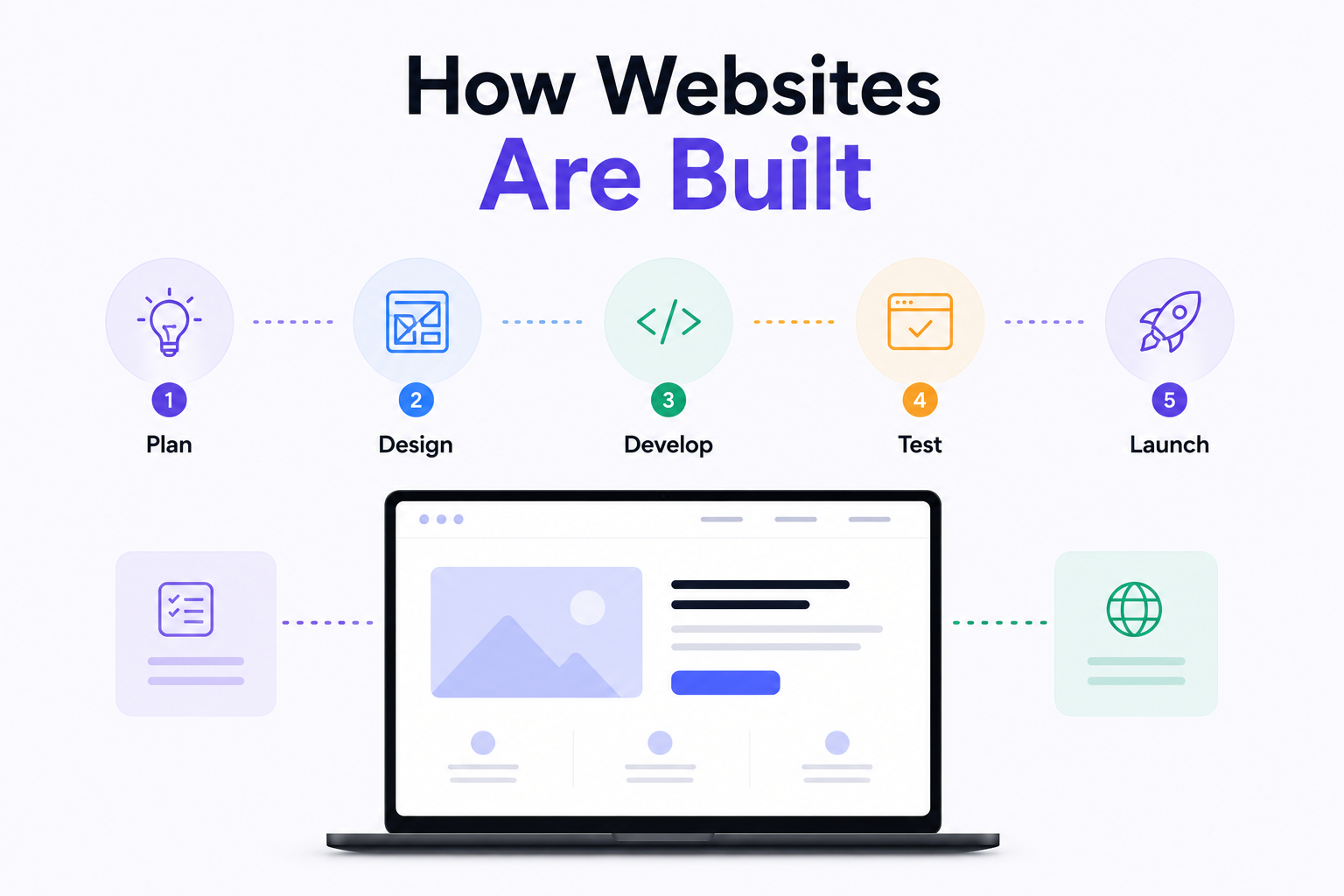
How Are Modern Websites Built in 2026?

Website Development Process & Life Cycle : Complete Guide
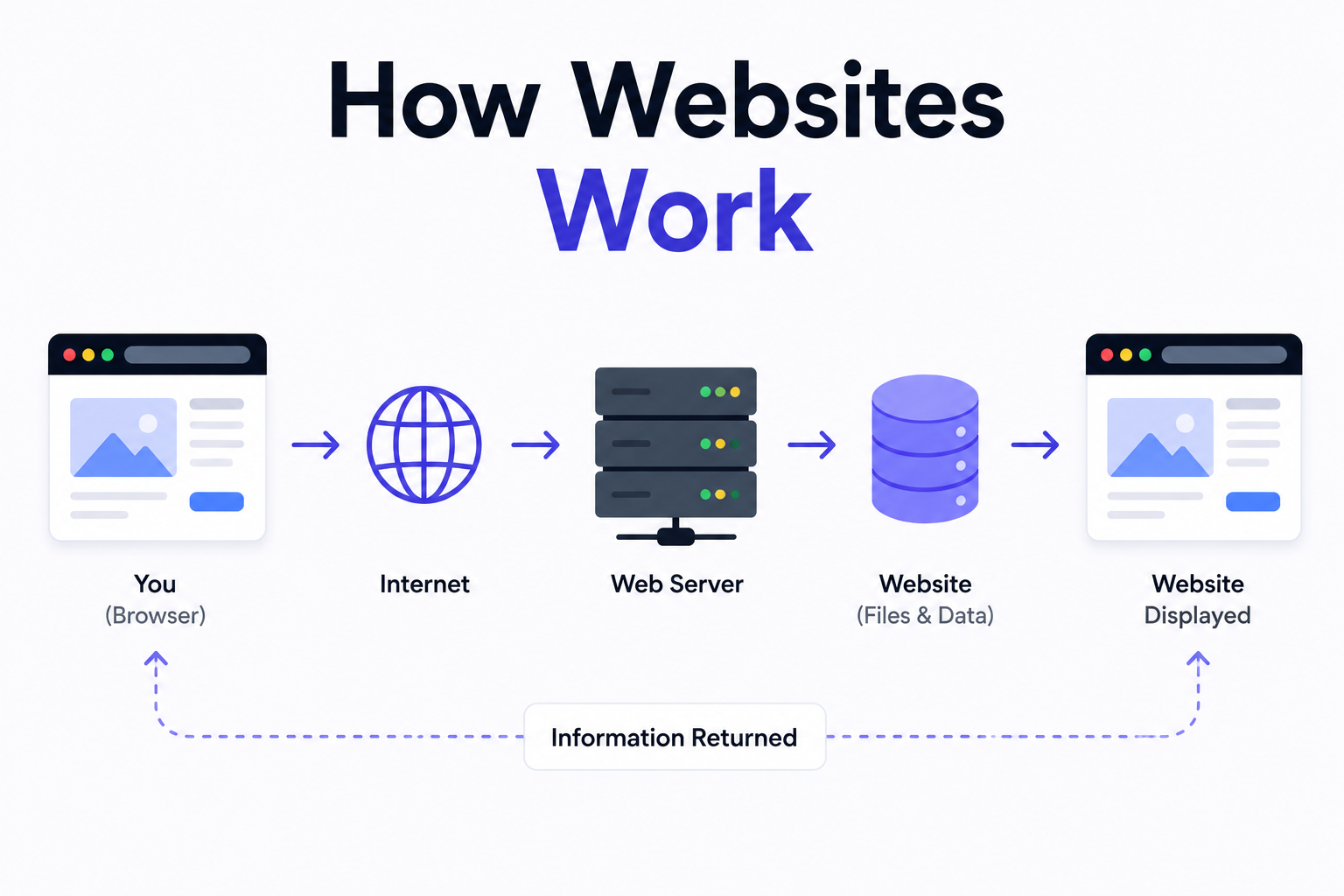
How Websites Work: DNS, Servers, Browsers
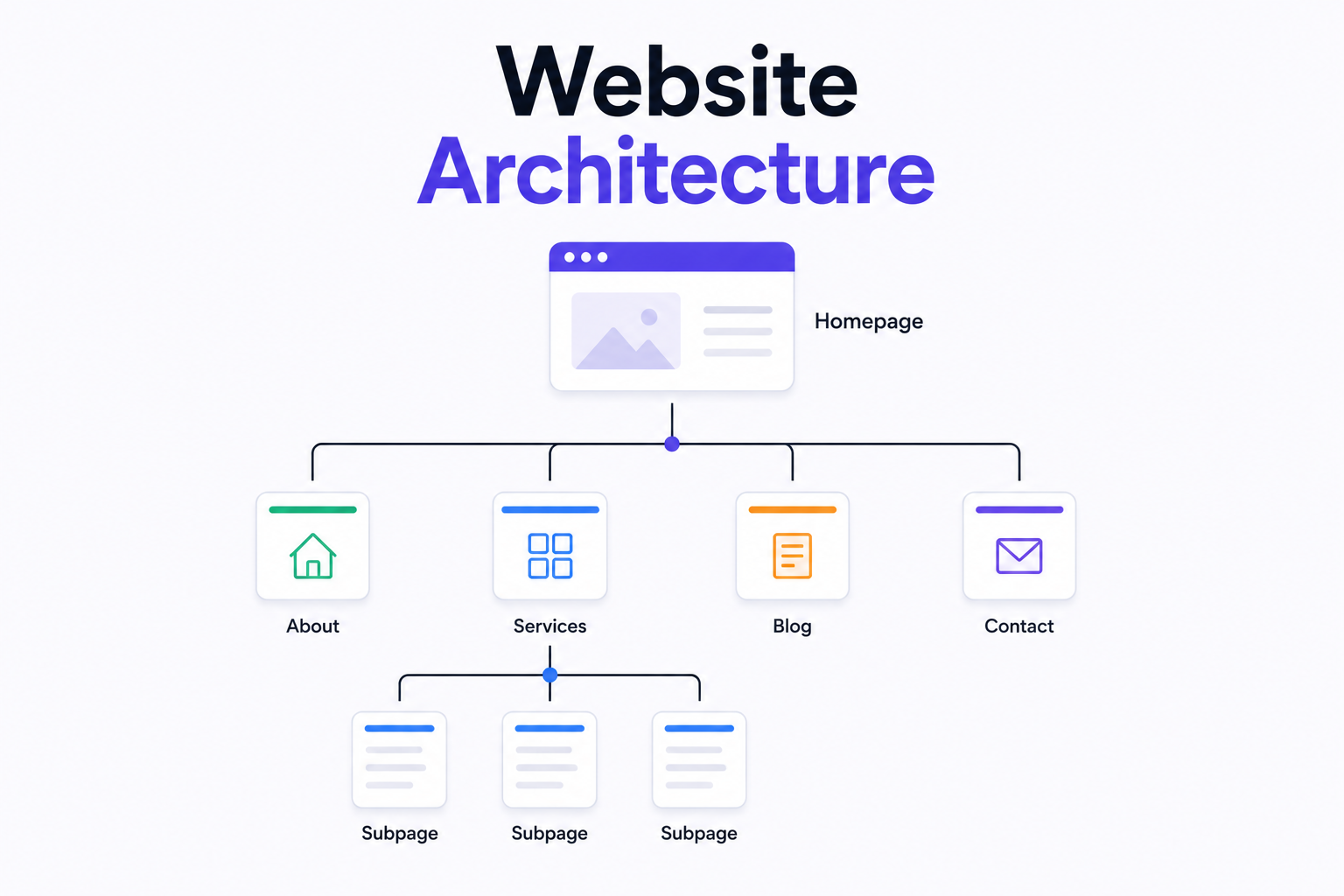
What is Website Architecture? Best Practices