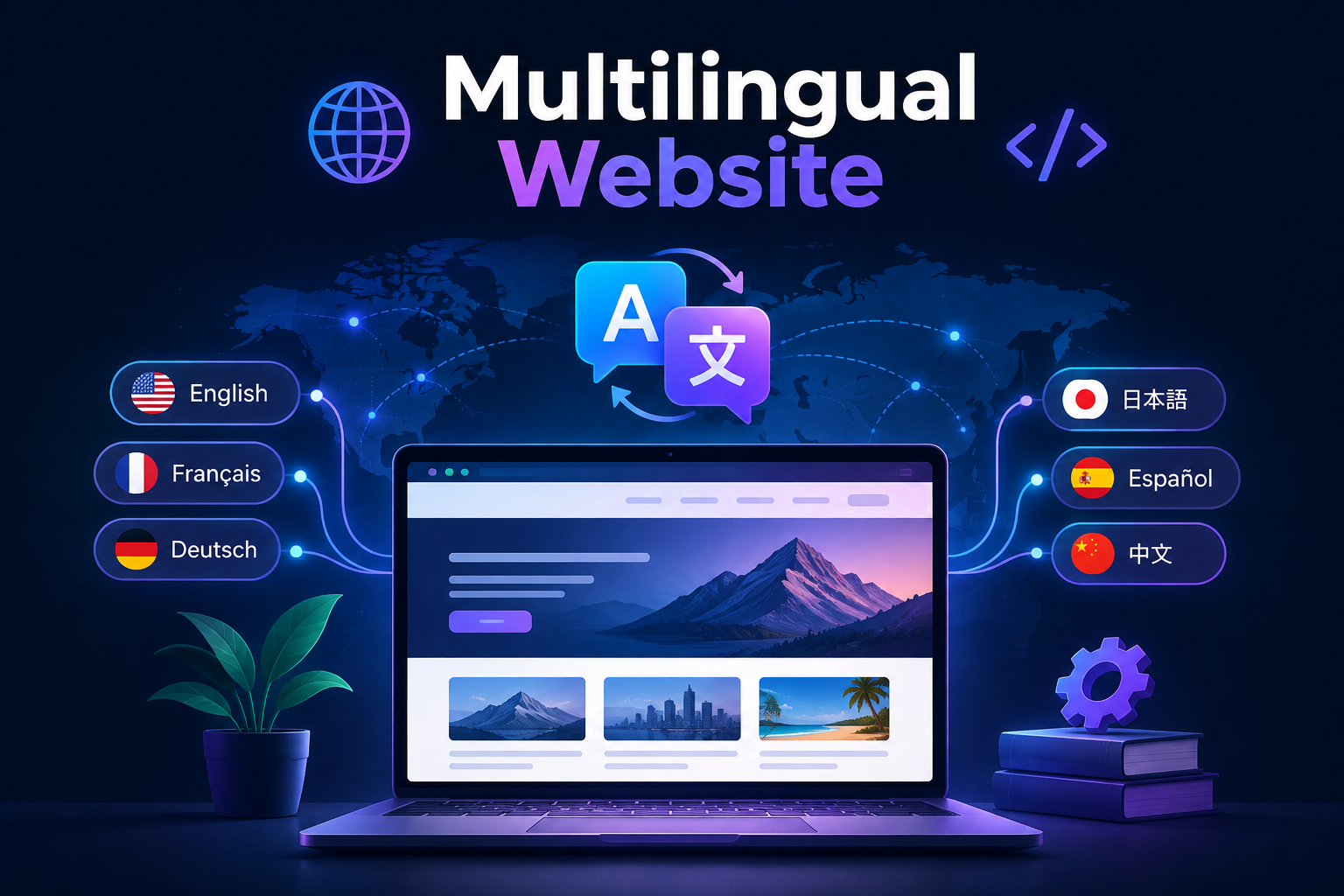
Why a Multilingual Website Is a Strategic Business Decision
English accounts for roughly a quarter of internet content, which means the other three quarters is written in languages that a monolingual English website cannot reach. Businesses that serve or want to serve audiences in multiple countries, or that operate in markets where multiple languages are spoken, leave a significant proportion of their potential audience unreachable if their website exists in one language only.
A multilingual website is not simply a translated version of an existing site. It is a deliberately architected digital presence that serves each language audience with content in their language, URLs structured for their locale, and search engine signals that direct them to the correct version of every page. Done correctly, a multilingual website multiplies organic search visibility across multiple markets simultaneously, improves conversion rates by serving each audience in the language they think and buy in, and demonstrates the kind of commitment to a market that builds lasting commercial relationships.
Done incorrectly, it creates duplicate content penalties, confuses search engines about which version of a page to rank in which market, and delivers a fractured user experience that undermines the credibility it was meant to build. This guide covers every technical and strategic decision involved in building a multilingual website that works correctly from day one.
Step 1: Decide on Your URL Structure
The URL structure of a multilingual website is the most consequential architectural decision in the entire project. It determines how search engines identify and index each language version, how link equity is distributed across locales, and how easily the application routing can be managed as the site grows. There are three primary URL structures used for multilingual websites, each with distinct trade-offs.
Structure Example SEO Strength Complexity Subdirectory site.com/fr/page Strong — shares root domain authority Low Subdomain fr.site.com/page Moderate — treated as separate site Medium ccTLD site.fr/page Strongest local signal, highest cost High
For most businesses building a multilingual website, the subdirectory approach is the recommended starting point. It keeps all language versions under the same root domain, which means every backlink and every piece of domain authority the site accumulates benefits all language versions simultaneously rather than being split across separate domains or treated as separate sites. It is also significantly simpler to implement and manage within a single Next.js application than either of the alternatives.
Country code top-level domains such as site.fr or site.de are the strongest local ranking signal available and are the right choice for businesses that are fully committed to a specific national market and want the maximum local SEO advantage. The operational cost is higher because each ccTLD is a separate domain that needs to be registered, hosted, deployed, and maintained independently, with its own backlink profile built from scratch.
Step 2: Implement Internationalisation Routing in Next.js
Next.js has built-in internationalisation support that handles locale-based routing natively. Configuring the supported locales and default locale in next.config.js tells the framework which language prefixes are valid URL segments and which locale to serve when no prefix is present. The router then makes the active locale available to every page component and API route, which the application uses to determine which translation to load and which content to render.
For the App Router introduced in Next.js 13 and beyond, locale routing is typically implemented through a [locale] dynamic segment at the root of the app directory. All routes are nested within this segment, which gives every page access to the active locale as a route parameter. A middleware function intercepts incoming requests, detects the user's preferred locale from the Accept-Language header or a stored preference, and redirects to the appropriate locale prefix if the URL does not already contain one.
next.config.js — basic i18n configuration
module.exports = {
  i18n: {
    locales: ['en', 'fr', 'de', 'ar'],
    defaultLocale: 'en',
    localeDetection: true,
  },
}
For applications using the App Router, the recommended approach is to use a dedicated i18n library such as next-intl or next-i18next to manage translation loading, namespace organisation, and locale detection. These libraries abstract the boilerplate of locale-aware data fetching and translation interpolation into a clean API that scales well as the number of languages and translation strings grows.
Multilingual Website Builders: No-Code Alternatives to Custom Development
The Next.js implementation described above is the right choice for a business investing in a serious, scalable multilingual presence with full control over routing, translation architecture, and hreflang generation. It is not the right starting point for every business, particularly smaller organisations or those testing a new market before committing to custom development.
For a WordPress site, three plugins handle multilingual functionality at varying levels of depth. WPML is the most established and full-featured, handling translation management, hreflang generation, and even multilingual e-commerce through WooCommerce integration, at the cost of a paid license and some added complexity. Polylang covers the same core need — separate content per language, correct hreflang output, a language switcher — with a lighter footprint and a capable free tier, making it the more common choice for smaller sites. TranslatePress takes a different approach, allowing translation directly on the live front end of the site through a visual interface, which suits teams without technical staff comfortable editing content through a traditional admin panel.
Weglot works differently from all three: rather than requiring a specific CMS, it functions as an overlay that automatically detects and translates existing page content, then serves each language on its own subdirectory or subdomain with correct hreflang tags generated automatically. This makes it usable on a WordPress site, a Wix site, a Squarespace site, or a static HTML site alike, at the cost of the plugin's ongoing subscription fee and less granular control over translation quality than a dedicated translator working in WPML or Polylang would provide.
Wix has built-in multilingual support (Wix Multilingual) that handles routing and a language switcher natively, making it a reasonable choice for a simple business site. Squarespace has no native multilingual feature and relies entirely on third-party tools like Weglot, which is a meaningful limitation worth knowing before committing to the platform for a multilingual project.
As with any builder-versus-custom decision, the honest guidance is to match the tool to the actual scale of the project. WordPress with WPML or Polylang migrates reasonably well into a custom build later if the site outgrows it, since the underlying content remains portable. Wix, and especially a Squarespace-plus-Weglot setup, are better suited to businesses that expect to stay on that platform long-term, since neither offers a clean migration path if the project later needs the fuller control a custom Next.js implementation provides.
Building a Multilingual Website Without a Framework: HTML and PHP
Not every multilingual website is built on Next.js, and the core principles covered throughout this guide — clear URL structure, correct hreflang implementation, proper translation rather than literal conversion — apply regardless of the underlying technology.
For a static HTML site, the most common approach is a folder-per-language structure mirroring the subdirectory URL pattern recommended in Step 1: /en/index.html, /fr/index.html, /de/index.html, each a fully separate HTML file with its own translated content. Hreflang tags are added manually to the <head> of every page, in exactly the format shown in Step 5, referencing every language version of that specific page. This approach has no build step and no framework dependency, which makes it simple to reason about, but it means every content update has to be made manually across every language file, with no shared templating to keep them in sync — a real maintenance cost as the site grows past a handful of pages.
For a PHP-based site, the standard approach uses either a query parameter or a URL segment to determine the active language, then loads the corresponding translation file. A simple implementation stores translated strings in language-specific PHP arrays or JSON files, and a small helper function retrieves the correct string based on the detected locale, similar in spirit to the JSON translation namespace approach described in Step 3, but resolved server-side on each PHP request rather than through a JavaScript framework. PHP's built-in gettext extension offers a more robust version of the same idea for larger sites, using standard .po and .mo translation files that integrate with professional translation tools. For PHP sites built on a framework rather than vanilla PHP, Laravel's built-in localization system and Symfony's Translation component both provide this same functionality natively, with routing and translation file management handled by the framework rather than built by hand.
Whichever approach is used, the SEO fundamentals from Steps 1 and 5 do not change: each language needs its own URL, and every page needs correct hreflang tags pointing to every other language version. The Next.js-specific implementation details in this guide are one way to achieve that outcome — not the only way, and not a requirement for a multilingual website to rank and perform correctly.
Step 3: Structure Your Translation Files
Translation content needs to be organised in a way that is maintainable as the number of languages and pages grows. Storing all translations for all languages in a single file becomes unmanageable quickly. The standard approach is to organise translations into namespaces that correspond to sections or features of the application, with a separate file per namespace per language.
Recommended translation file structure
/messages
  /en
    common.json
    navigation.json
    homepage.json
    services.json
  /fr
    common.json
    navigation.json
    homepage.json
    services.json
  /de
    common.json
    navigation.json
    homepage.json
    services.json
Each JSON file contains key-value pairs where the keys are stable identifiers used in the application code and the values are the translated strings for that language. Keys should be descriptive and organised hierarchically to make the translation files self-documenting and easy for translators to work with.
Example translation file structure (en/homepage.json)
{
  "hero": {
    "headline": "We Build Websites That Grow Your Business",
    "subheadline": "Custom web development for ambitious companies",
    "cta": "Start a Project"
  },
  "services": {
    "title": "What We Build",
    "web_development": "Website Development",
    "app_development": "App Development",
    "ui_ux_design": "UI/UX Design"
  }
}
Step 4: Handle Right-to-Left Languages Correctly
If the multilingual website includes languages that are read right to left, such as Arabic, Hebrew, Persian, or Urdu, the layout and typographic system needs to adapt to that direction at the HTML level rather than through CSS workarounds applied selectively to individual elements. Setting the dir attribute on the root HTML element to rtl for right-to-left locales triggers the browser's built-in bidirectional text handling, which correctly mirrors layout direction, text alignment, and many CSS properties automatically.
Consideration LTR Languages RTL Languages HTML dir attribute dir="ltr" (default) dir="rtl" Text alignment Left by default Right by default Layout flow Left to right Right to left (mirrored) CSS margins/padding Use margin-left/right Use margin-inline-start/end Icons and arrows Point right for forward Point left for forward Font stack Latin font families Arabic/Hebrew font families Tailwind support Standard utilities RTL variant or logical properties
Using CSS logical properties throughout the codebase, such as margin-inline-start instead of margin-left and padding-inline-end instead of padding-right, means that layout adapts automatically when the document direction changes without requiring separate RTL-specific stylesheets. This is the modern approach to building layouts that support both LTR and RTL languages from a single codebase.
Step 5: Implement Hreflang Tags for International SEO
Hreflang tags are the HTML signals that tell search engines which language version of a page to serve to users in which language and region. Without hreflang tags, search engines may serve the wrong language version of a page to users in a given market, or treat the different language versions as duplicate content and penalise the site accordingly. Implementing hreflang correctly is the most important SEO configuration task on a multilingual website.
Each page on the multilingual website should include a set of hreflang link elements in the <head> that reference every language version of that page, including the page itself. Every hreflang set must also include an x-default entry that tells search engines which version to serve when no locale-specific version is available for the user's language or region.
Hreflang implementation example
<link rel="alternate" hreflang="en" href="https://site.com/en/services" />
<link rel="alternate" hreflang="fr" href="https://site.com/fr/services" />
<link rel="alternate" hreflang="de" href="https://site.com/de/services" />
<link rel="alternate" hreflang="ar" href="https://site.com/ar/services" />
<link rel="alternate" hreflang="x-default" href="https://site.com/en/services" />
In a Next.js application, hreflang tags should be generated dynamically in the page metadata rather than hardcoded, so that every page automatically includes the correct set of hreflang references for all supported locales without requiring manual maintenance as new pages are added. The Next.js generateMetadata function in the App Router provides the correct mechanism for generating locale-aware head content at the page level.
Step 6: Translate Content Properly — Not Just Literally
The quality of the translation is the most visible aspect of a multilingual website to the audience it is meant to serve. Machine translation has improved dramatically and is a useful tool for generating first drafts at scale, but publishing unreviewed machine-translated content directly to a multilingual website produces results that native speakers immediately identify as inauthentic, which undermines the credibility the localisation effort was meant to build.
Effective localisation goes beyond literal translation and considers how the content needs to be adapted for each cultural context. Idiomatic expressions, humour, cultural references, and units of measurement that make perfect sense in one language often do not translate naturally into another. A marketing headline that is compelling in English may be flat or confusing in French if translated word for word. The investment in professional translators or native-speaker reviewers for customer-facing content is one of the most commercially significant decisions in a multilingual website project.
Content Type Recommended Approach Priority Homepage and hero copy Professional human translation Critical Service and product pages Professional human translation Critical UI strings and navigation Machine + native speaker review High Blog and editorial content Machine + professional edit High Legal and compliance pages Professional legal translator Critical Error messages and system text Machine translation acceptable Medium Meta titles and descriptions Human with keyword research per locale Critical for SEO
Step 7: Conduct Keyword Research Per Language
One of the most common and costly mistakes in multilingual SEO is translating the English keyword strategy directly into other languages rather than conducting fresh keyword research for each target locale. The way people search for the same concept varies significantly across languages and markets. A direct translation of an English keyword may have no meaningful search volume in the target language, while the phrase that native speakers actually use to search for that concept may be entirely different.
Keyword research for each language version of the site should be conducted using tools that provide search volume data for the specific country and language being targeted, not just global data. The target keywords for each locale should then inform the translated page titles, headings, meta descriptions, and on-page content rather than simply translating the English versions that were optimised for a different search market.
Step 8: Localise More Than Just the Language
A truly effective multilingual website adapts more than just the language of its content. Full localisation addresses the full set of regional variations that affect how a page is experienced by a local audience. Overlooking these details signals to users that the localisation was not done with genuine attention to their market, which reduces the trust and conversion benefit that localisation is meant to deliver.
Currency and pricing — Display prices in the local currency with the correct symbol and formatting conventions for that market. Showing prices in US dollars to a French audience signals that the site was not built with them in mind.
Date and time formats — Date formats vary significantly across locales. The format 04/05/2025 means the fourth of May in the UK and the fifth of April in the US. Use the
Intl.DateTimeFormatAPI to format dates according to the active locale rather than hardcoding a single format across all versions.Phone number formats — Contact numbers should be displayed in the format familiar to the local audience, with the appropriate country dialling code included for international versions.
Legal and compliance content — Privacy policies, terms of service, and cookie consent requirements vary by jurisdiction. Each locale may require its own compliant versions of these documents rather than a single translated version of the English text.
Imagery and cultural references — Photography and illustrations that feel relevant and relatable in one culture may feel generic or even inappropriate in another. Localising key imagery for each market is not always possible but is worth considering for the highest-traffic pages.
Step 9: Manage Translations With a CMS or TMS
As the site grows and the number of languages increases, managing translation files manually in a code repository becomes increasingly impractical. New content added in English needs to be tracked for translation into every other language. Outdated translations need to be identified when source content is updated. And translators need a workflow that does not require them to work directly in JSON files in a code editor.
A Translation Management System such as Lokalise, Phrase, or Crowdin integrates with the application codebase, allows translators to work in a purpose-built interface, tracks translation completion status across all languages and namespaces, and syncs updated translations back to the repository or directly to the application via API. For sites managed through a headless CMS, platforms like Sanity and Contentful have built-in localisation support that allows content editors to manage translations alongside the source content in a single editorial interface without requiring separate JSON file management.
Step 10: Test, Deploy, and Monitor Each Locale
Testing a multilingual website requires systematic coverage across every supported locale, not just the default language. Each locale needs to be verified for correct routing, complete translation coverage with no missing strings falling back to the source language unexpectedly, correct layout rendering for both LTR and RTL languages, correct hreflang implementation verified through Google Search Console, and correct locale detection behaviour for users arriving without an explicit locale in the URL.
After launch, monitoring should track organic search performance per locale separately, so that underperforming language versions can be identified and improved independently. Google Search Console allows filtering by country, which makes it straightforward to see how each locale is performing in its target market and where indexing, ranking, or click-through rate issues are concentrated. A multilingual website that is monitored and improved at the locale level compounds its international search visibility significantly faster than one treated as a single undifferentiated entity.
How We Work
At Munix Studio, every multilingual website project begins with a localisation strategy phase where we define the URL structure, identify the target locales and their specific requirements, plan the translation workflow, and configure the technical architecture before development begins. We treat each locale as a distinct audience that deserves a deliberate and well-executed experience, not simply a translated copy of the English version.
Our development team implements i18n routing in Next.js, integrates the headless CMS localisation layer, configures hreflang tags dynamically across every page, handles RTL layout correctly for Arabic and other RTL languages, and connects the translation management workflow for ongoing content updates. Every multilingual project is delivered with full documentation of the localisation architecture and the process for adding new languages as the business expands into new markets.
Build Your Multilingual Website With Munix Studio
At Munix Studio we design and build multilingual websites that serve each language audience with a properly localised experience, rank correctly in each target market's search results, and scale cleanly as new languages and markets are added. Every project is built around your target markets, your content workflow, and the international growth outcomes that matter most to your business.
Website Development — Custom multilingual websites built on Next.js with i18n routing, RTL support, headless CMS localisation, and hreflang implementation from day one.
UI/UX Design — Localisation-aware interface design that adapts correctly for every language direction, cultural context, and regional audience the site serves.
SEO Optimization — International SEO strategy covering hreflang configuration, per-locale keyword research, and technical SEO for every language version of the site.
App Development — Multilingual web and mobile applications with full i18n architecture, locale-aware data models, and RTL support for global product deployments.
Maintenance and Support — Ongoing translation management, new locale additions, hreflang audits, and performance monitoring across every language version of your site.
Frequently Asked Questions
Ready to Get Started?
Website Development
Custom multilingual websites built on Next.js with i18n routing, RTL layout support, headless CMS localisation, and hreflang implementation from the very first page.
Explore Website DevelopmentUI/UX Design
Localisation-aware interface design that adapts correctly for every language direction, cultural context, and regional audience your multilingual site serves.
Explore UI/UX DesignSEO Optimization
International SEO strategy covering hreflang configuration, per-locale keyword research, and technical SEO for every language version of your site.
Explore SEO OptimizationApp Development
Multilingual web and mobile applications with full i18n architecture, locale-aware data models, and RTL support built in for global product deployments.
Explore App DevelopmentMaintenance and Support
Ongoing translation management, new locale rollouts, hreflang audits, and per-locale performance monitoring to keep every language version of your site performing at its best.
Explore Maintenance and SupportRelated Articles
What is Website Development? The Complete Guide for Beginners
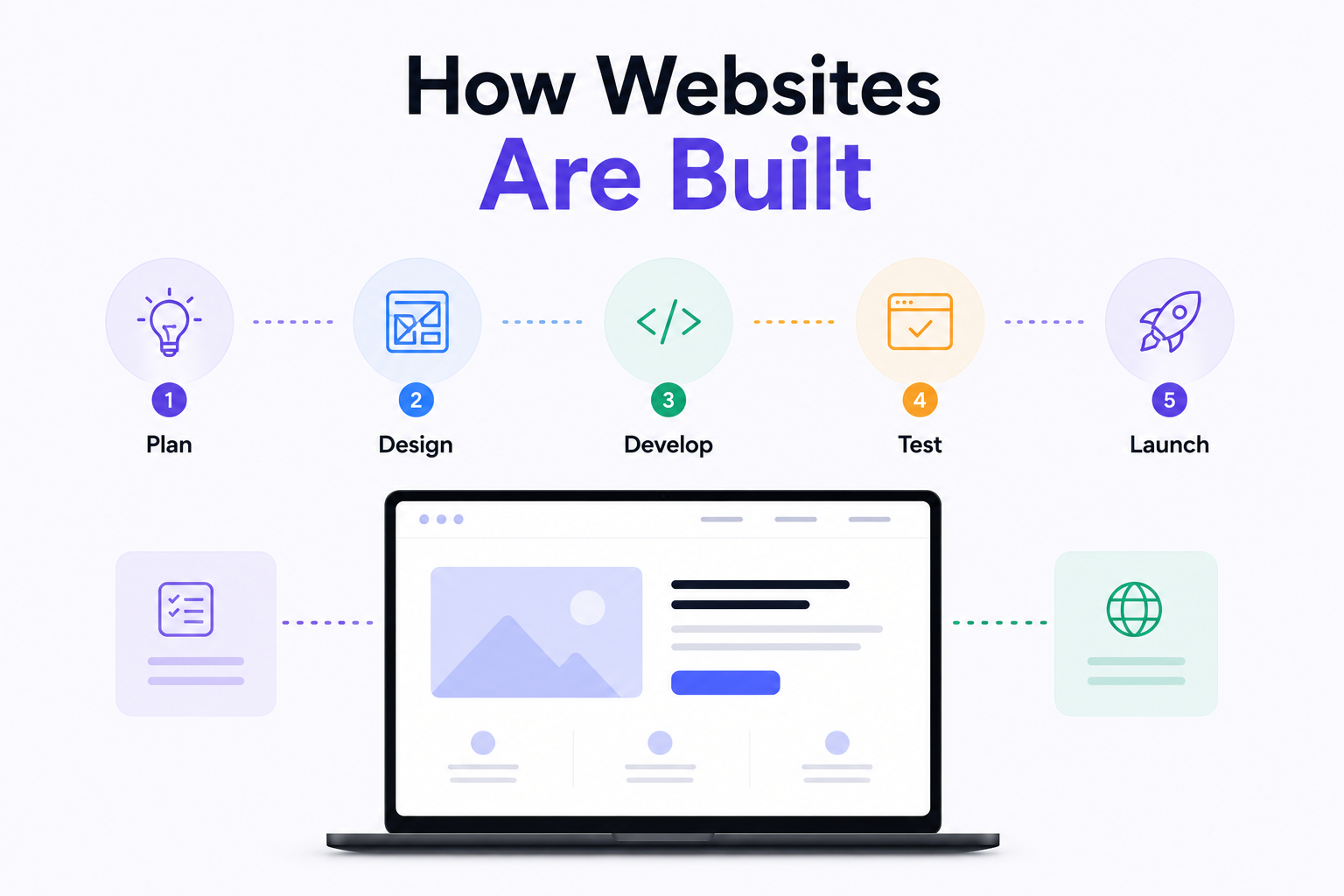
How Are Modern Websites Built in 2026?

Website Development Process & Life Cycle : Complete Guide
How Websites Work: DNS, Servers, Browsers
What is Website Architecture? Best Practices