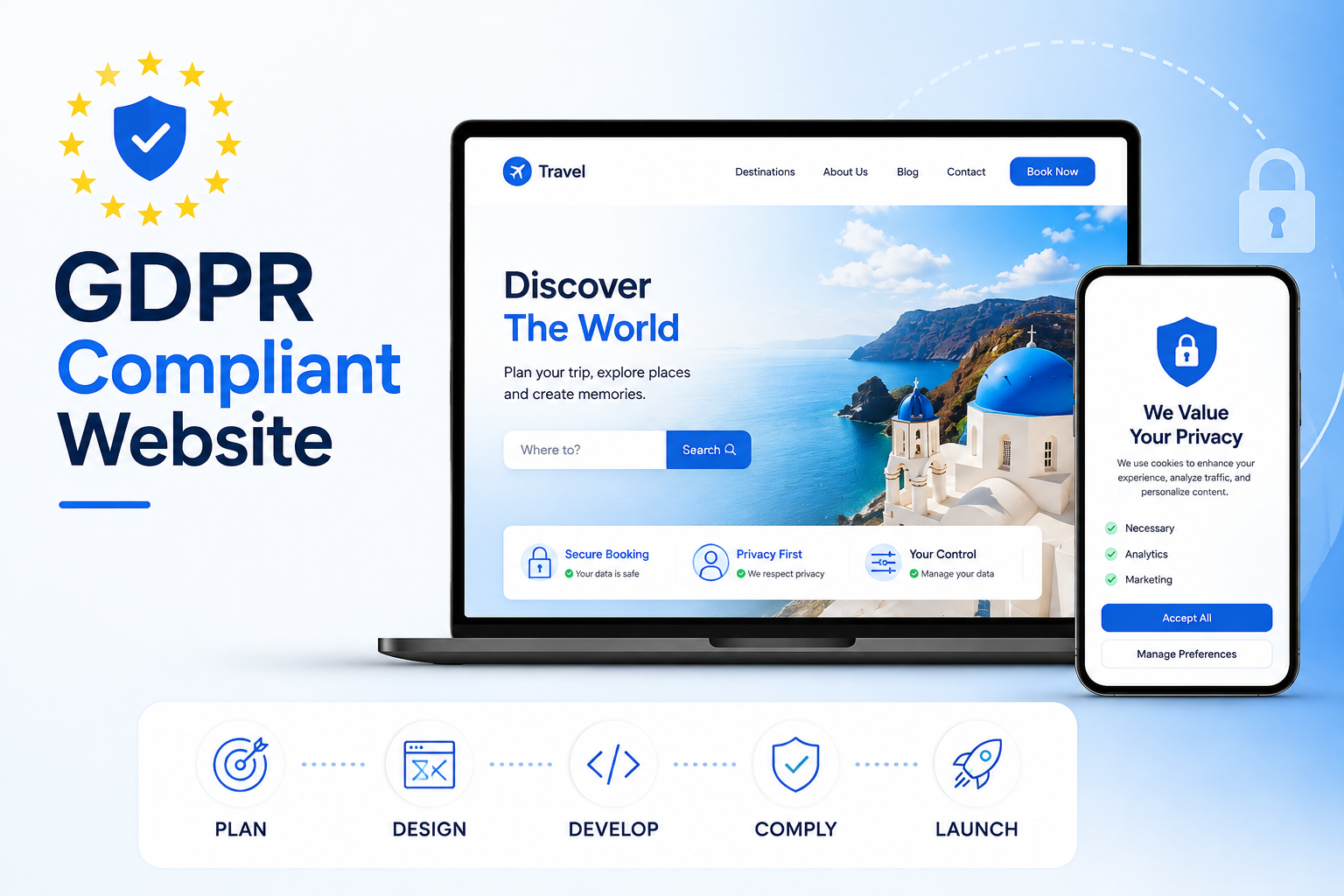
What Is GDPR and Why Does It Affect Your Website?
GDPR stands for the General Data Protection Regulation. It is a European Union law that came into force in May 2018 and fundamentally changed how businesses collect, store, and use personal data from individuals. Despite being an EU regulation, GDPR applies to any website anywhere in the world that collects data from people located in the EU or the UK. If your website has a contact form, uses Google Analytics, runs advertising pixels, or stores any information about visitors, GDPR is relevant to you.
Non-compliance carries serious financial consequences. Fines can reach up to 20 million euros or four percent of annual global turnover, whichever is higher. Beyond the financial risk, a data breach or compliance failure damages trust with customers in a way that is difficult to recover from. Building GDPR compliance into your website from the start is significantly easier and cheaper than retrofitting it after a complaint or investigation.
This guide covers every aspect of what GDPR compliance means for a website, what you need to implement, and how to approach the technical and legal requirements in a practical way.
Who Does GDPR Apply To?
One of the most common misconceptions about GDPR is that it only applies to large companies or businesses based in Europe. This is not accurate. GDPR applies to any organization, regardless of size or location, that processes personal data of individuals in the EU or UK. A small e-commerce store based in Pakistan that sells to European customers is subject to GDPR. A SaaS startup in the United States with European users is subject to GDPR. The regulation is territory-based on where the data subjects are located, not where the business is based.
Business Type Collects EU/UK User Data? GDPR Applies? EU-based e-commerce store Yes Yes US-based SaaS with European users Yes Yes Local business with no EU visitors No No Blog using Google Analytics Potentially yes Likely yes Agency with international clients Yes Yes
The Core Principles of GDPR You Need to Understand
GDPR is built around seven core principles that govern how personal data should be handled. Understanding these principles is the foundation of building a compliant website because every specific requirement flows from them.
Lawfulness, fairness, and transparency: Data must be collected with a legal basis and users must be told clearly how their data will be used.
Purpose limitation: Data collected for one purpose cannot be used for a different unrelated purpose without additional consent.
Data minimization: Only collect the data you actually need. Do not ask for information that serves no clear purpose in your process.
Accuracy: Personal data should be kept accurate and up to date. Users should be able to correct inaccurate information held about them.
Storage limitation: Data should not be kept longer than necessary for the purpose it was collected for.
Integrity and confidentiality: Data must be protected against unauthorized access, accidental loss, and destruction through appropriate technical and organizational measures.
Accountability: Organizations must be able to demonstrate compliance. Documentation, policies, and processes need to exist and be maintained.
Step 1: Conduct a Data Audit
Before implementing any technical changes, the first step is understanding exactly what personal data your website currently collects, where it goes, and how long it is kept. This is called a data audit and it is the foundation of a proper GDPR compliance strategy.
Walk through every data collection point on your website. Contact forms collect names, email addresses, and phone numbers. Analytics tools collect IP addresses and behavioral data. Marketing pixels from Facebook, Google, and other platforms collect browsing behavior. Newsletter signup forms collect email addresses. E-commerce checkouts collect payment and address information. Map out every one of these touchpoints, what data each one captures, where that data is stored, and who has access to it.
This audit gives you a clear picture of your current data landscape and forms the basis of your privacy policy and cookie consent implementation.
Step 2: Implement a Cookie Consent System
Cookies are small files that websites store on a visitor's device to track behavior, remember preferences, and enable analytics and advertising. Under GDPR, non-essential cookies cannot be loaded until the user has actively given their consent. This means the days of a banner that just says "we use cookies" with a dismiss button are over. Genuine GDPR-compliant cookie consent requires an explicit opt-in for each category of non-essential cookie before any of them are loaded.
Cookie Type Example Consent Required? Strictly necessary Session cookies, login state No Functional Language preferences, saved items Recommended Analytics Google Analytics, Hotjar Yes Marketing Facebook Pixel, Google Ads Yes
The cookie consent banner needs to present these categories clearly and allow users to accept or decline each one independently. A pre-ticked analytics or marketing checkbox does not constitute valid consent under GDPR. Consent must be a genuine, informed, and freely given choice with equal prominence given to accepting and declining.
Step 3: Write a Compliant Privacy Policy
Every GDPR-compliant website needs a privacy policy that clearly explains what personal data is collected, why it is collected, the legal basis for processing it, how long it is retained, who it is shared with, and what rights users have over their own data. The policy needs to be written in plain and accessible language, not buried in legal jargon that the average visitor cannot understand.
The privacy policy must be easily accessible from every page on the site, typically through a link in the footer. It also needs to be referenced explicitly at every point where personal data is collected, including contact forms, newsletter signups, and account registration pages, so users have the opportunity to read it before submitting their information.
Step 4: Secure Your Contact Forms and Data Collection Points
Every form on your website that collects personal data needs to meet several GDPR requirements. The form must only ask for the data that is genuinely necessary for the purpose it serves. It must include a reference to the privacy policy. It must not pre-tick consent checkboxes for marketing communications. And it must clearly explain what will be done with the submitted information.
On the technical side, forms must be submitted over HTTPS to ensure data is encrypted in transit. Form submissions should be stored securely with access restricted to authorized team members only. And there should be a defined retention policy for how long submitted data is kept and a process for securely deleting it when that period expires.
Step 5: Enable SSL and Ensure HTTPS Throughout
HTTPS is not optional for a GDPR compliant website. All data transmitted between a visitor's browser and your server must be encrypted, which requires a valid SSL certificate and HTTPS enabled across every page of the site. Any page that transmits personal data over an unencrypted HTTP connection is in direct violation of the integrity and confidentiality principle of GDPR.
Beyond compliance, HTTPS is also a Google ranking factor and a visible trust signal in the browser address bar. There is no legitimate reason for any website in 2026 to be running on HTTP, and any professional development team should configure HTTPS as a baseline requirement before the site goes live.
Step 6: Give Users Control Over Their Data
GDPR grants individuals a set of rights over their personal data that your website must be able to accommodate. Understanding these rights and having a process for handling requests is a fundamental part of compliance.
Right of access: Users can request a copy of all personal data you hold about them.
Right to rectification: Users can request that inaccurate data be corrected.
Right to erasure: Users can request that their data be deleted, commonly known as the right to be forgotten.
Right to restrict processing: Users can request that you stop processing their data while a dispute is being resolved.
Right to data portability: Users can request their data in a structured, commonly used format.
Right to object: Users can object to their data being used for direct marketing or profiling.
Your privacy policy should explain these rights clearly and provide a simple mechanism, typically an email address or dedicated form, through which users can submit data requests. You are required to respond to these requests within 30 days.
Comparing Popular Cookie Consent Tools
Several tools are widely used to implement GDPR compliant cookie consent on websites. Choosing the right one depends on the size and complexity of your site and the level of customization you need over the consent interface.
Tool Best For Free Plan Custom Design Cookiebot Larger sites needing full automation Limited Yes CookieYes Small to medium websites Yes Yes Osano Privacy-focused businesses Yes Limited OneTrust Enterprise and complex compliance needs No Yes Custom built Full design and logic control Dev cost Full control
Advantages and Drawbacks of Full GDPR Compliance
Building a fully GDPR compliant website requires real effort and some trade-offs. Understanding both sides helps you make informed decisions about where to focus your compliance efforts.
Advantages
Reduces legal and financial risk from regulatory fines and enforcement actions significantly.
Builds genuine trust with users who are increasingly aware of how their data is handled and expect businesses to treat it responsibly.
Improves data quality by collecting only what is genuinely needed, which makes marketing and analytics more focused and actionable.
Demonstrates professionalism and accountability to enterprise clients and partners who often require evidence of data compliance before entering commercial relationships.
Forces better security practices across the entire website infrastructure, which reduces vulnerability to data breaches independently of the regulatory requirement.
Drawbacks
Cookie consent banners reduce the volume of analytics data available because a significant proportion of visitors decline non-essential cookies, creating gaps in behavioral data.
Marketing retargeting becomes less effective when users decline advertising cookies, which increases the cost of paid advertising campaigns that rely on pixel-based audience tracking.
Initial implementation requires time and technical resource, particularly for sites with complex data flows, multiple third-party integrations, or large volumes of existing user data.
Ongoing maintenance is required as new technologies are added to the site, since each new integration that handles personal data needs to be evaluated and documented for compliance.
GDPR Compliance Checklist for Your Website
Requirement Priority HTTPS enabled across all pages Critical Cookie consent banner with category opt-in Critical Privacy policy accessible from all pages Critical Forms reference privacy policy at submission Critical No pre-ticked marketing consent checkboxes Critical Data subject rights request process in place High Data retention policy documented High Third party processors assessed for compliance High Data breach notification process documented Medium DPO appointed if required by scale of processing Medium
Build a GDPR Compliant Website With Munix Studio
At Munix Studio every website we build includes HTTPS configuration, proper cookie consent implementation, privacy-first form handling, and a technical architecture that makes ongoing GDPR compliance manageable rather than a constant burden. We build compliance in from the start so you do not have to retrofit it later.
Website Development — Custom websites built with HTTPS, secure form handling, and privacy-first architecture configured from day one.
SEO Optimization — Compliant analytics setup and cookie consent implementation that does not compromise your search tracking and reporting data.
Maintenance and Support — Ongoing compliance reviews as your site grows and new technologies are added, ensuring every new integration meets GDPR requirements.
DevOps and Cloud — Secure hosting infrastructure with proper access controls, encrypted data storage, and reliable backup systems that support your GDPR obligations at the infrastructure level.
Frequently Asked Questions
Ready to Get Started?
Website Development
Custom websites built with HTTPS, secure form handling, and privacy-first architecture so GDPR compliance is built in from day one rather than added as an afterthought.
Explore Website DevelopmentSEO Optimization
Compliant analytics setup and cookie consent implementation that protects your search tracking data while meeting GDPR requirements fully.
Explore SEO OptimizationMaintenance and Support
Ongoing compliance reviews as your site grows and new technologies are added, ensuring every new integration meets GDPR requirements throughout the site's lifetime.
Explore Maintenance and SupportDevOps and Cloud
Secure hosting infrastructure with proper access controls, encrypted data storage, and reliable backup systems that support your GDPR obligations at the infrastructure level.
Explore DevOps and CloudRelated Articles

What is Website Development? The Complete Guide for Beginners

How Are Modern Websites Built in 2026?

Website Development Process & Life Cycle : Complete Guide
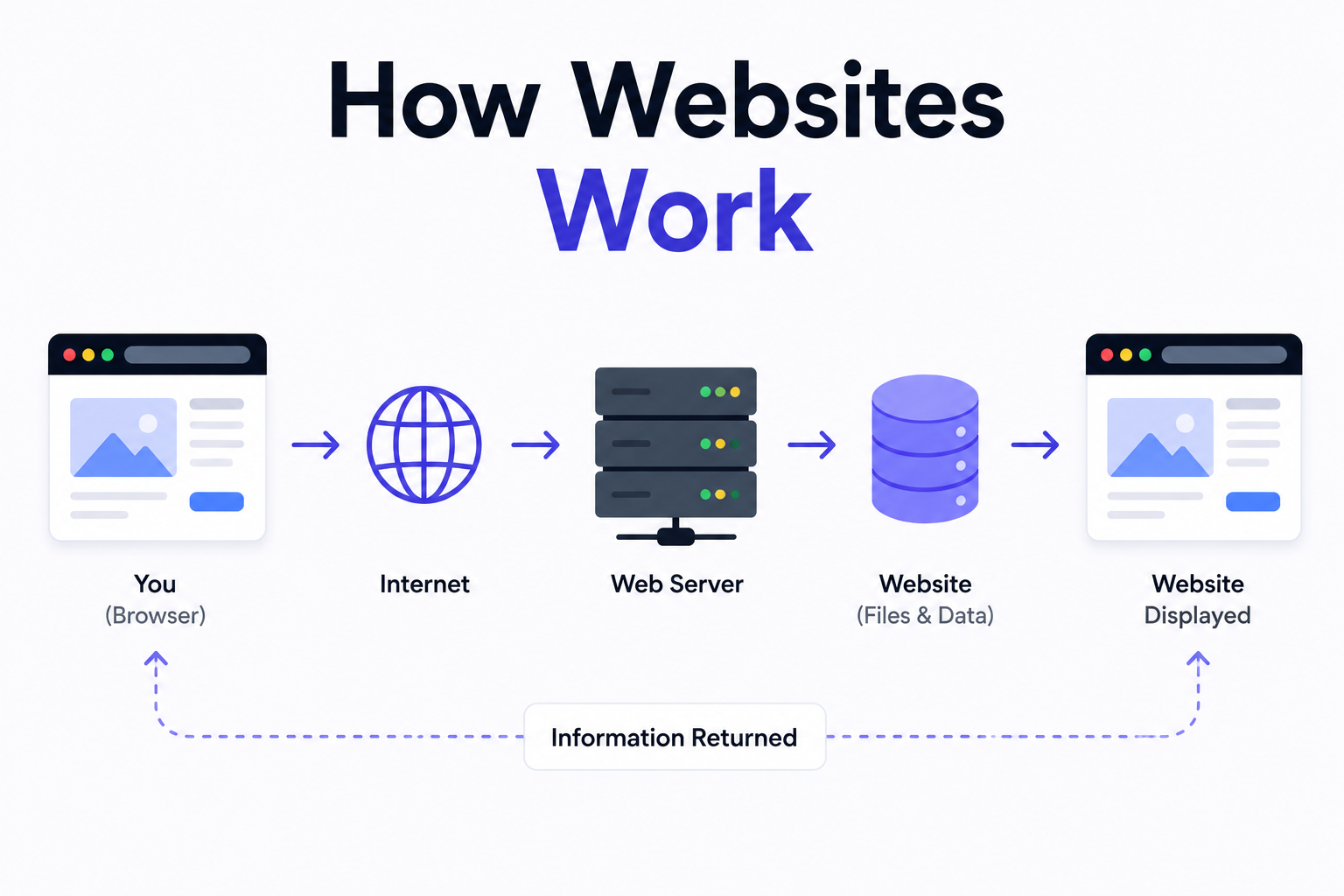
How Websites Work: DNS, Servers, Browsers
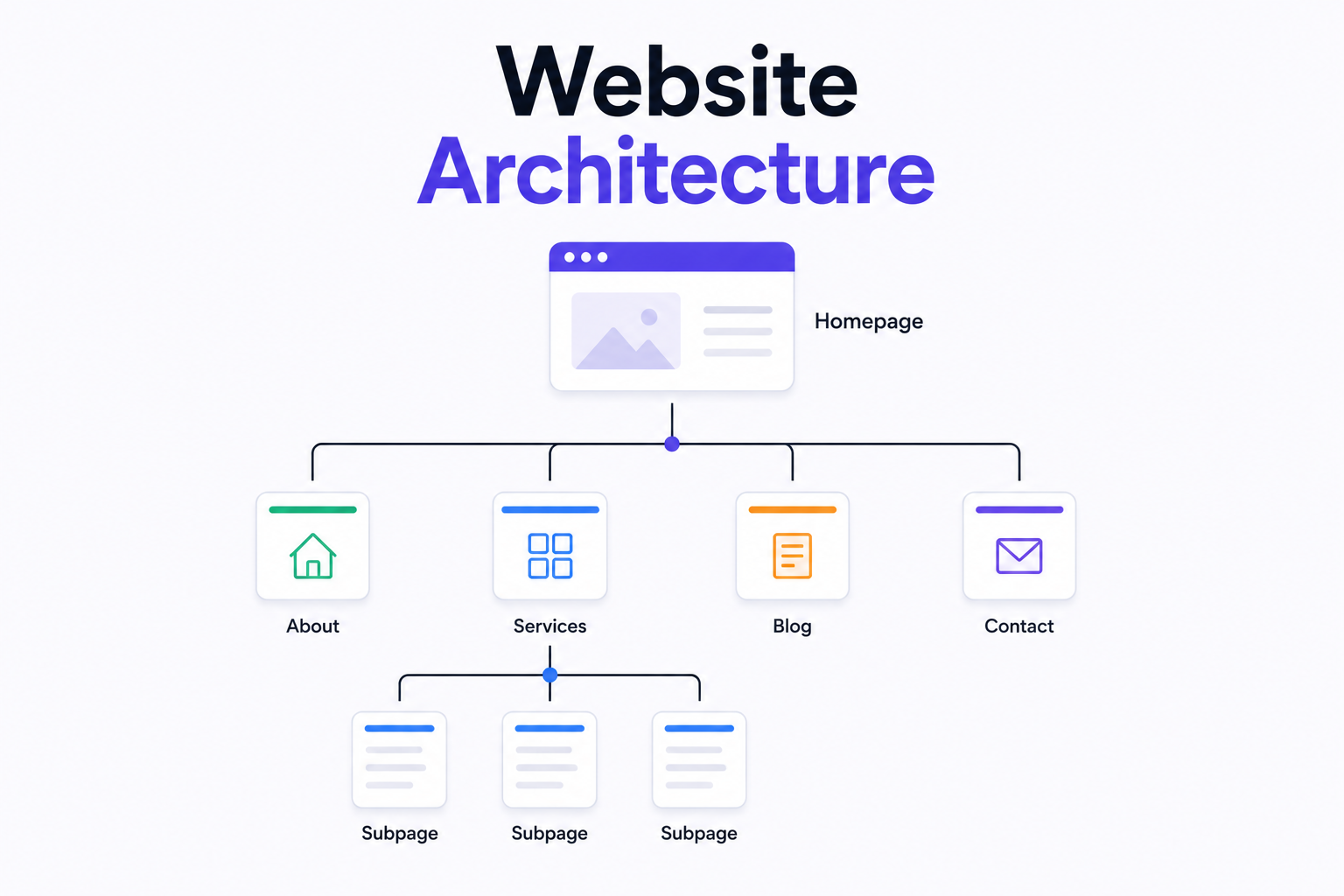
What is Website Architecture? Best Practices