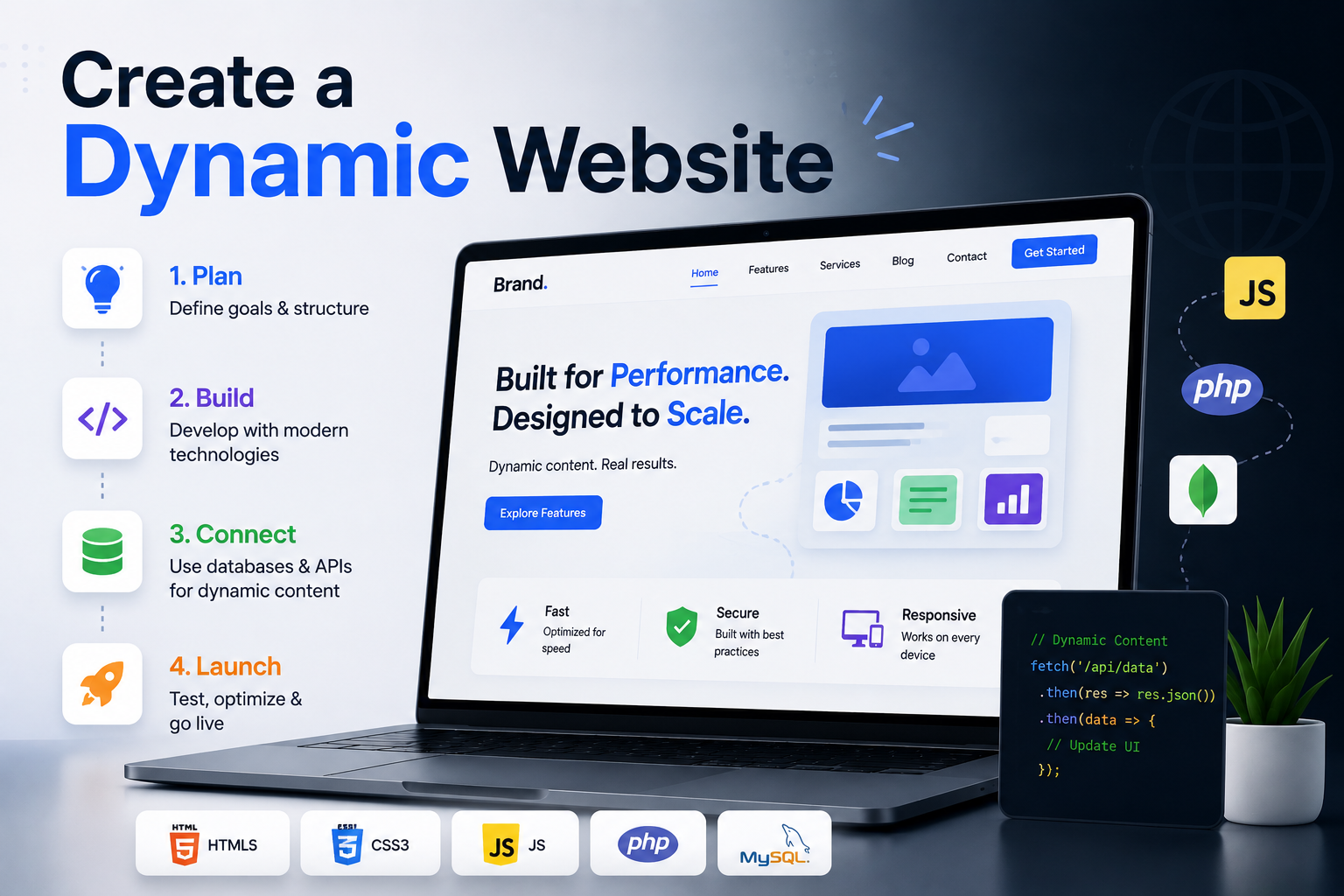
What Is a Dynamic Website?
A dynamic website is one where the content served to the user is generated at the point of request rather than stored as a fixed HTML file on a server. Instead of every visitor seeing identical pre-written pages, a dynamic website pulls data from a database, processes it through application logic, and renders a response tailored to the context of that specific request. That context might be the user's identity, their location, the time of day, their search query, their browsing history, or any other variable the application has access to.
The practical result is a website that behaves more like a software application than a document. A user who logs in sees their own dashboard. A search query returns results from a live database. A product page shows real-time inventory. A news feed updates without anyone manually editing HTML. All of this is the defining characteristic of a dynamic website, and it is the architecture that underpins virtually every meaningful web experience built today.
Understanding how dynamic websites are built, what technologies power them, and how to architect them correctly from the start is essential for any developer or business building a web presence that needs to scale, personalise, and evolve beyond a static set of pages.
Static vs Dynamic Websites: Key Differences
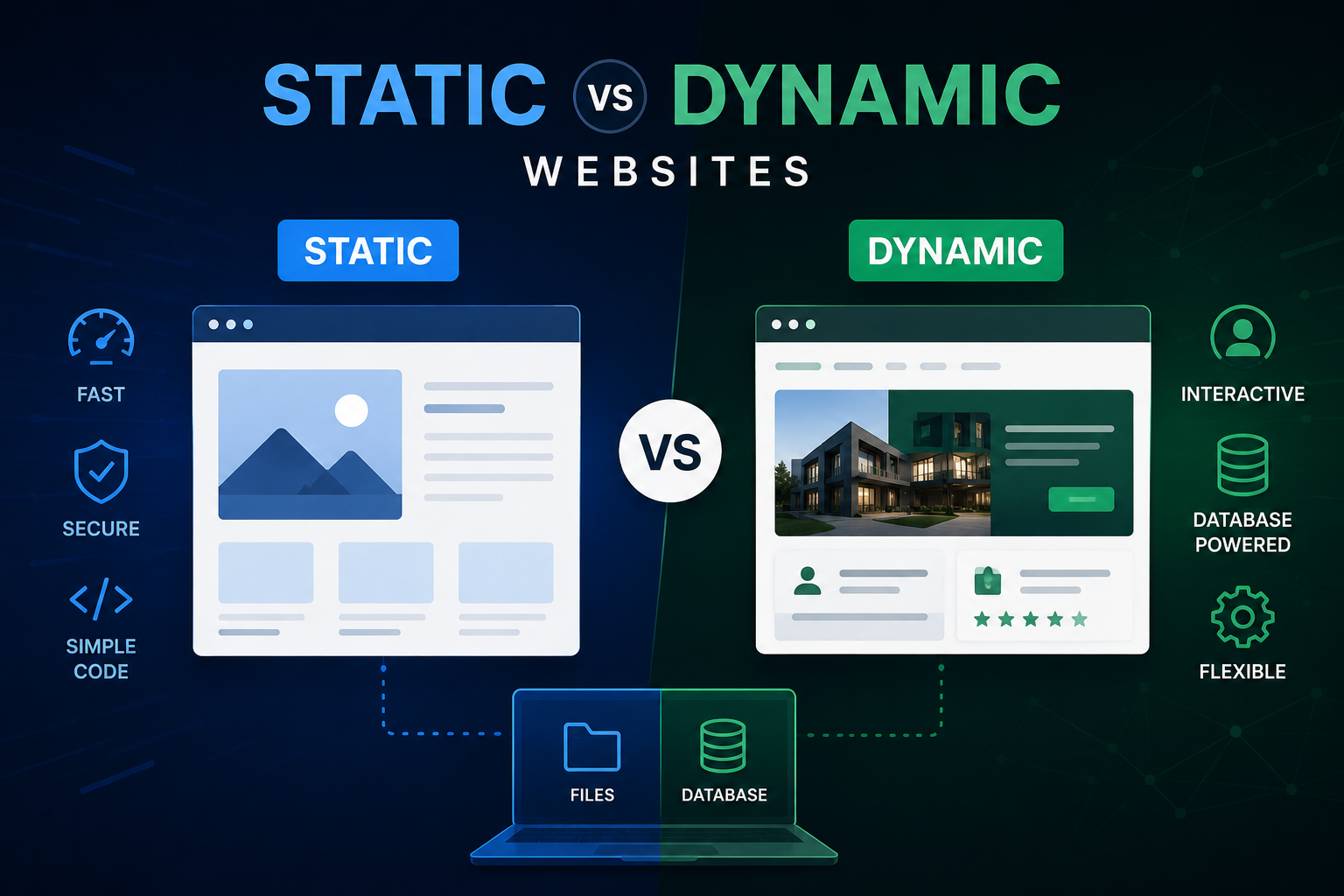
The distinction between static and dynamic websites is architectural, not cosmetic. A static site delivers the same pre-built HTML files to every visitor regardless of context. A dynamic site generates its response at runtime based on application logic and data. The table below summarises the core differences across the dimensions that matter most when choosing an approach.
Feature Static Website Dynamic Website Content Generation Pre-built HTML files Generated at runtime Database Required No Yes Personalisation Not possible Fully supported User Authentication Not possible Fully supported Content Updates Requires file edit or rebuild Instant via database Scalability Simple, limited Complex, unlimited Server Load Very low Higher, manageable with caching Build Complexity Low Medium to high Best For Brochure sites, portfolios Apps, ecommerce, SaaS, platforms
The choice between static and dynamic is not always binary. Modern frameworks like Next.js support hybrid approaches where some pages are statically generated at build time and others are dynamically rendered at request time, giving developers the performance benefits of static delivery for content that does not change frequently and the flexibility of dynamic rendering for content that does.
How a Dynamic Website Works: The Request-Response Cycle
Understanding how a dynamic website actually processes a request helps developers make better architectural decisions and helps non-technical stakeholders understand what they are commissioning when they ask for a dynamic site. The cycle follows a consistent pattern regardless of the specific technology stack involved.
When a user visits a URL on a dynamic website, the browser sends an HTTP request to the web server. The server passes that request to the application layer, which interprets the URL, identifies what content or functionality is being requested, and executes the relevant application logic. If the response requires data, the application queries the database, which returns the relevant records. The application assembles those records into a structured response, which is either a fully rendered HTML page or a JSON payload depending on the architecture. The browser receives the response and renders it for the user. The entire cycle, on a well-built dynamic application, completes in milliseconds.
Core Technologies Behind Dynamic Websites
Every dynamic website is built from a combination of technologies that together handle the frontend presentation, the application logic, and the data storage. The specific choices vary by project, but the categories are consistent across virtually every dynamic web application built today.
Layer Purpose Common Technologies Frontend Renders UI in the browser React, Next.js, Vue, Svelte Backend / API Handles logic and data requests Node.js, Python, Go, Ruby Database Stores and retrieves data PostgreSQL, MongoDB, MySQL, Supabase Authentication Manages user identity and sessions Auth0, Clerk, NextAuth, Firebase Auth CMS Manages editable content Sanity, Contentful, Strapi, Prismic Hosting / Infra Serves the application at scale Vercel, AWS, Railway, Render Caching Reduces server load and latency Redis, CDN edge caching, ISR
Dynamic Website Builders: No-Code and Low-Code Options
Everything from Step 1 onward in this guide describes building a dynamic website with custom code. That's the right path for an application with real complexity — multi-tenant data, custom business logic, tight performance requirements. It's not the only way to get dynamic behaviour on a website, and for many projects it's more than what's actually needed.
WordPress, as this guide's FAQ notes, is technically a dynamic platform on its own — every page is generated from a MySQL database at request time. What most people mean by "dynamic website builder" in a no-code context, though, is the ability to display database-driven content without writing PHP. Plugins like Toolset and Elementor Pro's dynamic content features let a WordPress site pull from custom post types and display filtered, sortable, per-user content — a directory, a job board, a property listing site — entirely through a visual interface layered on top of WordPress's existing dynamic architecture.
Webflow takes a more native approach with its CMS Collections feature: content types are defined visually, and pages automatically generate dynamic detail pages and filterable collection lists from that data, with no plugin or code required. This is the closest no-code equivalent to what Step 2's database schema design produces in a custom build — Webflow just handles the schema definition and query logic behind a visual interface.
Wix, through its Velo development platform and CMS Collections, offers a similar capability with an additional option to write custom JavaScript directly within the platform for logic beyond what the visual tools support — a middle ground between pure no-code and the fully custom approach described in the rest of this guide.
Step 1: Choose Your Rendering Strategy
The rendering strategy you choose determines where and when your pages are generated, which directly affects performance, SEO, and development complexity. Modern frameworks support multiple strategies within a single application, so understanding the trade-offs of each is essential before you start building.
Server-Side Rendering (SSR) — Pages are generated on the server at the time of each request. Every visitor gets a fully rendered HTML page with the latest data. Best for pages where content changes frequently or is personalised per user. Slightly higher server load but excellent for SEO and data freshness.
Static Site Generation (SSG) — Pages are generated at build time and served as static files from a CDN. Extremely fast delivery and minimal server load. Best for content that changes infrequently. Not suitable for personalised or real-time content without a hybrid approach.
Incremental Static Regeneration (ISR) — A Next.js-specific approach where static pages are regenerated in the background at defined intervals without a full site rebuild. Combines the performance of static delivery with the freshness of server-side rendering for content that changes periodically but not constantly.
Client-Side Rendering (CSR) — The browser downloads a minimal HTML shell and JavaScript bundle, then fetches data and renders the page on the client. Fast initial load of the shell but slower time to meaningful content. Limited SEO capability without additional server-side handling. Best suited for authenticated dashboards and internal tools where SEO is not required.
For most dynamic websites that need both strong SEO and real-time data capability, a hybrid approach using Next.js that combines SSR for dynamic pages with SSG or ISR for content-heavy pages delivers the best balance of performance, freshness, and developer experience.
Step 2: Design Your Database Schema
The database is the foundation of every dynamic website. Before writing a line of application code, the data model needs to be designed with the full scope of the application in mind. A schema designed for today's requirements that does not account for how the application will need to evolve creates technical debt that becomes increasingly expensive to resolve as the application grows.
The choice between a relational database and a document database is one of the most consequential early decisions in a dynamic website build. Relational databases like PostgreSQL enforce structured schemas and handle complex relationships between data entities efficiently through joins and foreign keys. They are the right choice for applications where data integrity, complex queries, and transactional consistency matter. Document databases like MongoDB store data as flexible JSON-like documents and handle highly variable data structures more naturally. They suit applications where the data shape varies significantly between records or where horizontal scaling is a primary concern from the outset.
For most dynamic websites built on a modern stack, a managed PostgreSQL instance via Supabase or Railway provides the reliability, query power, and operational simplicity that gets applications into production quickly without sacrificing the data integrity that business applications require.
Step 3: Build Your API Layer
The API layer is the bridge between your frontend and your database. It receives requests from the client, validates inputs, applies business logic, queries the database, and returns structured responses. Designing the API layer thoughtfully from the start determines how maintainable, secure, and extensible the application will be as it grows.
RESTful APIs remain the most widely used approach for dynamic websites. Resources are represented as URLs, HTTP methods define the operation being performed, and responses are returned as JSON. Next.js API routes allow RESTful endpoints to be built and deployed alongside the frontend code in a single unified codebase, which reduces infrastructure complexity significantly for most dynamic website builds.
GraphQL is an alternative API approach that allows clients to request exactly the data they need in a single query rather than making multiple REST requests to different endpoints. It is particularly valuable for applications with complex, nested data relationships or multiple frontend clients with different data requirements. The additional complexity of a GraphQL layer is justified for applications of sufficient scale and data complexity but is unnecessary overhead for most standard dynamic website builds.
Step 4: Implement Authentication and Authorisation
Most dynamic websites require some form of user authentication, whether that is a simple login for a member area, a full multi-tenant user management system for a SaaS application, or role-based access control for an internal dashboard. Authentication is one of the most security-critical parts of any dynamic web application and one of the most common sources of serious vulnerabilities when implemented incorrectly.
Building authentication from scratch is rarely the right approach. Managed authentication platforms such as Clerk, Auth0, and Supabase Auth handle session management, token generation, password hashing, OAuth provider integrations, and multi-factor authentication with a level of security rigour that is difficult to replicate in a custom implementation without significant specialist expertise. Integrating one of these platforms into a Next.js application typically takes a fraction of the development time that building equivalent functionality from scratch would require, and it eliminates an entire category of security risk in the process.
Step 5: Connect a Headless CMS for Editable Content
Most dynamic websites contain a mix of application data stored in the database and editorial content such as marketing pages, blog posts, product descriptions, and documentation that non-technical team members need to be able to create and update without developer involvement. A headless CMS handles this editorial content layer cleanly, separating it from the application data while keeping it accessible through the same API-driven architecture.
Sanity, Contentful, and Prismic are among the most widely used headless CMS platforms for Next.js applications. Each provides a structured content editing interface for non-technical users, a content API that the frontend consumes at build time or request time, and webhooks that trigger page regeneration when content is published. Choosing between them comes down to the specific content modelling requirements, the team's technical familiarity, and the level of customisation needed in the editing interface.
Step 6: Implement Caching to Manage Performance at Scale
Dynamic content generation carries a performance cost. Every server-rendered request requires database queries, application logic execution, and HTML assembly before a response can be delivered. Without caching, this cost scales linearly with traffic, which creates both performance degradation under load and escalating infrastructure costs as the application grows.
A multi-layer caching strategy addresses this at every level of the stack. At the CDN edge, responses to requests for content that does not vary by user can be cached and served globally without hitting the origin server. At the application level, Next.js supports route-level caching configuration that specifies how long responses remain valid before revalidation is required. At the database level, an in-memory cache like Redis stores the results of expensive queries so that repeated requests for the same data do not trigger repeated database roundtrips. Implementing these layers correctly is what allows a dynamic website to deliver sub-second response times under significant concurrent load.
Step 7: Optimise for SEO
Dynamic websites have historically presented challenges for search engine optimisation because content generated entirely on the client side is not reliably crawled and indexed by search engines. This problem is eliminated by using server-side rendering or static generation for pages that need to rank in search, which ensures that every indexable page delivers fully rendered HTML to both users and search engine crawlers without depending on JavaScript execution.
Beyond rendering strategy, the SEO requirements of a dynamic website are largely the same as those of any other site. Unique and descriptive title tags and meta descriptions generated dynamically from page content, clean and descriptive URL structures that reflect the content hierarchy, structured data markup appropriate to the content type, fast page load times measured against Core Web Vitals, and a clean internal linking structure that allows crawlers to discover all indexable pages efficiently all contribute to how well individual pages rank and how comprehensively the site is indexed over time.
Step 8: Secure Your Application
Dynamic websites interact with databases, handle user data, and process inputs in ways that static sites do not, which creates a broader attack surface that requires deliberate security consideration at every layer of the stack. The most common vulnerabilities in dynamic web applications are well understood and preventable with standard practices applied consistently.
SQL Injection — Always use parameterised queries or an ORM like Prisma rather than constructing SQL strings with user input directly. Never allow unsanitised user input to reach a database query.
Cross-Site Scripting (XSS) — Sanitise all user-generated content before rendering it in the browser. React's default behaviour of escaping content before rendering provides a significant baseline protection, but explicit sanitisation is still required for any content rendered as raw HTML.
Cross-Site Request Forgery (CSRF) — Implement CSRF tokens for all state-changing operations and verify the origin of requests that modify data.
Insecure Direct Object References — Always validate that the authenticated user has permission to access the specific resource being requested. Never assume that obscuring a resource ID in the URL provides meaningful access control.
Environment Variable Exposure — Never expose API keys, database credentials, or other secrets in client-side code. Use server-side environment variables for all sensitive configuration and audit the build output to confirm no secrets are included in the JavaScript bundle delivered to the browser.
Step 9: Deploy and Monitor in Production
A dynamic website requires more considered deployment infrastructure than a static site because it involves a running server process, database connectivity, and often multiple integrated services that all need to be available simultaneously. The deployment platform needs to handle zero-downtime deployments, environment variable management, automatic scaling under traffic spikes, and rollback capability if a deployment introduces a regression.
Vercel is the most widely used deployment platform for Next.js applications because it is purpose-built for the framework, handles edge functions, ISR, and serverless API routes natively, and provides a developer experience that makes deployments as simple as a git push. For applications with more complex infrastructure requirements, AWS, Railway, and Render provide the control and configurability that more sophisticated architectures demand.
Production monitoring should cover application error rates, API response times, database query performance, and Core Web Vitals at the user level. Tools like Sentry capture and surface application errors in real time. Datadog and New Relic provide infrastructure-level visibility across the full stack. And Google Search Console monitors how the site is being crawled and indexed, surfacing any technical SEO issues that emerge as the application evolves.
How We Work
Schema design is where most database-backed projects either earn or lose years of future flexibility, so it's the first thing we whiteboard — not the last. We identify every core entity and its real relationships before touching Prisma or writing a single migration, because a schema retrofit six months into a live product is one of the most expensive corrections in web development, and it's almost always avoidable with an hour of planning up front.
Build Your Dynamic Website With Munix Studio
A dynamic website is only as good as its rendering strategy — get it wrong and every page feels slow regardless of how good the design is. Munix Studio builds dynamic sites on Next.js with the rendering approach matched to each page's actual update frequency, not a one-size-fits-all default.
Website Development — Server-side rendering, ISR, and API routes matched to how frequently each page's content actually changes.
UI/UX Design — Interfaces built for personalized, per-user content without sacrificing load-time performance.
SEO Optimization — Ensuring dynamically rendered content is still fully crawlable and indexable, not hidden behind client-side JavaScript.
App Development — Full-stack web and mobile application development for products that require the complete dynamic stack: authentication, real-time data, complex business logic, and scalable infrastructure.
Maintenance and Support — Ongoing application monitoring, dependency updates, performance optimisation, and feature development to keep your dynamic website secure, fast, and evolving with your business.
Frequently Asked Questions
Ready to Get Started?
Website Development
Custom dynamic websites built on React and Next.js with server-side rendering, database integration, API development, and headless CMS connectivity from the very first page.
Explore Website DevelopmentUI/UX Design
Interface design for dynamic web applications that balances technical complexity with the clarity and usability that end users expect from a modern web experience.
Explore UI/UX DesignSEO Optimization
Technical SEO for dynamic websites covering rendering configuration, structured data, Core Web Vitals, and crawlability to ensure every important page ranks as it should.
Explore SEO OptimizationApp Development
Full-stack web and mobile application development for products that require the complete dynamic stack: authentication, real-time data, complex business logic, and scalable infrastructure.
Explore App DevelopmentMaintenance and Support
Ongoing monitoring, dependency updates, performance optimisation, and feature development to keep your dynamic website secure, fast, and evolving with your business.
Explore Maintenance and SupportRelated Articles

What is Website Development? The Complete Guide for Beginners
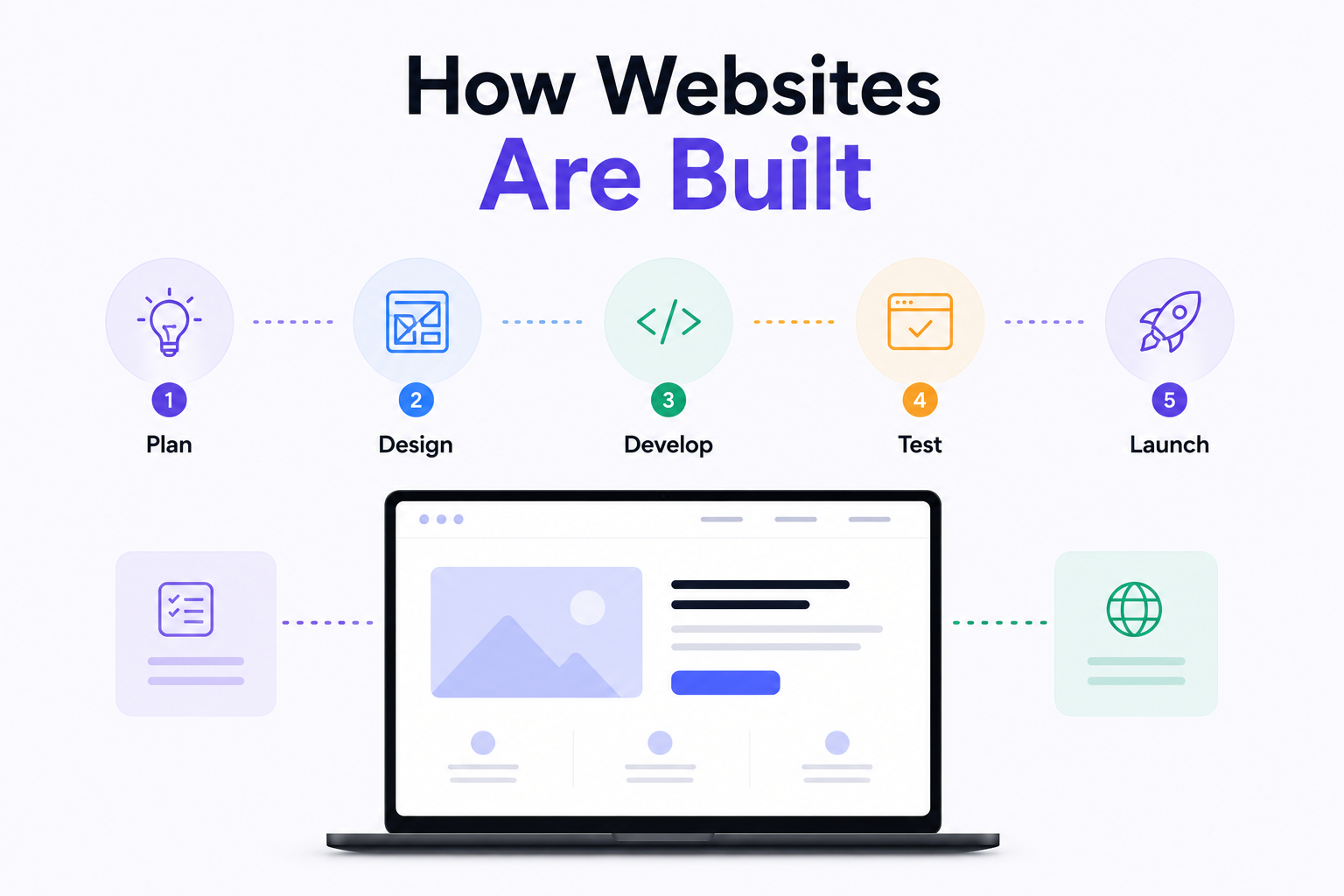
How Are Modern Websites Built in 2026?

Website Development Process & Life Cycle : Complete Guide
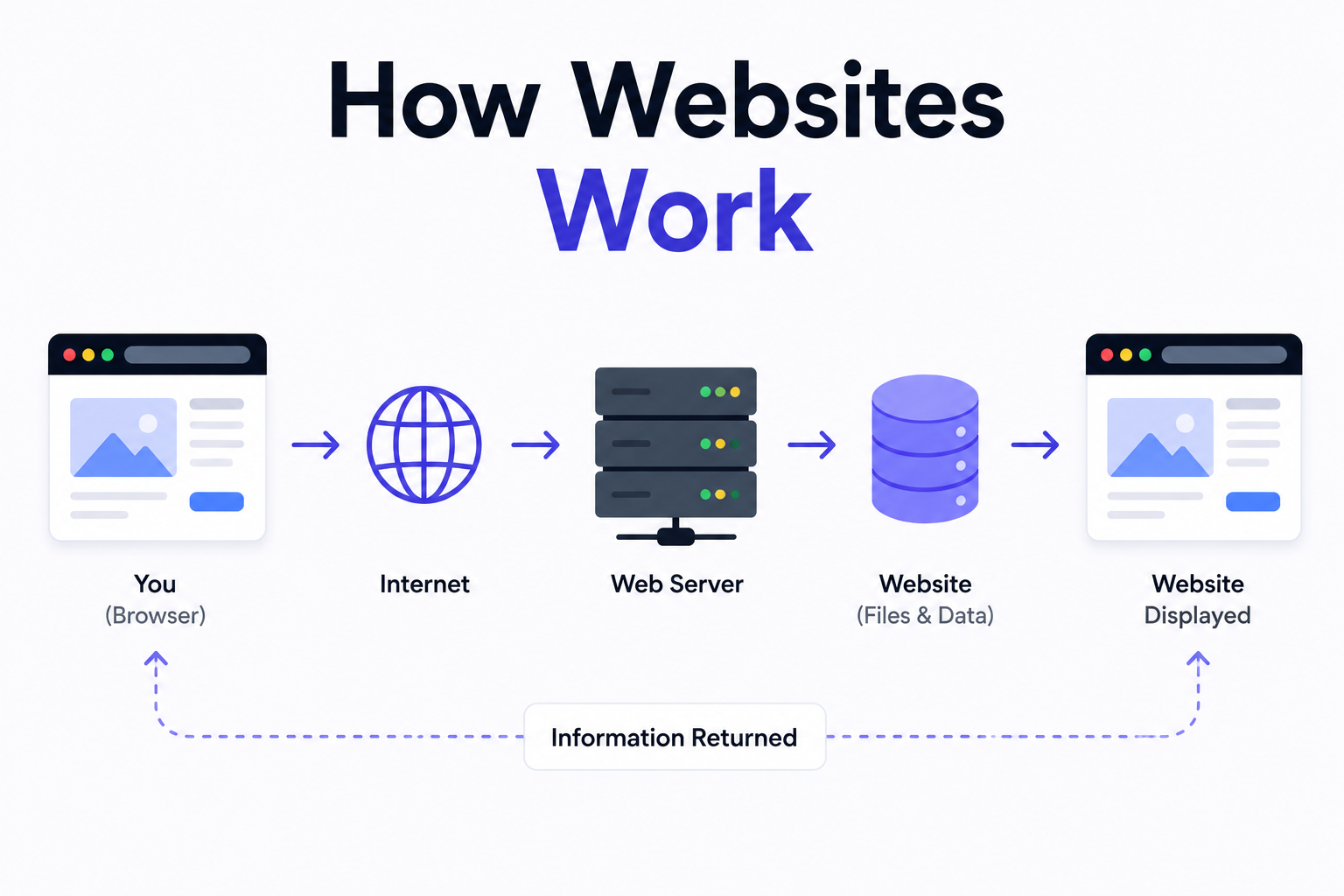
How Websites Work: DNS, Servers, Browsers
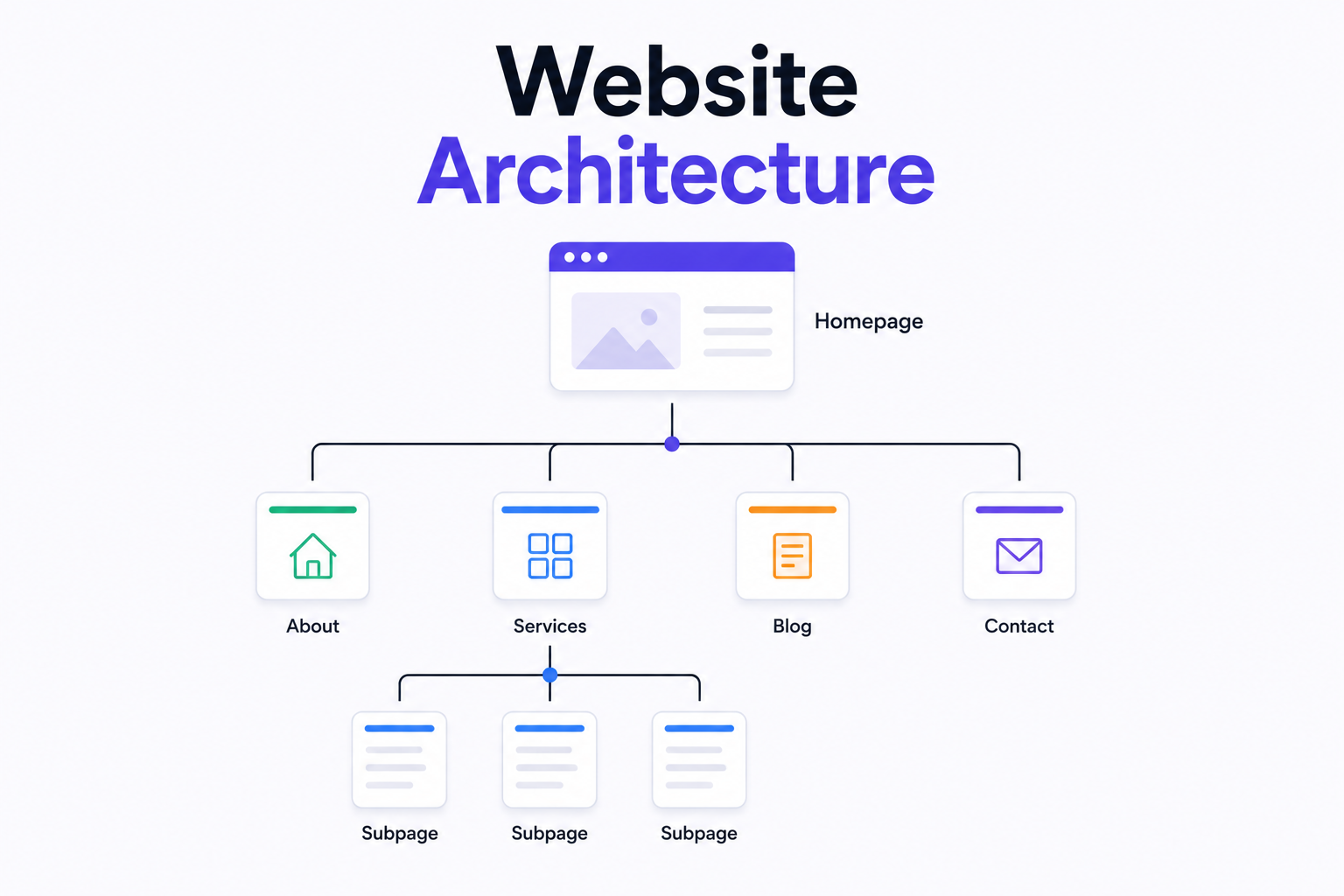
What is Website Architecture? Best Practices