What Is UI Design?
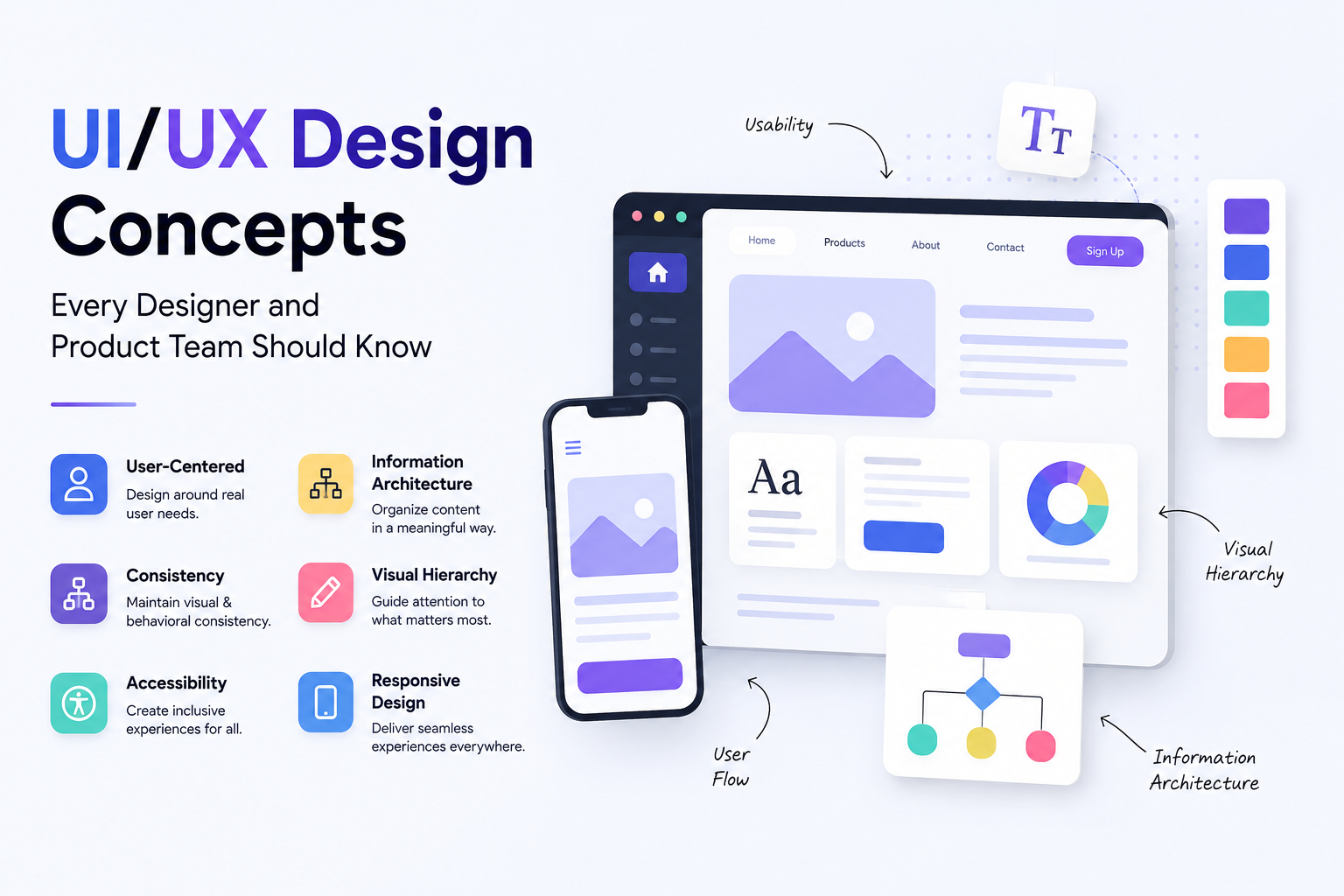
UI stands for User Interface. UI design is the discipline of designing the visual and interactive elements that a person sees and touches when using a digital product. Every button, color, font, icon, spacing decision, and layout choice on a website or app is the result of UI design. It determines what the product looks like, how the visual hierarchy guides the eye, and how interactive elements communicate their purpose to the person using them.
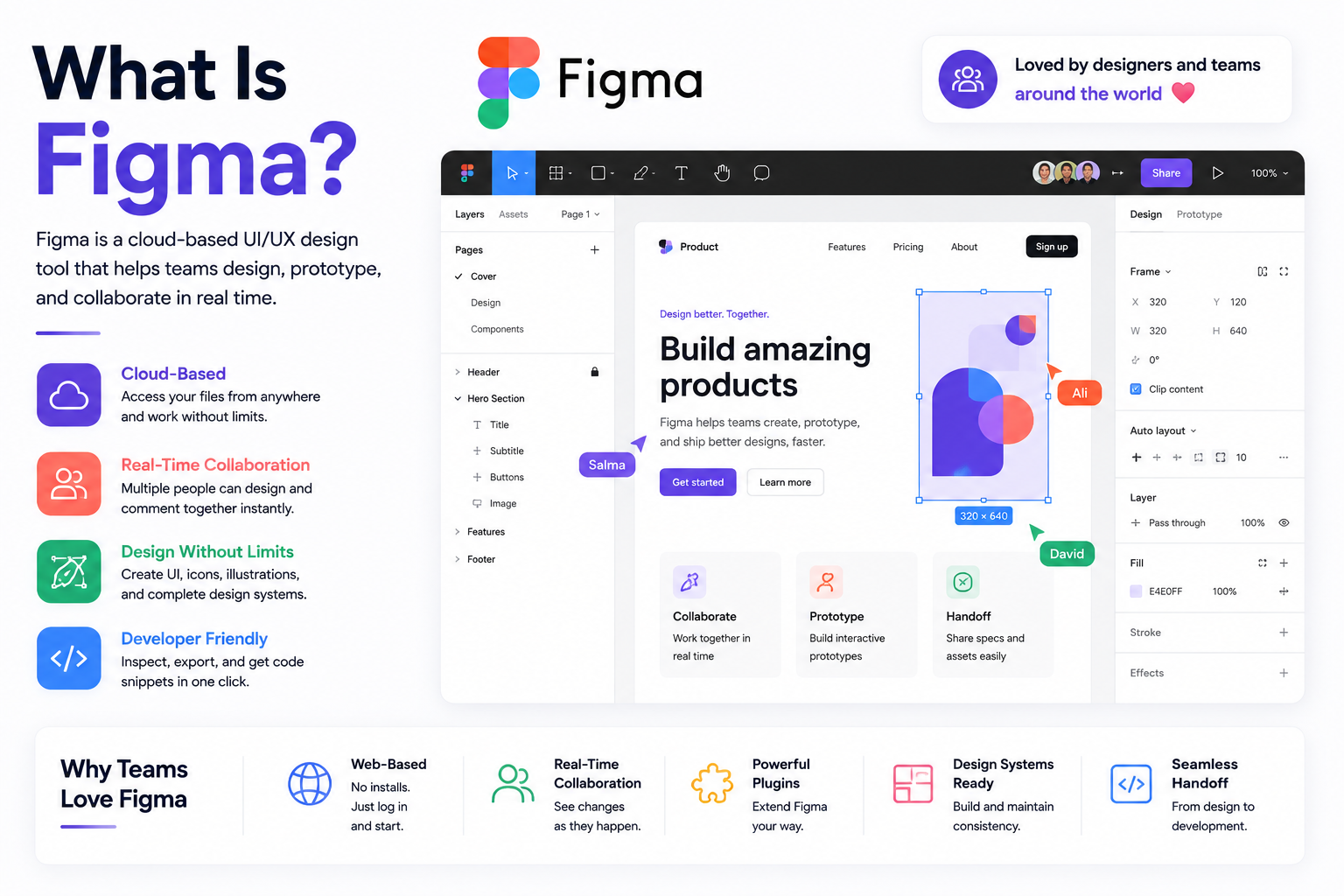
UI design is purely a digital discipline. It applies to screens, not physical objects. A UI designer works in tools like Figma to create the visual layer of a product, producing everything from color systems and typography choices to component libraries and interactive prototypes that developers use as the specification for what to build.
What Is UX Design?
UX stands for User Experience. UX design is the discipline of shaping how a person feels when interacting with a product from start to finish. It is concerned with the overall journey a user takes through a product, whether that journey is logical and efficient, whether the user can accomplish what they came to do without confusion or frustration, and whether the experience leaves them feeling satisfied or defeated.
Unlike UI design, UX is not limited to digital products. The experience of using a self-checkout machine, navigating an airport, or reading an instruction manual are all UX problems. In the context of websites and apps, UX designers conduct user research, create user personas, map out user journeys, define information architecture, build wireframes, and run usability testing to validate that the product works the way real users expect it to.
The term UX was first introduced by cognitive scientist Don Norman in 1993 while working at Apple. His argument was simple: a product that functions correctly is not enough. It needs to be designed around how humans actually think, behave, and make decisions. That principle remains the foundation of every serious UX practice today.
What Is UI/UX Design?
UI/UX design refers to the combined practice of designing both the experience and the interface of a digital product. In professional settings, these disciplines are often handled by separate specialists but they work so closely together that they are frequently discussed as a single field. A product without good UX has confusing flows and frustrated users. A product without good UI looks unprofessional and fails to communicate trust. Both are necessary for a digital product to succeed commercially.
The relationship between the two is best understood through an analogy. If you are building a house, the architect designs the structure, the room layout, the flow between spaces, and how the building serves the people who will live in it. The interior designer then takes that structure and determines the colors, materials, lighting, and furniture. UX is the architect. UI is the interior designer. Both are doing essential work. Neither produces a livable home without the other.
The Difference Between UI and UX Design
The confusion between UI and UX is understandable because the two disciplines are deeply intertwined in practice. A UI designer who does not consider UX produces visually attractive products that are confusing to use. A UX designer who ignores UI produces logically structured products that look amateurish and fail to build trust. In reality, the best digital products are the result of both disciplines working together from the very beginning of a project.
Factor UI Design UX Design Primary focus How the product looks and feels visually How the product works and how users move through it Key outputs Color systems, typography, components, visual mockups User research, wireframes, user flows, journey maps Primary question Does this look right and communicate clearly? Can users accomplish what they came here to do? Digital only? Yes No, applies to any human interaction Measured by Visual consistency, brand alignment, aesthetic quality Task completion rate, time on task, error rate, satisfaction score Tools used Figma, Adobe XD, Sketch Figma, Miro, Maze, UserTesting, Hotjar Analogy Interior designer of a building Architect of a building
What Does "IX" Mean in UI/UX Design?
"IX" shows up often enough in searches and casual usage that it's worth clarifying directly, because it's used two different ways and conflating them causes real confusion.
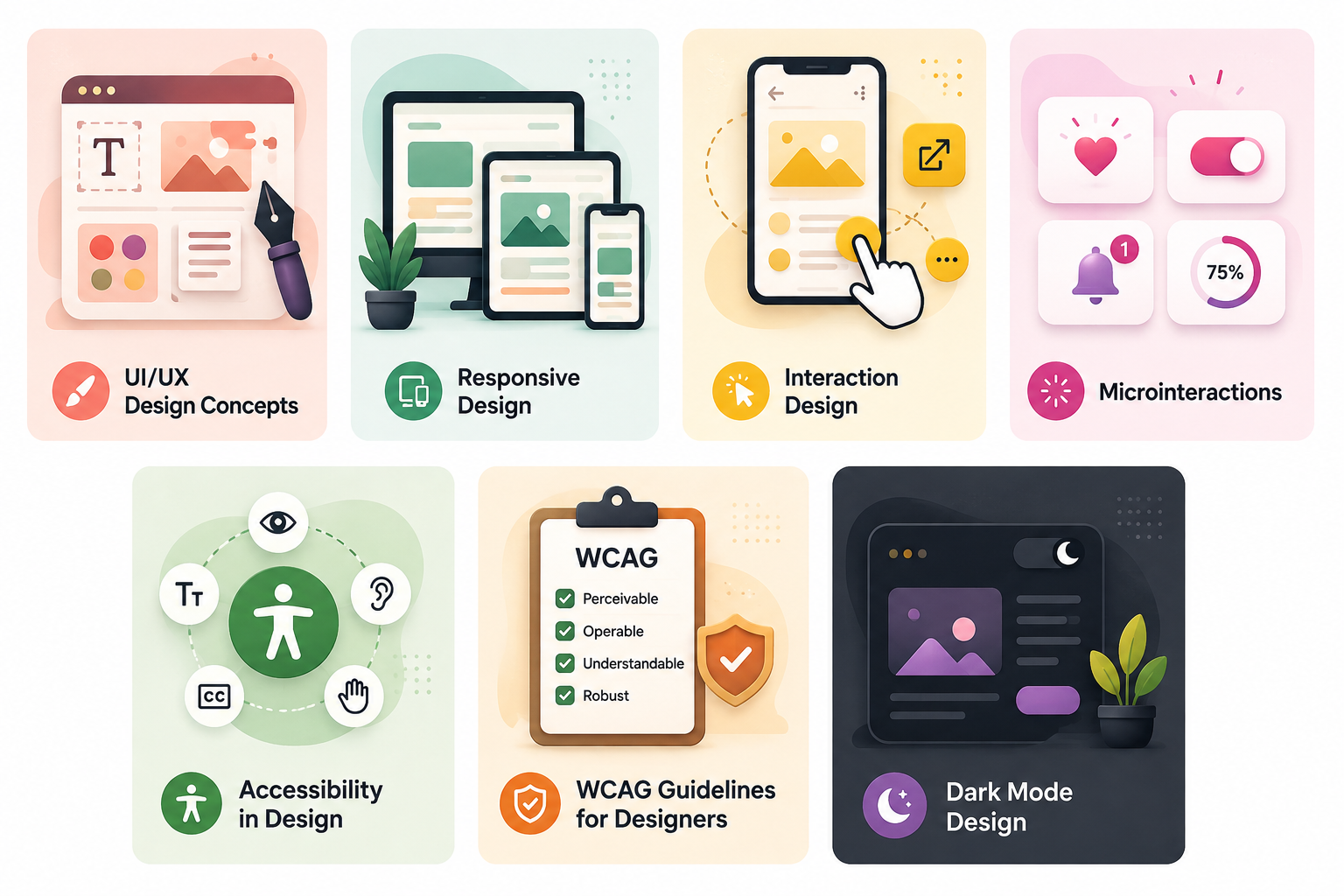
Most commonly, IX is shorthand for Interaction Design, more formally abbreviated IxD. Interaction design is a specific subdiscipline within UX design, focused narrowly on how an interface behaves in direct response to a user's action: what happens when a button is tapped, how a transition animates between two states, what feedback confirms that an action succeeded. It's a component of UX design, covered in this guide's broader discussion of UX, rather than a separate, competing discipline alongside UI and UX.
The second, less formal usage treats "IX" simply as loose shorthand that blends UI and UX together into a single letter, similar to how some people write "uiux" as one word. Used this way, it doesn't refer to anything distinct from the combined UI/UX discipline this entire guide describes — it's a stylistic contraction, not a different field.
The practical takeaway: if you see "IX design" or "UX/IX" in a job posting, a course, or a tool description, check the context. If it's discussing specific interface behaviors, animations, or micro-interactions, it's almost certainly referring to interaction design specifically. If it's being used as a general catch-all alongside "UI" and "UX," it's most likely informal shorthand for the same combined discipline this guide covers, not a third specialization you need to learn separately.
Is UI/UX the Same as Graphic Design?
No, though the confusion is common. Graphic design is the discipline of creating visual communication for print and digital media, covering things like logos, posters, branding materials, advertising, and editorial layouts. It is primarily concerned with aesthetics and visual communication rather than interactive products.
UI/UX design is specifically concerned with interactive digital products and how people use them. A graphic designer who has never considered how a user navigates through an app, what happens when a form submission fails, or how a loading state should be communicated is not doing UI/UX design regardless of how visually strong their work is. The skills overlap in areas like color theory, typography, and visual hierarchy, but the disciplines serve fundamentally different purposes.
Factor UI/UX Design Graphic Design Primary medium Interactive digital products Print and digital visual communication Considers interactivity Yes, central to the work Rarely Involves user research Yes, especially in UX Rarely Output examples App screens, wireframes, design systems, prototypes Logos, brochures, posters, brand guidelines Overlapping skills Color theory, typography, visual hierarchy, composition Color theory, typography, visual hierarchy, composition
Is UI/UX the Same as Web Design?
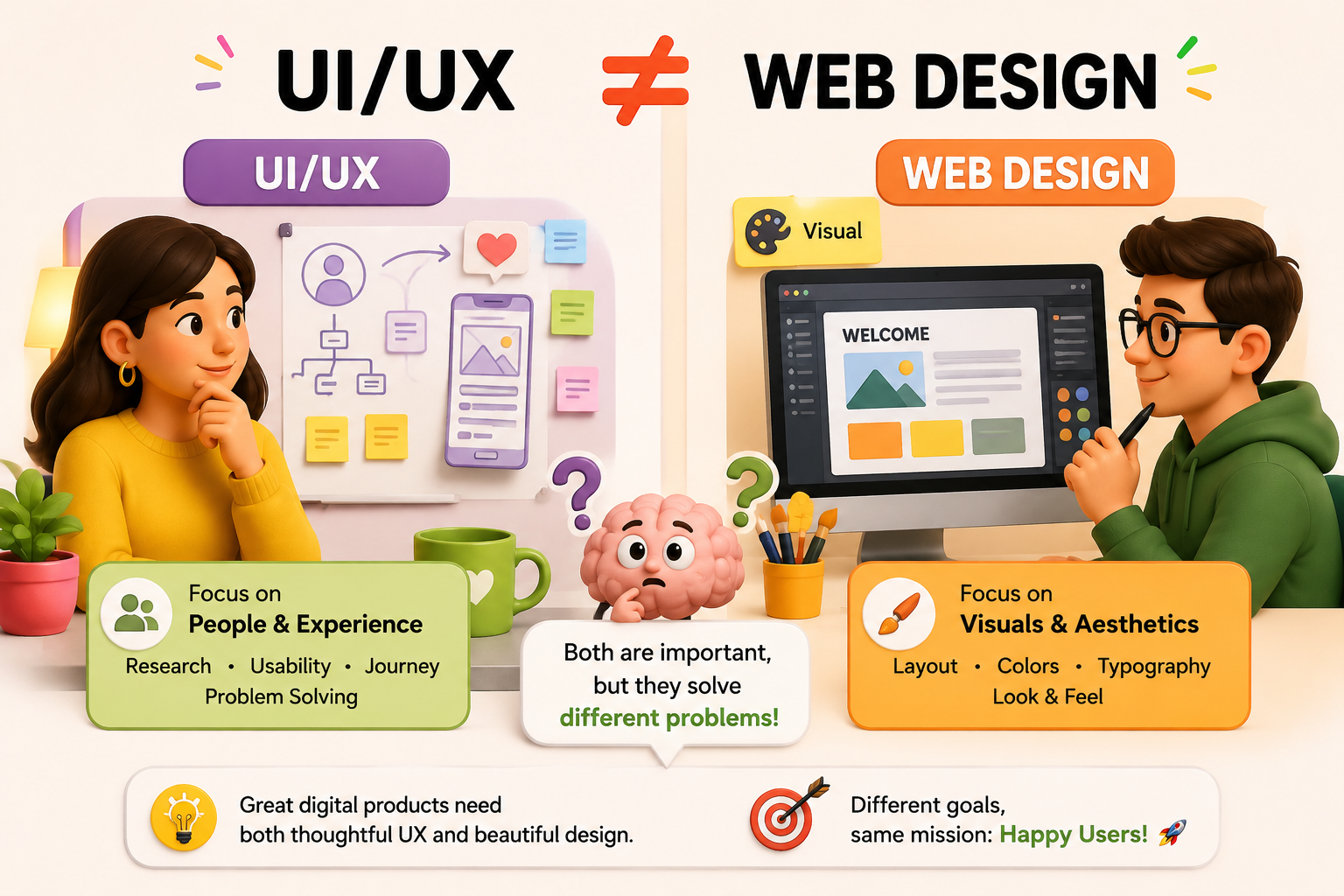
Not exactly, though they share significant overlap. Web design traditionally referred to the visual design of websites, covering layout, colors, fonts, and imagery. It was largely aesthetic in focus and often handled by the same person who built the site. As websites became more complex and the distinction between websites and applications blurred, the field evolved to incorporate UX thinking more deeply.
Today, professional web design for any serious business product involves both UI and UX disciplines working together. A web designer who considers user flows, validates designs through testing, and makes decisions based on user behavior data is doing UI/UX work. A web designer who simply produces attractive layouts without considering how users navigate or where they drop off is doing visual design but not UX design. The terms are used interchangeably in some contexts, but UI/UX as a discipline implies a more rigorous and research-driven process than traditional web design.
Why UI/UX Design Matters for Business
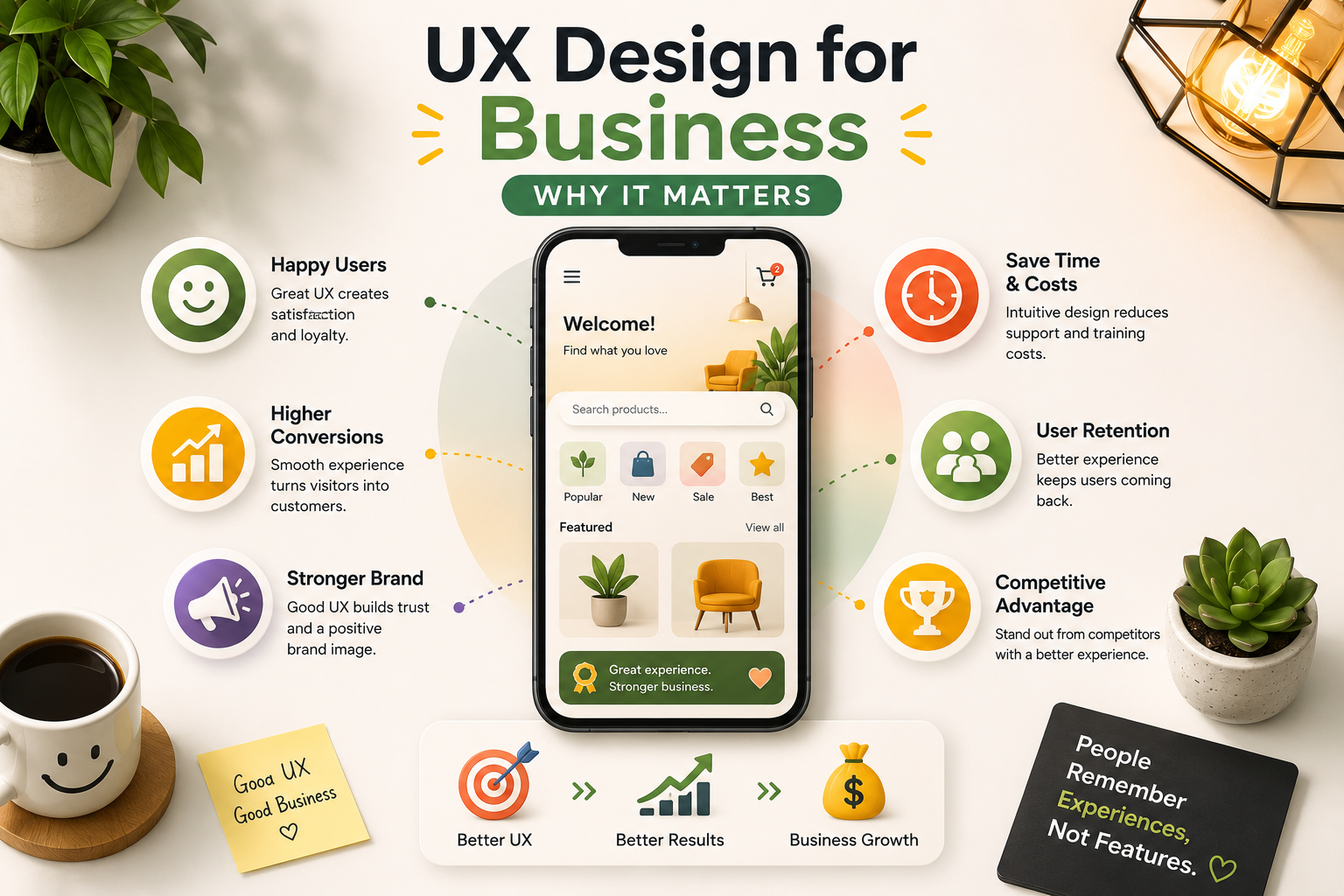
The business case for investing in UI/UX design is not about making things look better. It is about the direct and measurable impact that design quality has on conversion rates, retention, and revenue. Research from Forrester found that every dollar invested in UX returns approximately one hundred dollars, representing a return of around 9,900 percent. Businesses with superior user experience see up to 400 percent higher conversion rates compared to those with poor design. These are not marginal improvements. They are the kind of gains that change the economics of a business.
Poor UI/UX has a directly measurable cost. A confusing checkout flow increases cart abandonment. An unclear onboarding experience increases churn in SaaS products. A mobile layout that is difficult to navigate on a smartphone loses the more than 60 percent of web traffic that now arrives on mobile devices. A contact form that is buried or unnecessarily complex reduces lead generation from otherwise interested visitors. Every one of these outcomes is a design problem with a design solution, and each solution has a measurable revenue impact.
UI/UX design also affects SEO performance in ways that many businesses do not realize. Google measures page experience through Core Web Vitals, which assess how quickly content loads, how quickly the page responds to interaction, and how stable the layout is as it loads. High bounce rates from poor user experience signal to Google that the page is not serving users well, which can negatively affect rankings. A well-designed product that keeps users engaged, reduces bounce rates, and generates longer session times sends positive engagement signals that support better organic search performance.
The UI/UX Design Process
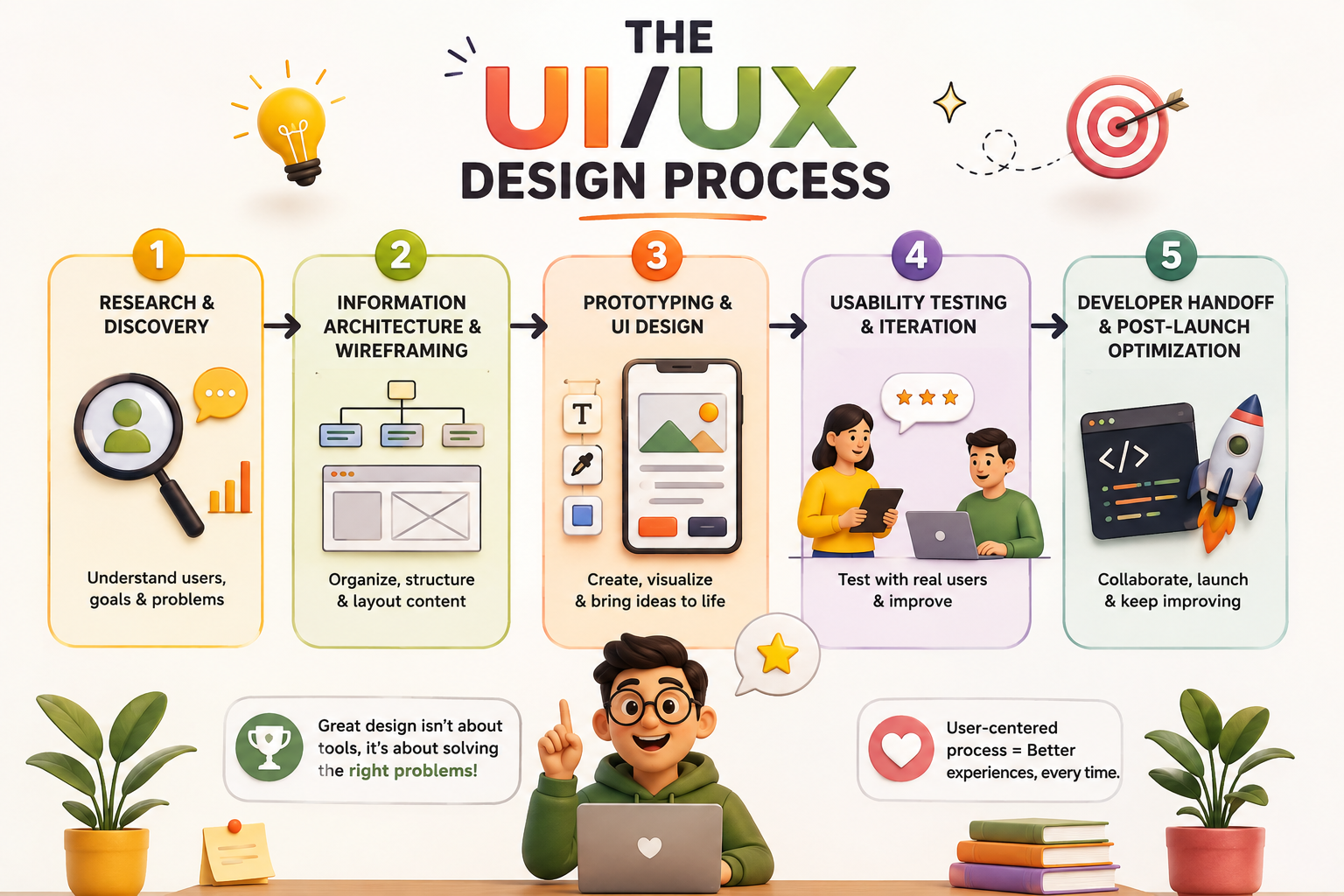
Professional UI/UX design follows a structured process that prevents the most expensive mistakes in product development. Changes made during the design phase cost a fraction of what the same changes cost during or after development. A well-executed design process ensures that what gets built is what users actually need, not just what the product team assumed they needed before speaking to anyone.
Stage 1: Research and Discovery
Every serious UI/UX project begins with research. This covers user interviews to understand how real people think about the problem the product solves, competitor analysis to identify what existing solutions do well and where the gaps are, and stakeholder alignment to ensure the design team understands the business goals the product needs to serve. Research findings are synthesized into user personas and user journey maps that serve as the reference point for every design decision that follows.
Stage 2: Information Architecture and Wireframing
Information architecture defines how content and features are organized and connected within the product. Navigation structure, page hierarchy, and the logical flow between different sections are all defined at this stage before any visual design begins. Wireframes are low-fidelity sketches that translate the information architecture into screen layouts, showing where each element will sit and how users will move through the product without the distraction of color, imagery, or final typography.
Stage 3: Prototyping and UI Design
Once the wireframes are validated, the design team moves to high-fidelity visual design and interactive prototyping. This is where the color system, typography, component library, and visual identity of the product come to life. Interactive prototypes built in Figma simulate the real product closely enough for meaningful usability testing, allowing the team to catch flow problems and interaction issues before any code is written.
Stage 4: Usability Testing and Iteration
Usability testing puts the prototype in front of real users and observes how they interact with it. Where do they get confused? Where do they hesitate? Where do they succeed easily and where do they fail? This direct observation consistently reveals assumptions the design team made that were incorrect, and the findings drive another round of refinement before development begins. Skipping this stage is one of the most common and expensive mistakes in product development.
Stage 5: Developer Handoff and Post-Launch Optimization
When the design is validated, a complete design specification is handed to the development team. This includes all screens, component specifications, spacing values, interaction states, and the design system that ensures consistency across the product. After launch, real user behavior data from tools like Hotjar and Google Analytics informs the next round of design improvements, which is why the design process is cyclical rather than linear.
Stage Key Activities Output Who Is Involved Research and discovery User interviews, competitor analysis, stakeholder sessions User personas, journey maps, research report UX designer, product owner Information architecture Navigation structure, content hierarchy, user flow mapping Site map, user flows, wireframes UX designer UI design and prototyping Visual design, component library, interactive prototype High-fidelity mockups, clickable prototype, design system UI designer Usability testing User testing sessions, observation, design iteration Validated design ready for development UX designer, real users Developer handoff Specifications, design system documentation, QA review Complete design specification package UI designer, developers
Does UI/UX Design Require Coding?
UI/UX designers do not need to write production code to do their job effectively. The core tools of UI/UX work, primarily Figma, operate entirely outside of code. A designer can produce high-fidelity interactive prototypes, complete design systems, and developer-ready specifications without writing a single line of HTML or CSS.
That said, designers who have a working understanding of how web and mobile development works produce significantly better handoff specifications and make more realistic design decisions. Knowing what is easy to implement and what is technically complex, understanding how responsive layouts work, and being able to communicate precisely with developers about spacing, states, and interactions makes the collaboration between design and development significantly more efficient. It is not a requirement but it is a meaningful advantage.
In 2026, AI-powered prototyping tools are also beginning to generate functional code directly from Figma designs. This is changing the boundary between design and development, but it reinforces rather than eliminates the need for strong UI/UX thinking. Generating code from a poorly designed interface just produces poorly designed code faster.
UI/UX Design vs Product Design
In 2026, many companies have replaced the UI/UX designer title with product designer to reflect a broader scope of responsibility that includes business strategy, product roadmap input, and cross-functional leadership in addition to traditional UI and UX skills. Product design implies ownership over the full design of a digital product rather than a specialist focus on either the interface or the experience layer.
For businesses commissioning design work, the distinction is largely semantic. What matters is whether the person or team handling the design work covers both the research and strategy dimensions of UX and the visual and interactive dimensions of UI, rather than specializing in only one at the expense of the other.
The Impact of AI on UI/UX Design in 2026
AI tools have significantly changed how UI/UX designers work in 2026 without replacing the discipline itself. Figma's AI features can generate initial layout suggestions, create content variations, and automate repetitive component work. AI-powered research tools can synthesize user interview transcripts and identify patterns across large volumes of qualitative data in minutes rather than hours. Prototyping tools can now generate interactive flows from text descriptions.
What AI cannot replace is the judgment required to make design decisions that serve real human needs in specific cultural and business contexts. Understanding why a user hesitates at a particular moment in a flow, making the call to simplify rather than add features, and advocating within an organization for the user's perspective against business pressure are all deeply human skills. AI accelerates the execution of UI/UX work. It does not replace the strategic thinking that makes that work valuable.
Work With Munix Studio on Your UI/UX Design
At Munix Studio we approach UI/UX design as a strategic discipline, not a visual exercise. Every project starts with understanding your users and your business goals before a single screen is designed, and every design decision is validated against real user behavior before it reaches development.
UI/UX Design — End-to-end design services covering user research, information architecture, wireframing, visual design, prototyping, and usability testing for web and mobile products.
Website Development — Custom websites built on React and Next.js where design and development work from the same team, ensuring the final product matches the approved design without translation loss.
App Development — Mobile applications for iOS and Android where UI/UX design is built into the development process from the first day rather than bolted on at the end.
Graphic and Branding — Visual identity design that provides the brand foundation your UI/UX design builds on, ensuring consistency across every digital and physical touchpoint.
Frequently Asked Questions
Ready to Get Started?
UI/UX Design
End-to-end design services covering user research, wireframing, visual design, prototyping, and usability testing for web and mobile products built around how real users think and behave.
Explore UI/UX DesignWebsite Development
Custom websites where design and development work from the same team, ensuring the final product matches the approved designs without translation loss between disciplines.
Explore Website DevelopmentRelated Articles
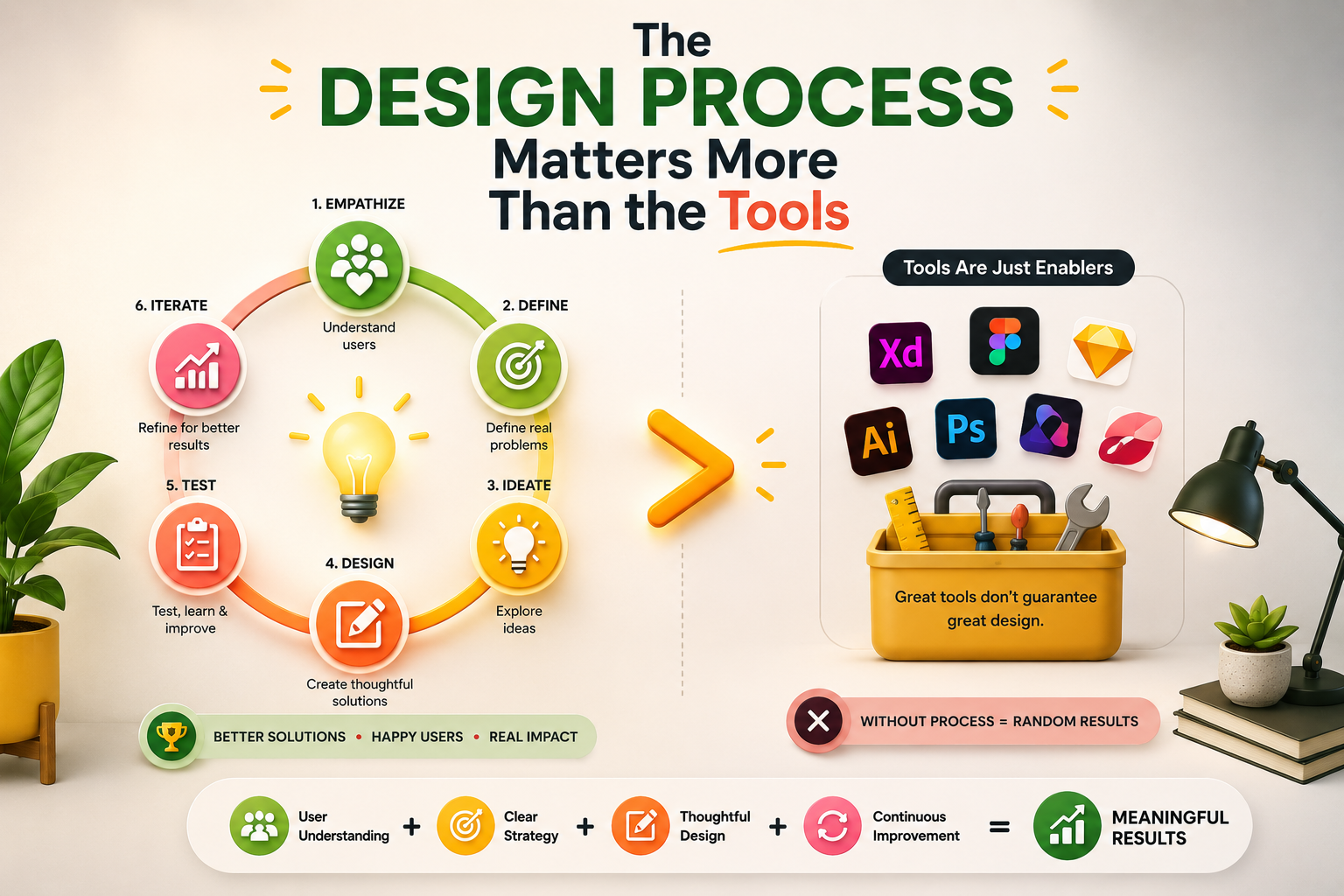
The UI/UX Design Process: Every Stage, Method, and Tool Explained
Best UI/UX Design Tools in 2026: Figma, Prototyping, and Beyond
UX Design for Business: Why It Matters, What It Costs, and How to Get It Right
UI/UX Design Concepts Every Designer and Product Team Should Know