Most guides about mobile app programming languages start with Swift, move through Kotlin, then list every framework alphabetically until the reader knows what each language is but still has no idea which one their project actually needs. This guide works from the other direction. It starts with the decision, then explains which languages serve which situations and why that choice carries consequences that compound over the entire life of a product.
The language your app is written in shapes its performance ceiling, its long-term maintenance cost, your hiring options, and how quickly platform updates break things. Choosing the wrong one does not make an app impossible to build. It makes the app more expensive to fix later, and those costs tend to arrive at the worst possible time.
What Language Are Apps Written In?
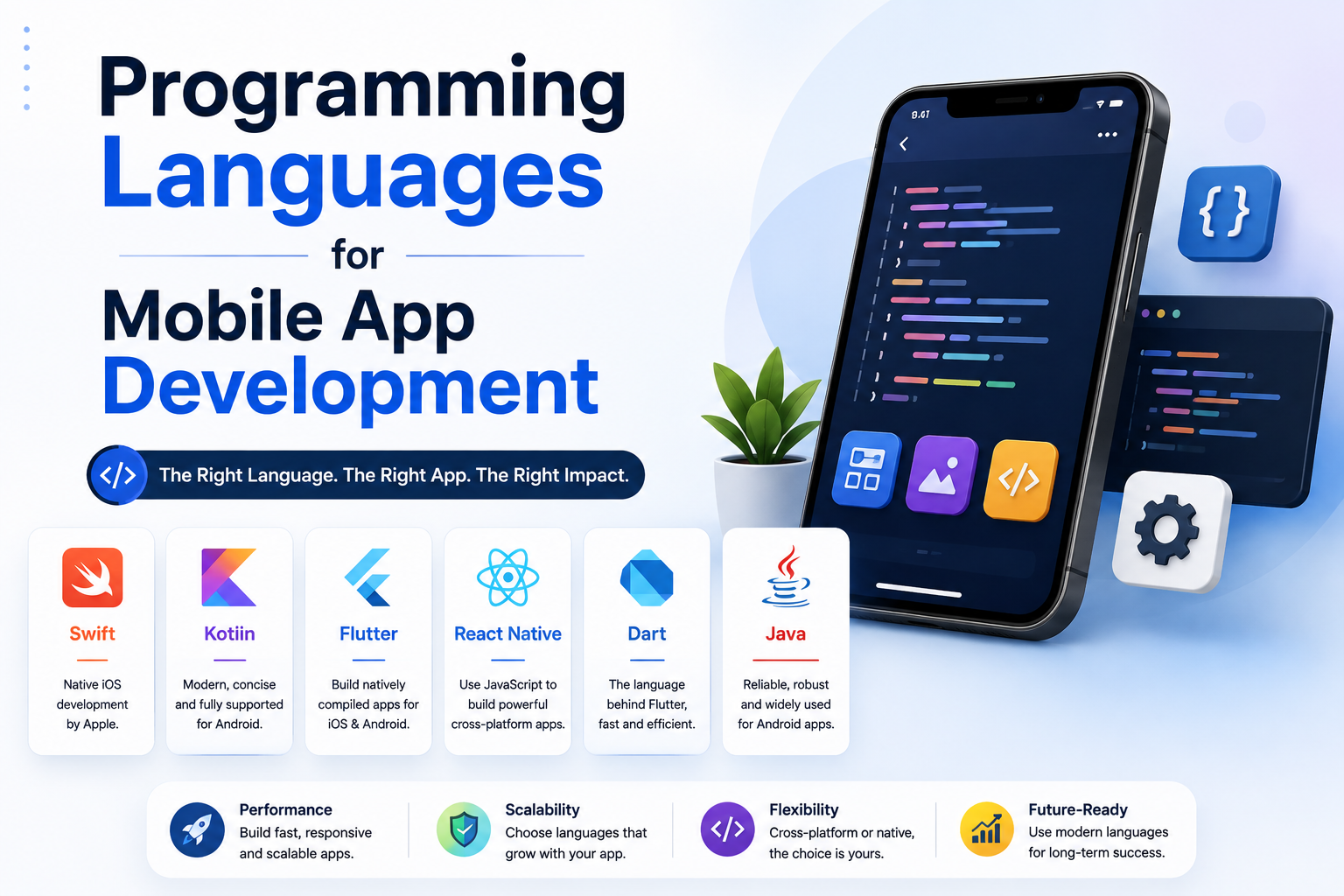
There is no single answer because there is no single category of mobile app. Android apps are primarily written in Kotlin, with older codebases still maintained in Java. iOS apps are built in Swift, which replaced Objective-C as Apple's standard language in 2014. Cross-platform apps designed to run on both Android and iOS from one codebase use Dart through Flutter, JavaScript through React Native, or C# through .NET MAUI. Games introduce yet another layer, where C++ powers Unreal Engine projects and C# runs the Unity ecosystem.
Phone apps coded for Android are not written in the same language as iOS apps, and neither set automatically runs on the other platform. This is the central technical reality that shapes every language decision in mobile development. A product that needs to reach both platforms requires either two separate native codebases or a cross-platform framework that compiles into both from shared source code.
The Architecture Decision That Comes Before Language
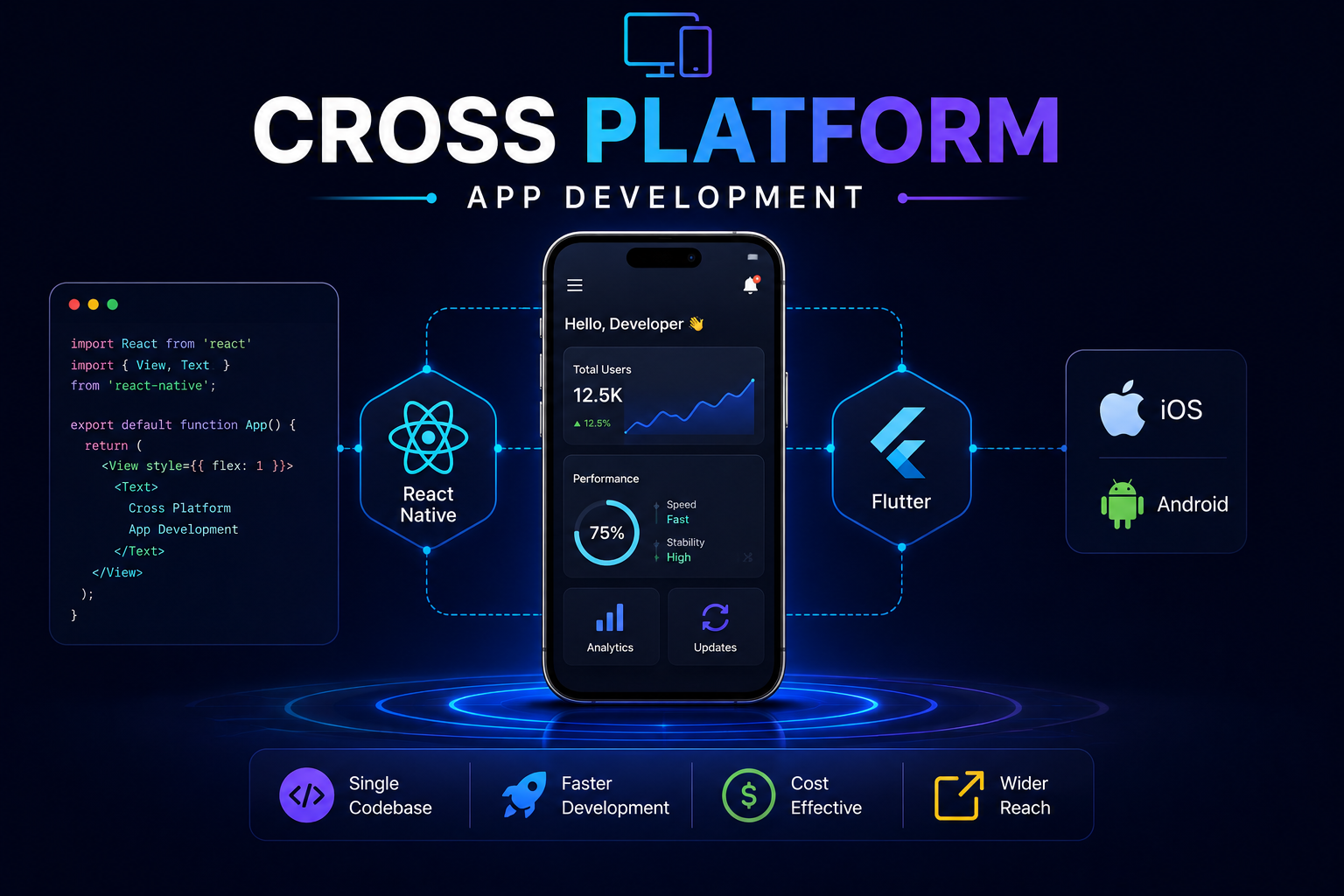
Before picking a language, you need to settle one question: native or cross-platform? Native development means writing separate codebases for Android and iOS using the languages those platforms were designed for. Cross-platform development means maintaining one codebase that compiles to run on both. The language choice follows naturally from this decision.
Native apps offer deeper access to platform APIs, more consistent hardware performance, and tighter alignment with each platform's design conventions. Cross-platform frameworks have narrowed the performance gap considerably. Flutter in particular compiles Dart code directly to native ARM machine code, which means it does not rely on a JavaScript bridge the way older frameworks did. For most consumer apps, business tools, and early-stage products, cross-platform is now a fully viable path. For apps with unusually complex animations, real-time hardware interaction, or deep OS-level integrations, native development still gives the most predictable results.
Approach Languages Performance Code Sharing Best Fit Native Android Kotlin, Java Excellent Android only Performance-critical Android apps Native iOS Swift, Objective-C Excellent iOS only App Store-first products, deep Apple API access Flutter Dart Very Good ~95% shared Consistent UI across platforms, fast delivery React Native JavaScript / TypeScript Good ~85 to 90% shared Teams with JavaScript experience .NET MAUI C# Good ~80 to 90% shared Enterprise teams on the Microsoft stack
Kotlin: The Standard for Android Development
Kotlin became Google's officially preferred language for Android development in 2019, and the shift has been decisive across the industry. New Android projects at companies of all sizes default to Kotlin. The reasons are practical. Kotlin's type system treats null pointer exceptions as compile-time errors rather than runtime surprises, eliminating one of the most common sources of Android crashes. Code that takes 60 lines in Java routinely takes 25 in Kotlin, with no loss of clarity.
Kotlin is also fully interoperable with Java, meaning teams with existing Java codebases can migrate file by file rather than committing to a full rewrite. This has made adoption gradual and commercially practical across the industry. Apps like Pinterest, Trello, and Evernote's Android client have completed the switch, and Google's own Android APIs are increasingly documented with Kotlin as the primary example language.
Kotlin also supports coroutines natively, which simplifies asynchronous programming considerably compared to Java's thread and callback model. For apps that make frequent network requests, handle background tasks, or manage real-time data streams, this is a meaningful technical advantage. Most modern consumer apps fall into at least one of those categories.
Kotlin vs Java for Android
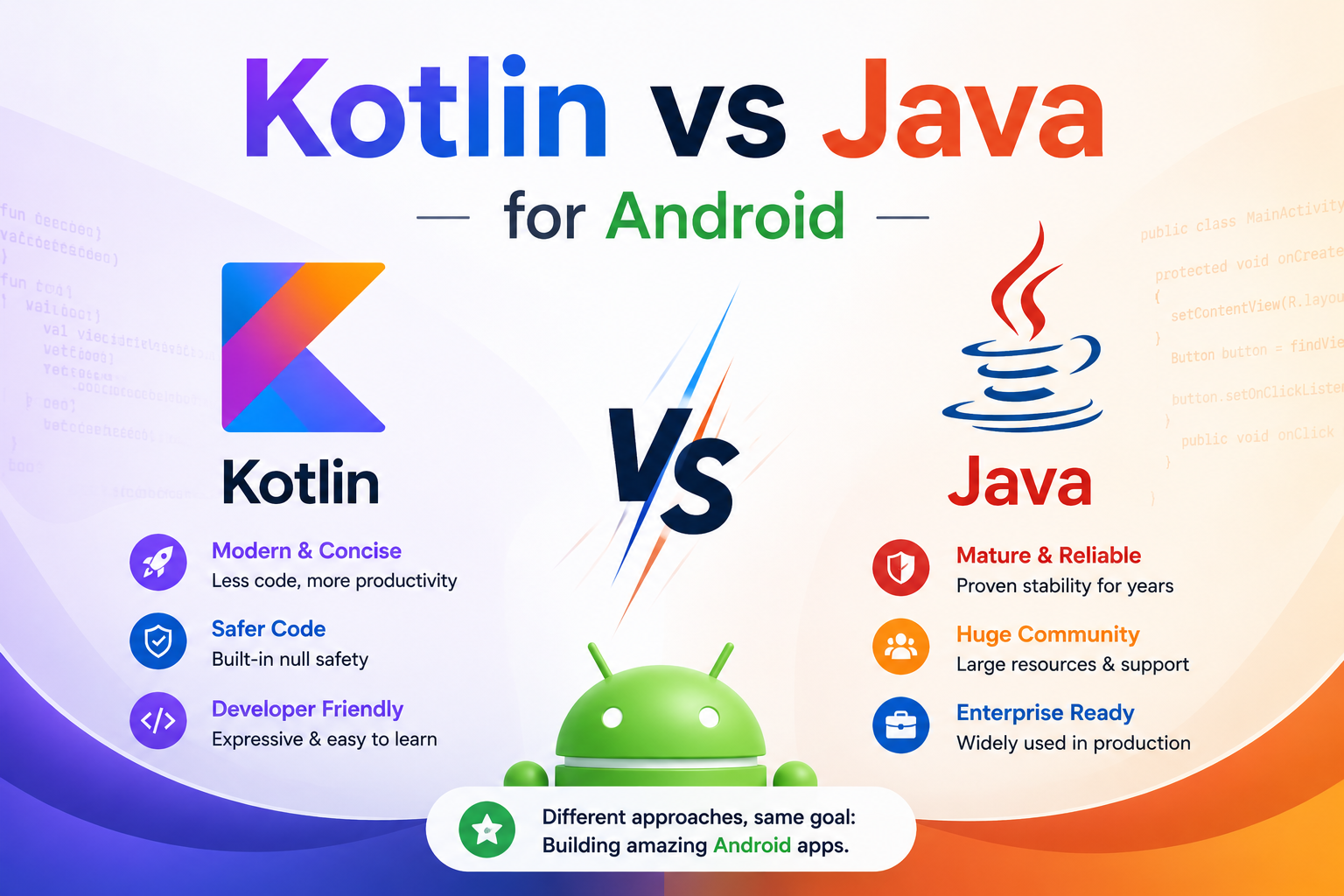
Java is not obsolete. It still compiles, Android Studio supports it fully, and the Java developer pool remains large and experienced. The question is whether it is the right starting point for new projects. For teams beginning an Android project today, the answer is almost always Kotlin. For teams maintaining large Java codebases, incremental migration is the practical path rather than a forced rewrite.
Criteria Kotlin Java Null Safety Built into the type system Manual and error-prone Code Length Concise and expressive Verbose with more boilerplate Async Programming Native coroutines Threads and callbacks Google Support Level First-class and preferred Supported but secondary Java Interoperability Full and bidirectional Native Talent Availability Growing fast Large and established Best For All new Android projects Maintaining existing codebases
Swift: What Language iOS Apps Are Written In
Swift is Apple's programming language for iOS, iPadOS, macOS, watchOS, and tvOS. Released in 2014 and open-sourced the following year, it was designed to replace Objective-C, which had become difficult to teach, increasingly hard to maintain, and out of step with how modern languages handle safety. Swift has strong type inference, optional handling for null safety, and performance that Apple has measured at up to 2.6 times faster than Objective-C for comparable operations.
For iOS apps that need deep integration with Apple's platform, including HealthKit, ARKit, Apple Pay, and Core ML, Swift is the only realistic choice. Cross-platform frameworks can access some of these APIs through native modules, but the integration is always one layer removed. New Apple APIs also typically arrive in Swift before any cross-platform framework adds wrapper support, which means native iOS teams are always working with the most current capabilities.
SwiftUI, Apple's declarative UI framework released in 2019, has become the modern standard for building iOS interfaces. It reduces the amount of code required for common UI patterns considerably and allows developers to preview changes live inside Xcode. For new iOS projects today, Swift combined with SwiftUI is where serious development starts.
Flutter and Dart: The Cross-Platform Case
Flutter is currently the most capable cross-platform mobile framework available. It uses Dart as its language, not because Dart is widely known, but because Dart compiles to native ARM machine code and supports ahead-of-time compilation. This gives Flutter apps performance characteristics that JavaScript-based frameworks cannot match. Unlike React Native, which renders using each platform's native UI components, Flutter draws its own UI using a custom rendering engine. Flutter apps look exactly the same on Android and iOS, which is an advantage when visual consistency matters and a minor limitation when you want each platform's default interaction patterns to come through.
The practical appeal of Flutter is development speed. Hot reload lets developers see UI changes instantly without restarting the app. A single developer with Dart skills can ship to both the Play Store and the App Store from one codebase. BMW, eBay Motors, and Google Pay have all shipped Flutter apps in production, which is a reasonable signal that the framework handles real product demands at scale.
Dart itself has a shallow learning curve for anyone familiar with Java, C#, or JavaScript. The practical trade-off is that Dart's use outside of Flutter is minimal, which affects the size of the talent pool compared to languages like JavaScript or Kotlin.
React Native: JavaScript for Mobile App Development
React Native lets teams use JavaScript to build apps for both Android and iOS. Created by Meta and open-sourced in 2015, it applies React's component model to mobile development. JavaScript remains the most widely used programming language among professional developers according to Stack Overflow's 2024 survey, which means the pool of developers who can work on a React Native project is large. Teams that already have JavaScript engineers can extend those skills into mobile without hiring a separate native development team, a commercially attractive option for startups and growing product organizations with defined budgets.
React Native renders using each platform's native UI components, which means apps can feel genuinely native in ways that Flutter's custom renderer does not always replicate. The long-standing performance concern with React Native was the JavaScript bridge that mediated communication between JavaScript and native code. Meta addressed this through a new architecture that introduces JSI (JavaScript Interface) as a replacement. The new architecture is now stable and shipping in production apps from major companies.
Facebook, Shopify, and Microsoft Teams have all used React Native in production. For teams with JavaScript fluency who need a cross-platform solution without the budget for two separate native teams, it is a well-proven choice with a large community behind it.
C# and .NET MAUI for Enterprise Mobile Apps
C# occupies a specific niche in mobile development that is easy to overlook if you only follow consumer app trends. For enterprise organizations already running on Microsoft's technology stack, including Azure, .NET backends, and Active Directory, building mobile apps in C# through .NET MAUI means shared code libraries, shared authentication logic, and development teams that work across desktop, web, and mobile without switching languages between projects.
.NET MAUI supports Android, iOS, macOS, and Windows from a single codebase, making it the only cross-platform framework that also produces a native Windows desktop application. For enterprise products where Windows client support is not optional, this is a meaningful advantage no other framework matches. The C# mobile developer pool is smaller than the JavaScript pool, but the language is mature, thoroughly documented, and well-supported through Visual Studio.
How to Choose the Right Language for Your App
No language wins in every situation. The correct choice depends on four concrete factors: the platform you are targeting, the performance requirements of your app, the skills your development team already has, and the long-term maintenance cost you are willing to carry.
Platform target: Android-only projects should default to Kotlin. iOS-only projects should use Swift. Products targeting both platforms require evaluating Flutter or React Native based on team skills and UI requirements.
Performance requirements: Real-time audio, complex AR, and high-frame-rate games benefit from native development. Business tools, e-commerce apps, and content platforms perform well with Flutter or React Native.
Team expertise: A JavaScript-fluent team will build faster with React Native than they would learning Dart for Flutter, even if Flutter has marginal performance advantages in benchmarks. The productivity difference is real and financially significant.
Maintenance horizon: Native languages follow platform update cycles more predictably. Cross-platform frameworks introduce an additional dependency that must be maintained alongside the platform changes themselves.
App Type Recommended Language Reason Android-only consumer app Kotlin Google's preferred choice, modern safety features, strong ecosystem iOS-only consumer app Swift Native API depth, App Store performance, Apple's standard Cross-platform product or MVP Flutter (Dart) Fast iteration, consistent UI, near-native performance Cross-platform with JavaScript team React Native Reuses existing team skills, large community, proven at scale Enterprise app on Microsoft stack .NET MAUI (C#) Azure integration, shared backend code, Windows plus mobile from one codebase Mobile game C# (Unity) or C++ (Unreal) Game engine performance requirements, cross-platform deployment by default
Why Custom Development Produces Better Long-Term Results
No-code platforms like Glide, Adalo, and Bubble make it possible to ship a functional app without choosing a programming language. For internal tools, simple workflows, and early-stage validation, they are useful. For any app that will serve real users at scale, store sensitive data, or need to grow beyond its initial feature set, they consistently create more problems than they solve.
No-code platforms impose structural constraints that are invisible at the start and expensive later. Performance ceilings appear under real user load. Custom UI requirements hit hard limits. Migrating away from a no-code platform to a proper codebase, which most scaling products eventually do, costs significantly more than building correctly from the beginning. A custom app built in the right language for its requirements gives you full control over architecture, security, and extensibility for the entire life of the product.
Related Services
Knowing which language your app needs is the starting point. Building it correctly requires the right architecture, a tested deployment pipeline, and design that respects the conventions of each platform. Munix Studio builds custom Android and iOS apps using the language and framework that fits each project's actual requirements, not the ones that are easiest to template.
App Development — Custom mobile app development across Kotlin, Swift, Flutter, and React Native, built to your product specifications and designed to scale.
UI/UX Design — Mobile interface design that respects the platform conventions of iOS and Android, aligned to the specific framework your app is built on.
Maintenance and Support — Ongoing OS compatibility updates, security patches, and performance monitoring to keep your app current as Android and iOS platforms evolve.
Frequently Asked Questions
Ready to Get Started?
App Development
We build custom Android and iOS apps using the language and architecture that fits your product, whether that is Kotlin for native Android, Swift for iOS, or Flutter and React Native for cross-platform delivery.
Explore App DevelopmentMaintenance and Support
Android and iOS both release major updates annually. We handle OS compatibility, security patches, and SDK upgrades so your app keeps working as the platforms around it change.
Explore Maintenance and Support